
All Piknova Tools, Free Online
Image Editing & Screenshot Tools
Explore Piknova's complete suite of online image editing tools. From screenshot editing and image splitting to watermark creation and format conversion — everything runs securely in your browser.
Try Photo Editor
Image Splitter
Split one large image into multiple squares for Instagram grid layouts, puzzle feeds, Twitter split or LinkedIn carousel slides.
Try Image Splitter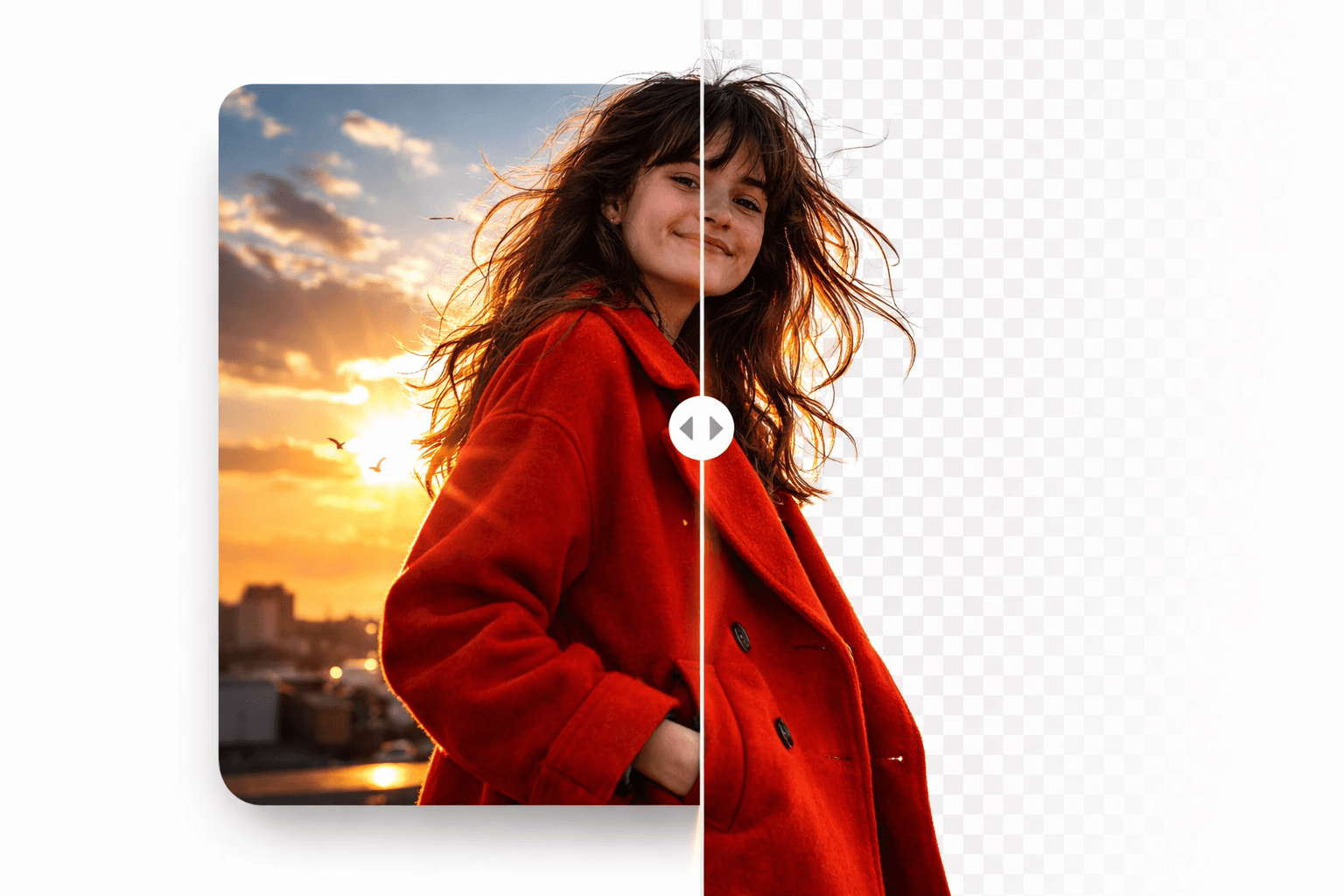
AI Background Remover
SoonRemove the background from any image in seconds. Perfect for e-commerce product photos and thumbnails.


Carousel Maker
SoonCreate professional carousel posts without complex design software. Drag-and-drop layouts and export-ready formats.

Batch Image Resize
SoonSave hours by resizing images in bulk. Quickly reduce image size and adjust dimensions for websites.

Image Watermark Tool
SoonProtect your visuals with custom watermark text or logos. Ideal for photographers, designers, content creators, and digital sellers looking to secure their assets before publishing.
Screenshot & UI Editing Tools
Edit screenshots online with AI. Add backgrounds, retouch unwanted elements, and export in HD. Perfect for SaaS demos and social posts.
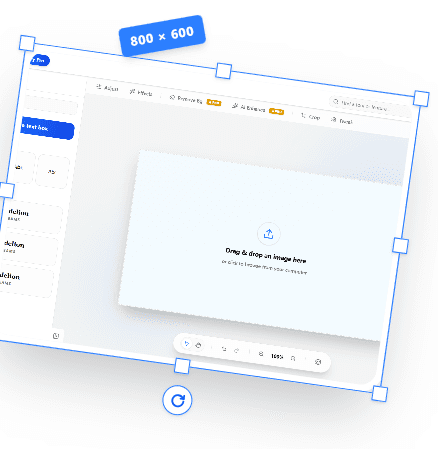
Screenshot Editor
Edit screenshots directly in your browser. Crop, add backgrounds, and blur sensitive information.

Screenshot Beautifier
Automatically apply rounded corners, custom padding, and modern backgrounds.

Browser Frame Mockup Generator
Wrap your website screenshots in realistic Safari, Chrome, or macOS window frames.

Device Mockup Generator
Place your app screenshots inside high-fidelity iPhone, iPad, and MacBook mockups.

Screenshot Annotation Tool
Add arrows, text, boxes, and highlights to explain your screenshots clearly.

Blur Tool for Screenshots
Securely blur sensitive information like emails and API keys before sharing.
AI Image Tools
Leverage artificial intelligence to remove backgrounds, upscale quality, and retouch photos without professional skills.
AI Background Remover
Remove the background from any image in seconds. Perfect for e-commerce product photos and thumbnails.
AI Image Upscaler
Upscale low-resolution images to 4K quality without pixelation or blur.
Magic Object Remover
Remove photobombers, text, or unwanted objects seamlessly from your images.
AI Image Colorizer
Bring black and white photos back to life with AI-powered automatic colorization.
Core Image Editing
Essential utilities to crop, resize, rotate, and compress your visual assets securely in the browser.

Image Cropper
Crop images to exact dimensions or use standard aspect ratios for social media.
Image Resizer
Resize images by pixels or percentage without losing visual quality.
Batch Image Resize
Save hours by resizing images in bulk. Quickly reduce image size and adjust dimensions for websites.
Image Compressor
Reduce image file sizes by up to 80% to improve your website's SEO loading speed.
Watermark & Branding Tools
Protect your intellectual property and build brand recognition with fast overlay tools.
Image Watermark Tool
Protect your visuals with custom watermark text or logos. Ideal for photographers, designers, content creators, and digital sellers looking to secure their assets before publishing.

Add Logo to Image
Quickly stamp your company logo on product shots and social media posts.
Image Format Converters
Fast, secure, offline-first format conversions. Change your files instantly without uploading to external servers.
PNG to SVG Converter
Convert raster PNG graphics into scalable SVG vectors using advanced tracing.
HEIC to JPG Converter
Convert Apple iPhone HEIC photos to standard JPG format for universal sharing.
Why Use Piknova Instead of Multiple Online Tools?
Instead of jumping between different websites for editing screenshots, splitting images, resizing visuals, and adding watermarks, Piknova combines everything into one streamlined workflow. No layers panel. No bloated interface. Just fast execution.
- No heavy software downloads required
- Lightning fast browser-based editing
- Creator-focused specific utilities
- Clean, distraction-free interface
Because in 2026, speed wins.
AI can generate images. But execution—resizing, optimizing, and formatting—requires precision tools. We built them all right here.
Start Executing FasterCreate Without Limits
Export in full HD, remove watermarks, and unlock premium creator tools built to grow your content faster.
Free
Perfect for trying it out before upgrading.
Pro
For serious creators who post consistently.
Included Soon:
Founder Lifetime
Pay once. Get lifetime access to every current and future Pro feature.
Frequently Asked Questions
Everything you need to know about the Piknova tool suite.
Yes, the majority of our tools are completely free to use with generous daily limits. Advanced features like 4K exports, bulk processing, and AI tools are available on our Pro plan.
No. Piknova is entirely browser-based. All image processing, background removal, and editing happens directly in your web browser without downloading any heavy applications.
Absolutely. We prioritize your privacy. Many of our core tools (like splitters and format converters) process images directly on your device. For AI tools that require cloud processing, images are temporarily stored securely and auto-deleted shortly after processing.
We have an active development roadmap. 'Coming Soon' means the tool is actively being built and will be released in the coming weeks. 'Planned' means it is on our roadmap for future development based on community requests.
Create high-impact visuals in minutes, not hours
Resize images, remove backgrounds, edit screenshots, and design scroll-stopping carousel posts, all in one fast, browser-based image editor.
Social Media & Creator Tools
Built specifically for creators and content teams to design swipe-ready carousels and perfectly sized platform assets.
Image Splitter
Split one large image into multiple squares for Instagram grid layouts, puzzle feeds, Twitter split or LinkedIn carousel slides.
Tap the Post X
Create seamless, swipe-ready carousel posts by splitting long vertical graphics.
Carousel Maker
Create professional carousel posts without complex design software. Drag-and-drop layouts and export-ready formats.
Instagram Image Resizer
Resize any photo perfectly for Instagram Reels, Stories, and Square posts.