
Tap the Post Trend on X (Twitter)
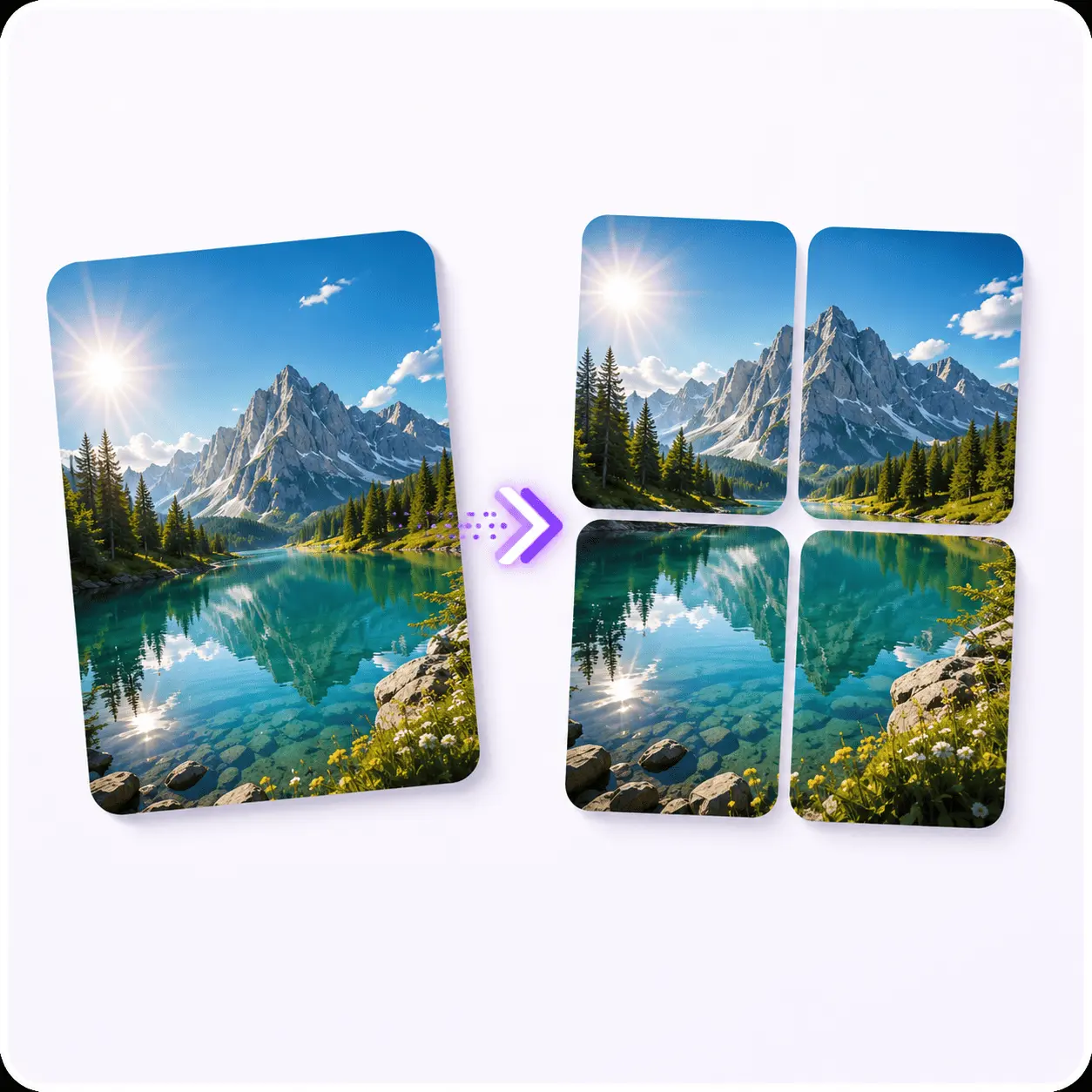
Do the Tap the Post trend on X: upload one image and get the four tiles X stacks into its 2x2 preview, in the right posting order, so the full picture only shows up when someone taps.
Drag & drop to make your 4-tile post
One high-res image becomes the 2x2 grid X shows in the timeline.
Create the Tap the Post Trend
on X (Twitter)
X shows a four-image post as a small 2x2 grid, so a split picture looks unfinished until someone taps it. That tap is the whole trick. Upload one image, get four tiles in posting order, and post the version people have to open.
Tools that pair well with this one
All free, all in your browser, no signup.
Why use Piknova?
Tap the Post, without an app on your phone. to get the job done.
What this tap-the-post maker does that a grid app or a generic splitter does not.
Piknova
What you get- Make a Tap the Post for X in the browser, no app
- Splits to the exact four-image layout X stitches back together
- Every panel at full resolution, no watermark
- Runs in your browser, the image never uploads
- Download all four panels as one zip, in posting order
Other tools
What you put up with- An app to install, with a signup
- A 3x3 grid meant for Instagram
- A watermark on the free plan
- Uploaded to a server to slice
- One tile at a time, work out the order yourself
How to do the Tap the Post trend
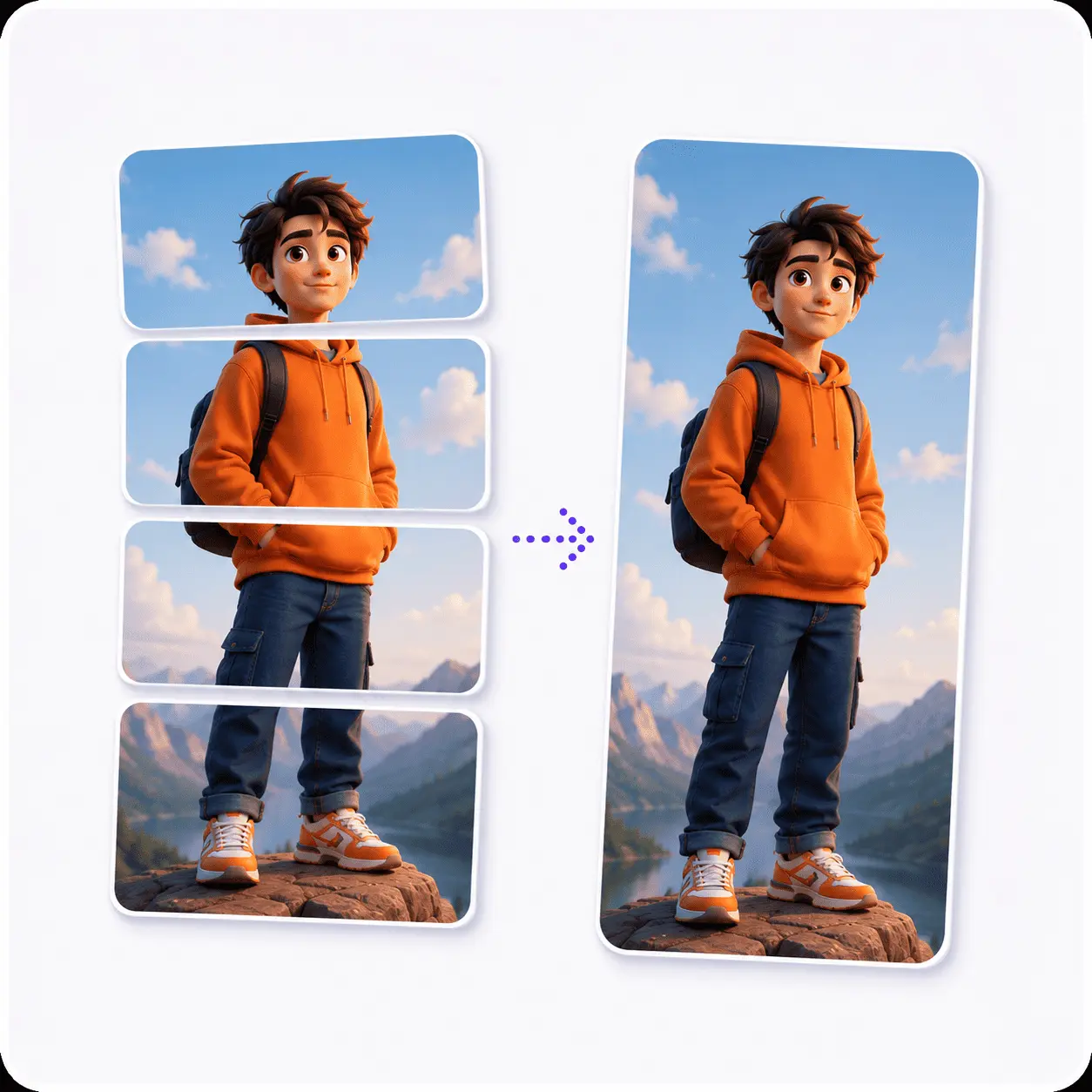
Four steps from one photo to a post people have to open.
- 01
Pick a bold image
High resolution, strong contrast, one clear subject. Fine detail vanishes in the timeline crop.
- 02
Split it into 4
Keep the grid layout selected. You get four equal tiles cut on X's preview lines.
- 03
Attach in order
Top-left, top-right, bottom-left, bottom-right, all four on one post.
- 04
Earn the tap
The broken-looking preview does the teasing. A short caption does the rest.
Watch the step-by-step tutorial
Tap the Post on X, answered
The practical bits: tile order, sizing, and what the timeline actually shows.
It is a post made of four images that are really one image cut into quarters. In the timeline X shows them as a small 2x2 grid with every tile cropped, so the picture reads as incomplete. Tapping it opens the tiles at full size and the whole image lands.
The tap is the point. It turns a post that would have scrolled past into one people actually open, and an opened post is worth more to the algorithm than one that was merely seen.
X fills its grid in the order you attach the images, left to right and then top to bottom. So attach them like this:
- Top-left
- Top-right
- Bottom-left
- Bottom-right
Get the order wrong and the preview looks scrambled, which kills the reveal. Your downloaded tiles are already numbered 1 to 4 in this exact order.
One obvious subject with room around it. The timeline preview crops every tile, so anything living near an edge is the first thing to disappear.
- Works: High-res landscape shots, strong color, a subject somewhere near the middle.
- Struggles: Text-heavy graphics, busy collages, and anything where the detail sits at the edges.
- Size: Start at 2000px wide or more. Each tile is a quarter of your original, so a small source goes soft fast.
Both. On x.com the four images show up in the same 2x2 preview and a click opens the full viewer, so the reveal reads the same on a laptop as it does on a phone.
Most people will still meet your post on mobile, so it is worth checking your tiles at phone size before you publish.
No. Drop your image in above, keep the grid layout, and download all four tiles as a zip. No crop coordinates, no design software, and no account at all.
There is no download limit, guest or signed in, and no watermark on the tiles. The split runs on a canvas in your browser, so your image is never uploaded to us in the first place.
Every tile is cut straight out of your original at the resolution it already had, so nothing is upscaled or stretched. PNGs stay PNG. JPEGs are re-encoded at high quality.
The only real variable is your source. A 1000px wide photo produces 500px tiles, and X will show those soft no matter what we do.
Ready to make people tap?
Split your image into four tiles and post the version that only pays off once someone opens it.