


















The full toolbox

Every tool we have shipped so far, grouped the way you would look for them. New ones land at the top of the page as they go live.

Image Editing Tools

19

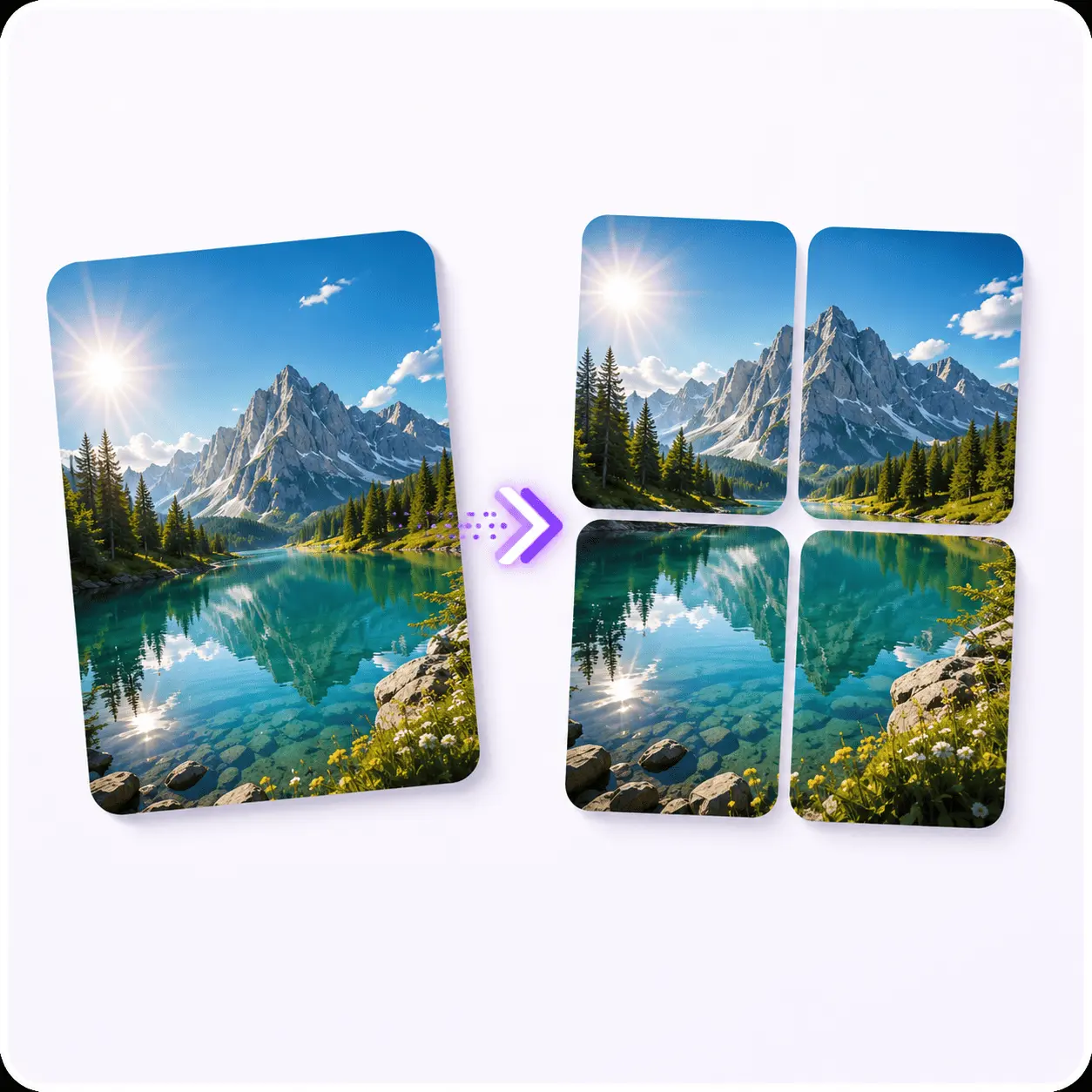
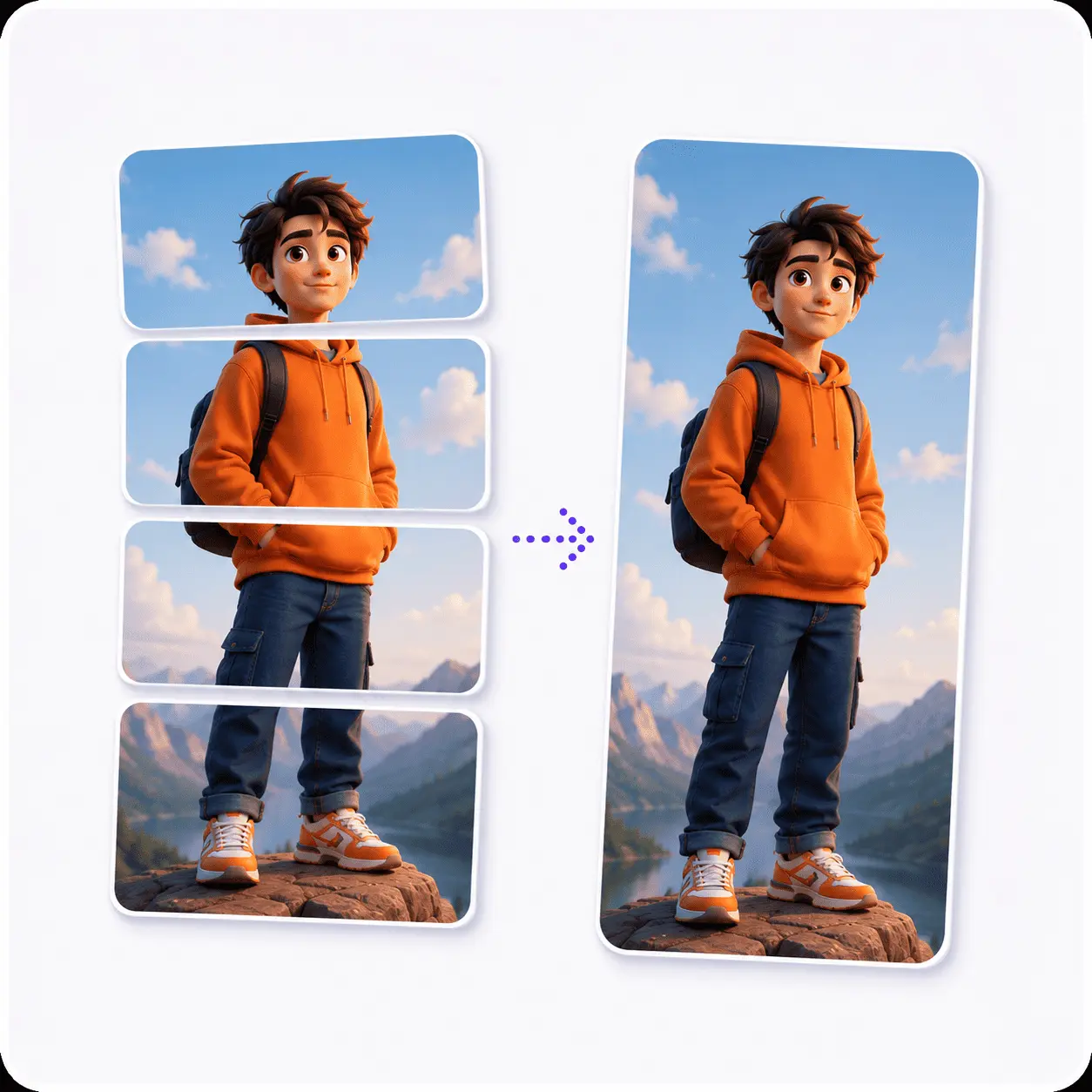
Cut one image into a clean grid or stitch several into one frame. This is the shelf for carousels, puzzle feeds and before-and-after posts.

Compress & Resize

2

Get a photo under whatever size limit the upload form is shouting about, in KB or in pixels. Compress to drop the weight and keep the dimensions, resize to hit an exact width and height, or do both when one alone will not get there.

Why Use Piknova Instead of Multiple Online Tools?

Instead of jumping between different websites for splitting images, compressing them and grabbing YouTube thumbnails, Piknova combines everything into one streamlined workflow. No layers panel. No bloated interface. Just fast execution.

  • No heavy software downloads required
  • Lightning fast browser-based editing
  • Creator-focused specific utilities
  • Clean, distraction-free interface

Because in 2026, speed wins.

AI can generate images. But execution, the resizing, optimizing and formatting, needs precision tools. We built them all right here.

Start Executing Faster

Frequently Asked Questions

Everything you need to know about the Piknova tool suite.

Yes, every one of them, with nothing held back. No daily limit, no watermark, no resolution cap, and no account needed to use a tool or download what it makes.

It works out because none of this runs on our servers. The work happens in your browser, so one more person compressing one more photo costs us nothing.

No. Piknova is entirely browser-based. Every tool here does its work in the tab you already have open, with nothing to download and nothing to keep up to date.

Yes, and the reason is structural rather than a promise about our policies: your image is never transmitted. Splitting, merging, converting, compressing, resizing, annotating and background removal all run on a canvas inside your browser, so there is nothing on a server of ours to leak, subpoena or forget to delete.

The YouTube downloaders are the one exception worth naming, and they still never see a file of yours: our server reads a public YouTube page to find the image URL, because the browser is blocked from doing it, and the picture then downloads straight from Google to you.

Roughly one a week. Whatever went live most recently sits at the top of this page under Just Shipped, so you can see the current state of the suite without hunting for a changelog.

Create high-impact visuals in minutes, not hours

Split images into Instagram-ready grids and grab YouTube thumbnails in HD, all in one fast, browser-based tool suite.