

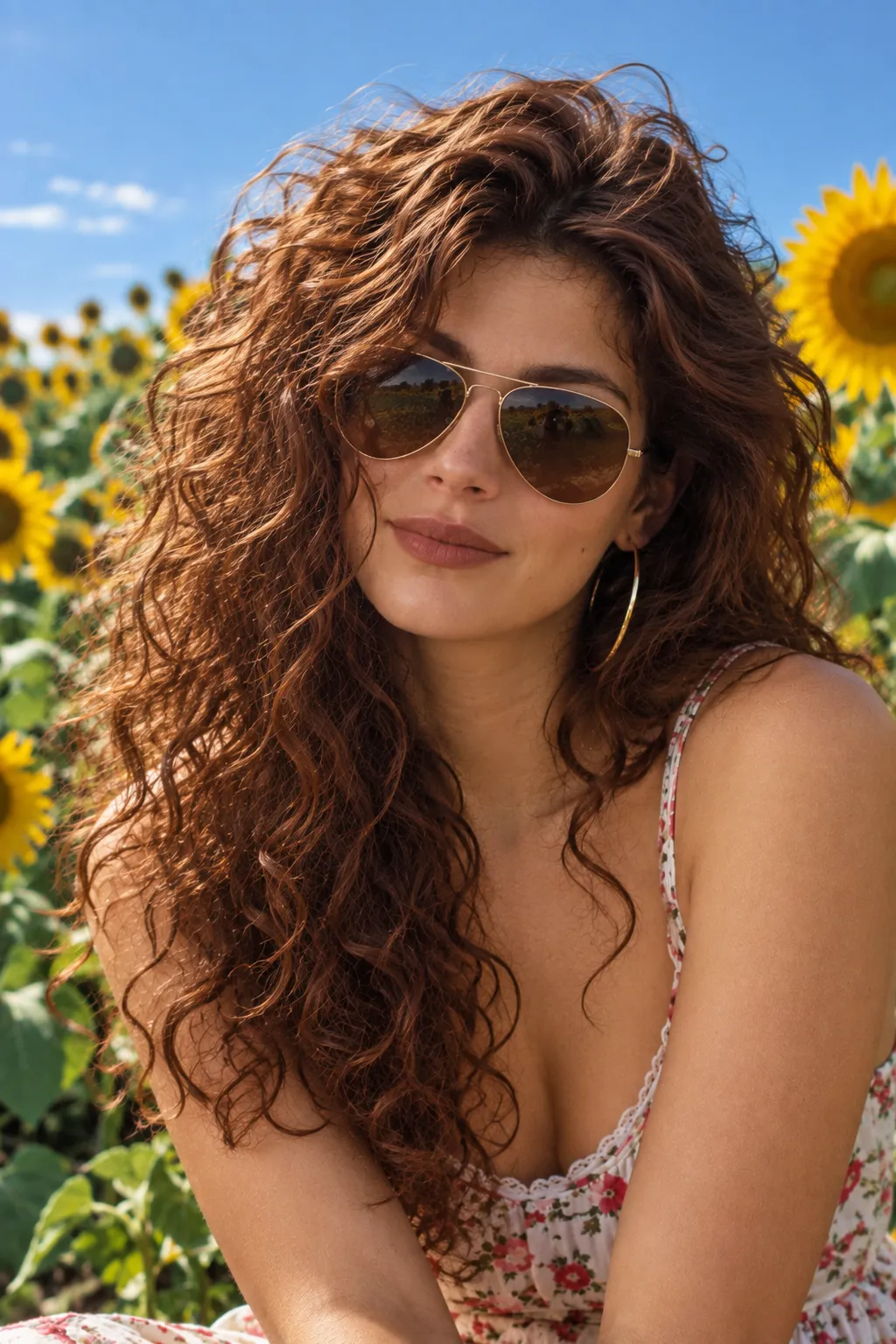














Piknova P Logo
Creator 1Creator 2Creator 3Creator 4
Used by 1,000+ Creators
to boost engagement on X

Free Online Image Editor ToolsResize, Remove Background, Edit Screenshots & Create Carousels

Create, edit, and elevate your visuals with powerful online image editor tools. Resize images, remove backgrounds, design Instagram carousels, edit screenshots, and watermark photos - all in one fast, browser-based suite.

Modern Designs
Lightning Fast
Privacy First
Piknova Canvas UI
800 × 600
Piknova Mobile UI

Professional visuals. Zero friction.

Create, edit, and optimize images in seconds. Piknova replaces complex design tools with fast, focused utilities built for real creators.

Speed and Efficiency Workflow

Cut production time by 90%

Stop juggling multiple tools. Resize images, remove backgrounds, edit screenshots, and export ready-to-post visuals - all securely in your browser.

Perfect for:

  • Social media posts
  • Product listings
  • Landing page visuals

Visuals that actually convert

Clean screenshots. Scroll-stopping carousels. Crisp product images. Every tool is designed to help your content perform better on Instagram, LinkedIn, and marketplaces.

Includes:

  • Instagram carousel tools
  • LinkedIn carousel layouts
  • Background remover
  • Image resizer
Piknova tools designed for high conversion
Simple editor UI requiring no skills

No design skills required

You don't need Photoshop. You don't need tutorials. Just upload and edit. Piknova keeps workflows simple while delivering professional results instantly.

One suite. Multiple tools:

  • Screenshot editor
  • Batch image resize
  • Image watermark tool
  • Carousel maker

All Your Image Editing Tools in One Place

Everything you need to create scroll-stopping visuals, directly in your browser.

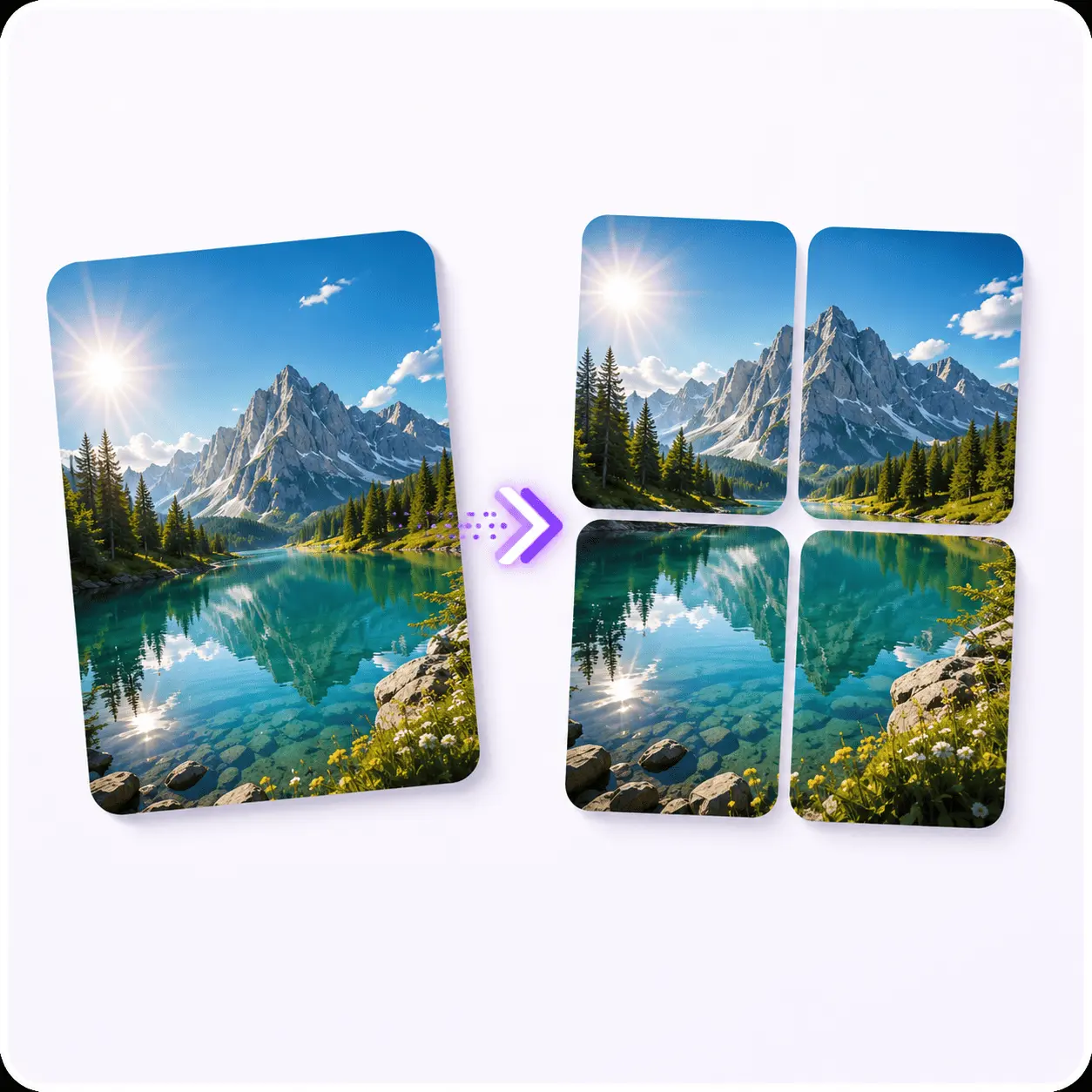
Piknova Image Splitter preview
Live

Image Splitter

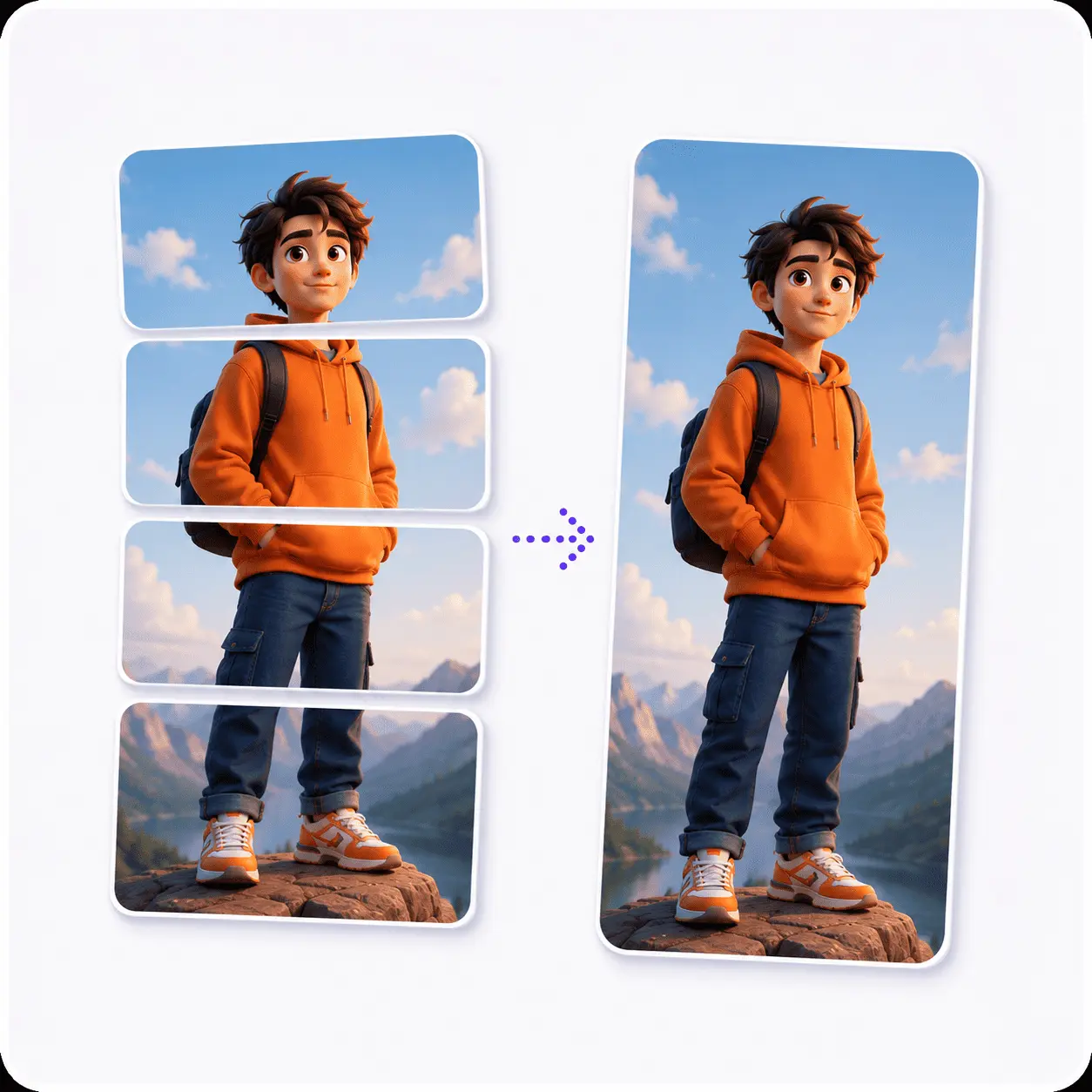
Split one large image into multiple squares for Instagram grid layouts, puzzle feeds, Twitter split or LinkedIn carousel slides.

Try Image Splitter
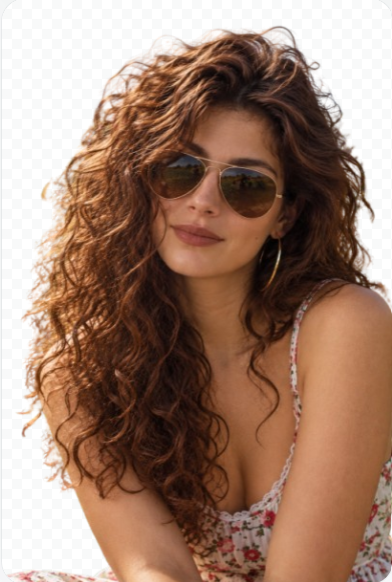
Piknova AI Background Remover preview

AI Background Remover

Soon

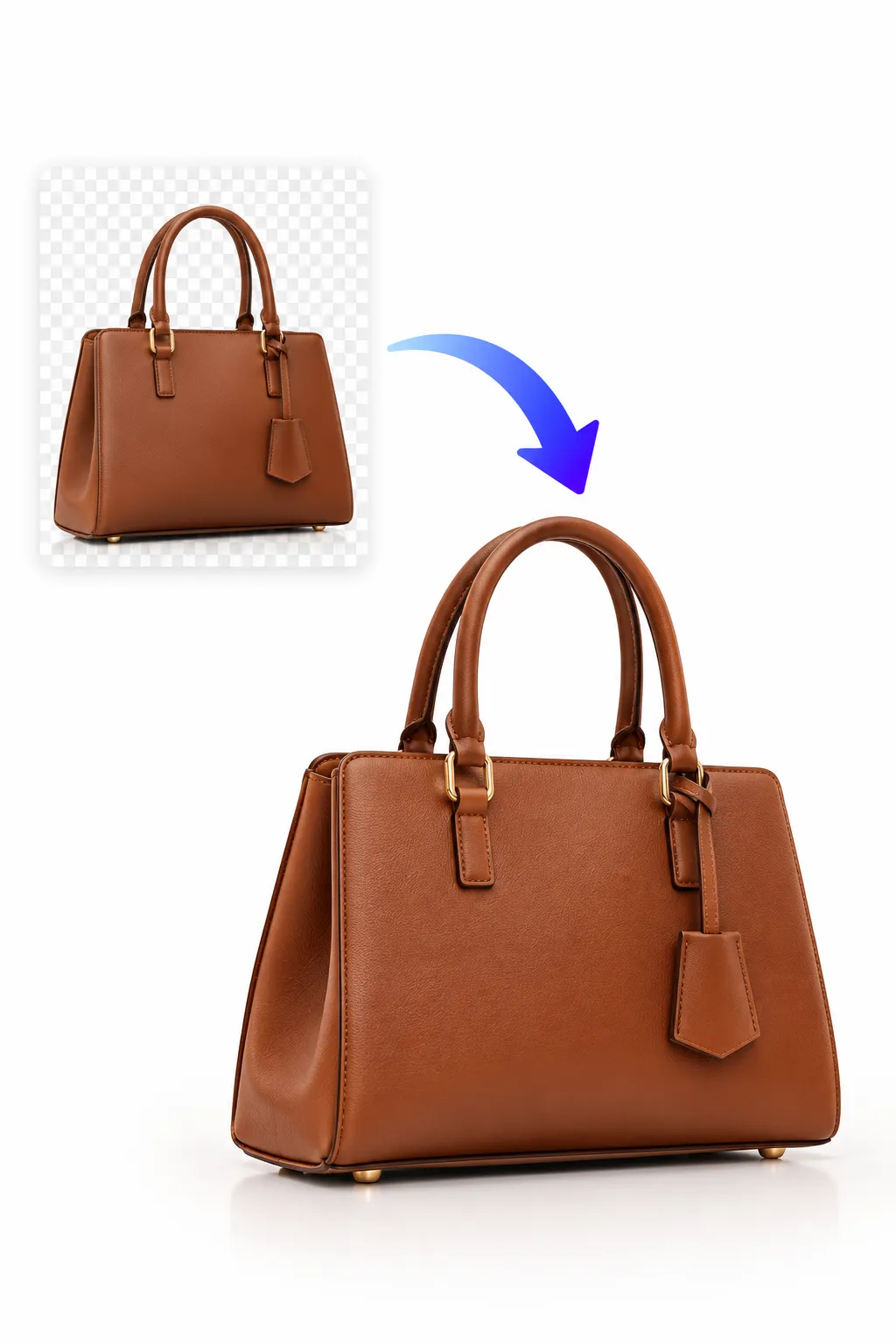
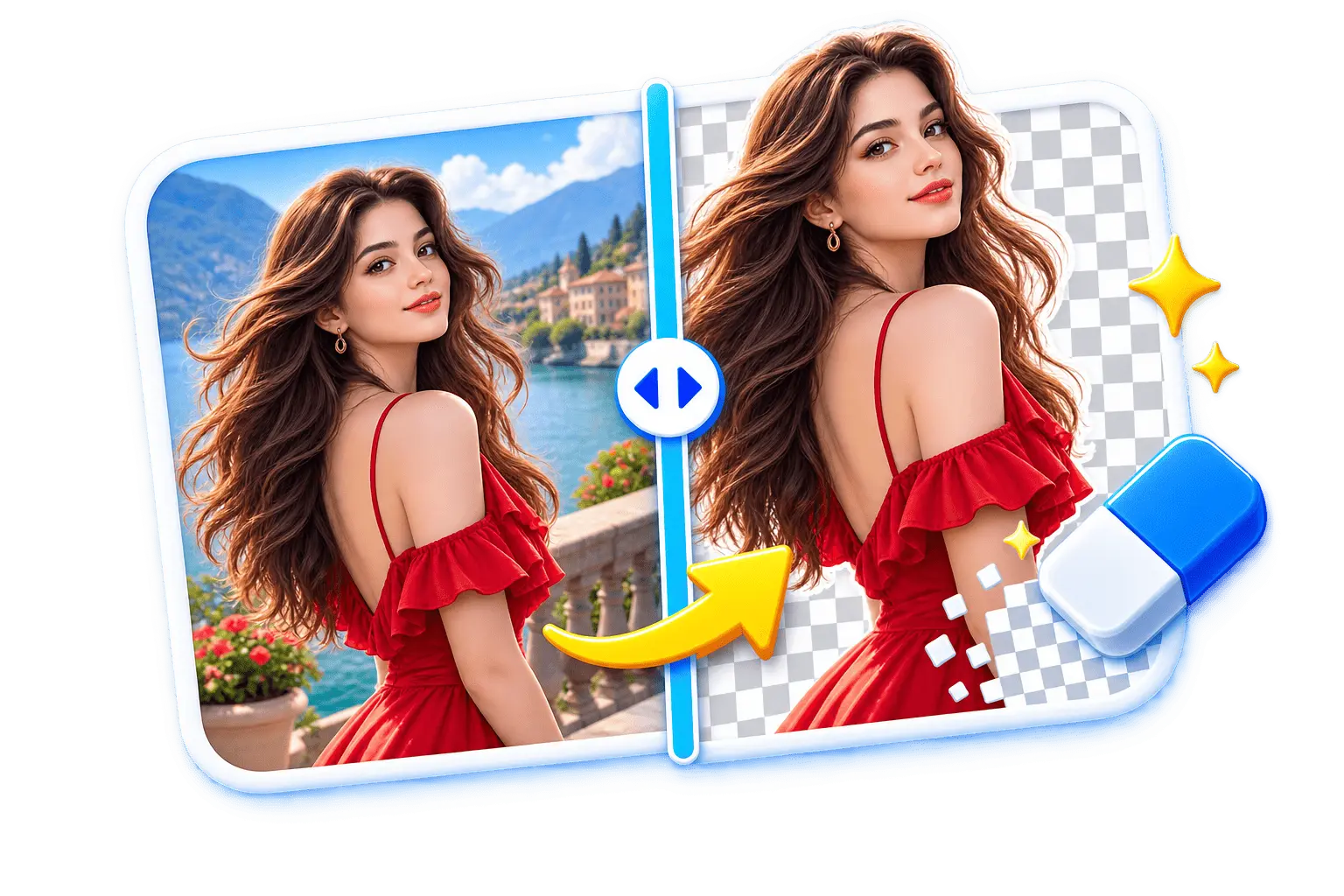
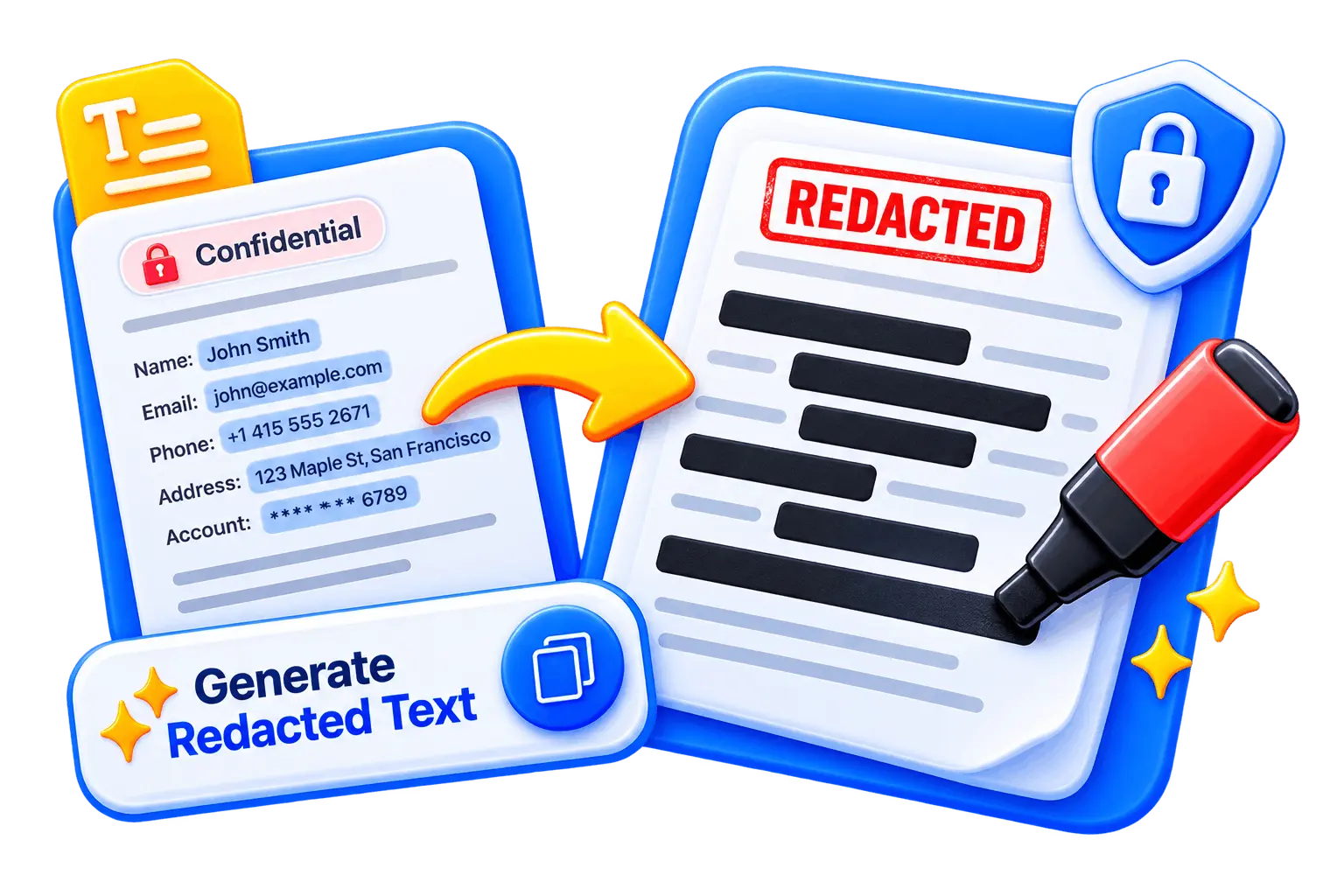
Remove the background from any image in seconds. Perfect for e-commerce product photos and thumbnails.

Carousel Maker slide preview 1
Carousel Maker slide preview 2
Carousel Maker slide preview 3

Carousel Maker

Soon

Create professional carousel posts without complex design software. Drag-and-drop layouts and export-ready formats.

Piknova Batch Image Resize preview

Batch Image Resize

Soon

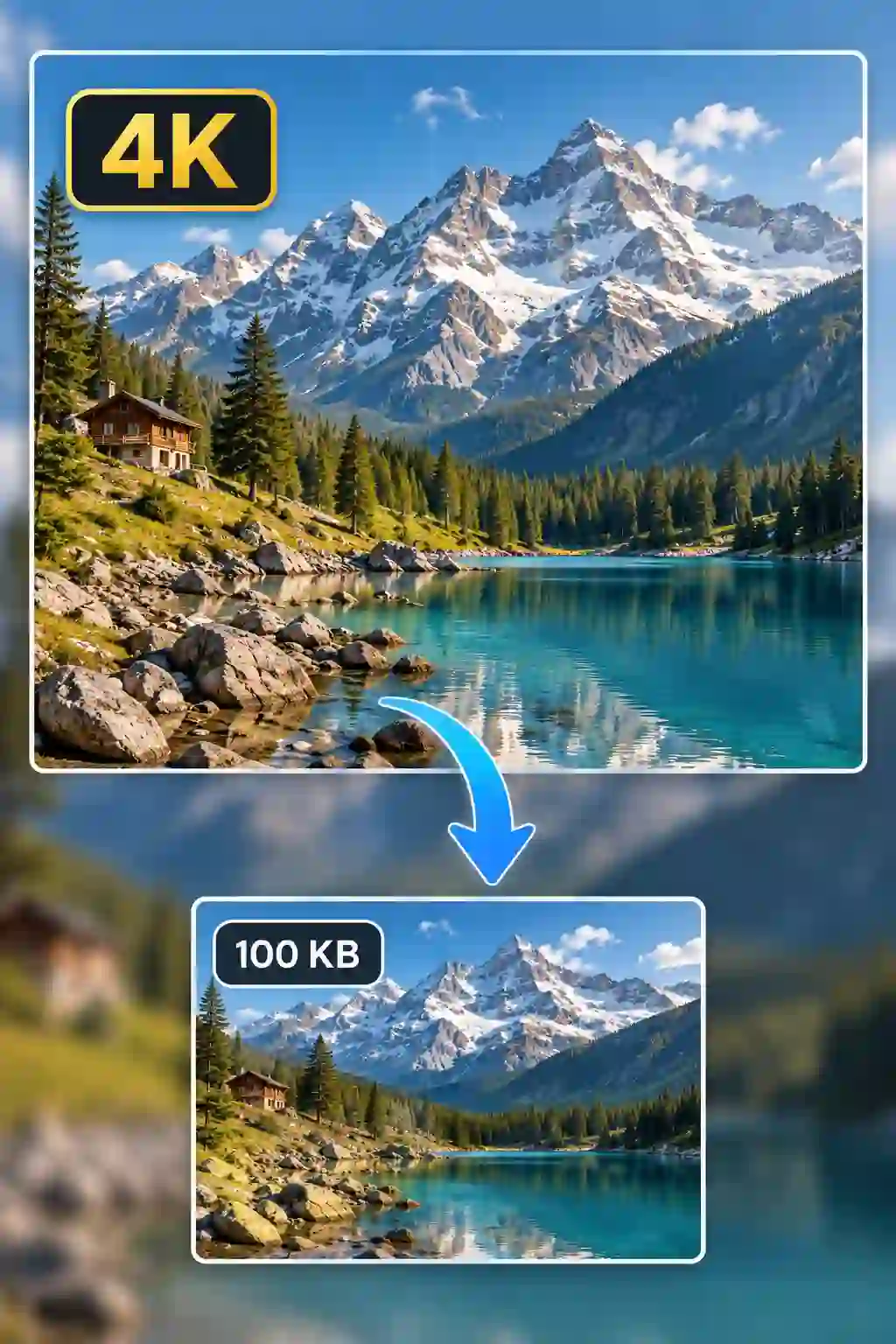
Save hours by resizing images in bulk. Quickly reduce image size and adjust dimensions for websites.

Piknova watermark tool preview
(c) YOUR BRAND

Image Watermark Tool

Soon

Protect your visuals with custom watermark text or logos. Ideal for photographers, designers, content creators, and digital sellers looking to secure their assets before publishing.

The Anti-Bloatware

Why Choose Piknova Over Other Online Image Editors?

Unlike generic AI photo editors overloaded with features you don't need, Piknova focuses on speed and precision.

"We don't try to replace Photoshop. We optimize everyday visual tasks."

  • Speed-first processing
  • Clean export formats
  • Creator-focused workflows
  • No unnecessary complexity
  • Lightweight browser-based performance

Built for Creators, Marketers & Modern Founders

Powerful yet simple image tools designed for the platforms where your audience actually scrolls, shops, and buys.

Piknova use case: For Instagram & Reels Creators

For Instagram & Reels Creators

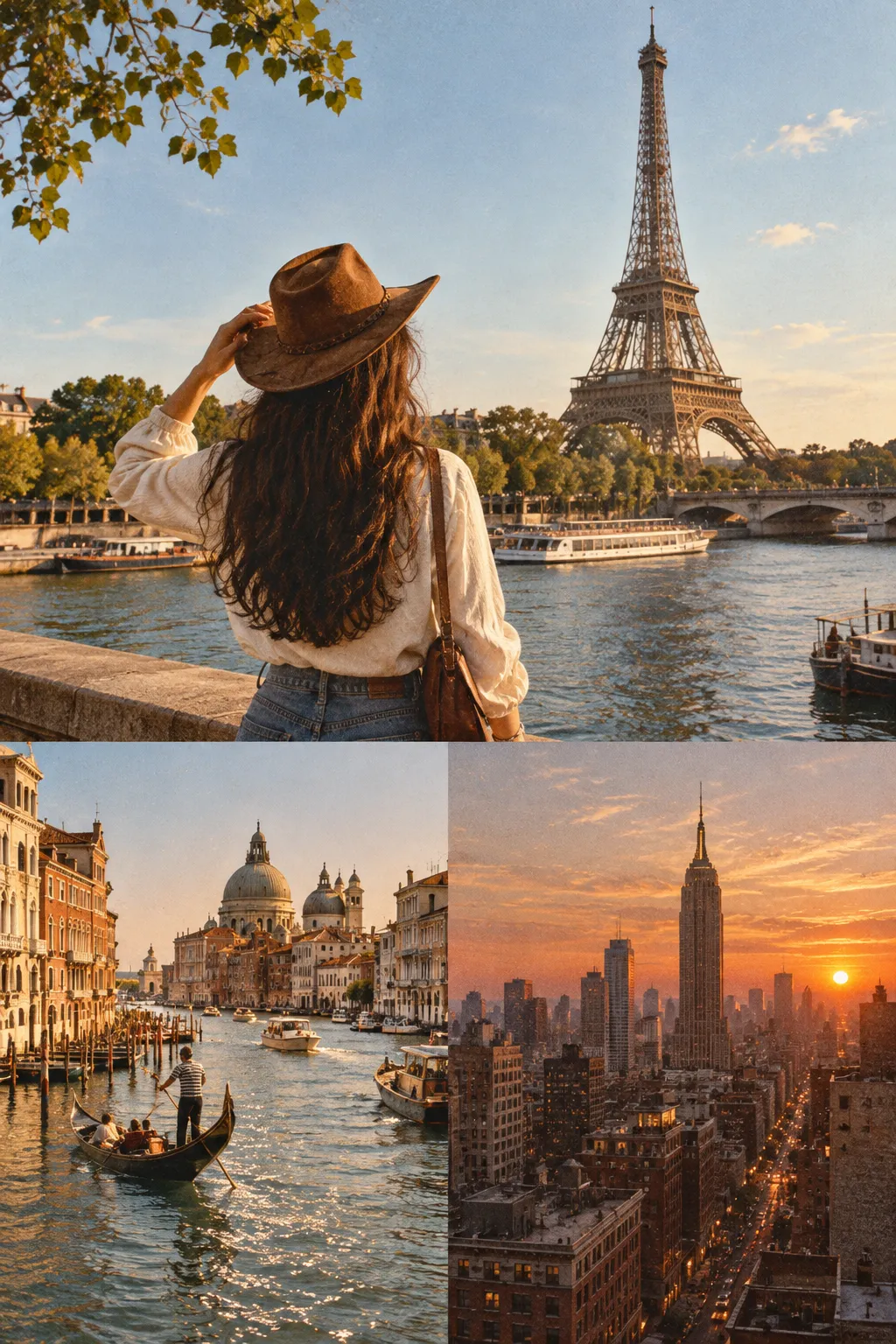
Design high-converting Instagram carousel posts, resize images for Reels covers, create story-ready visuals, and remove backgrounds for scroll-stopping thumbnails.

Piknova use case: For E-commerce & D2C Brands

For E-commerce & D2C Brands

Remove backgrounds from product photos, optimize images for Amazon, Shopify, and Etsy listings, and export high-quality visuals that increase conversions.

Piknova use case: For LinkedIn Personal Brands

For LinkedIn Personal Brands

Create professional LinkedIn carousel slides, polish screenshots for thought-leadership posts, and design clean visuals that boost engagement and authority.

Piknova use case: For YouTube Creators

For YouTube Creators

Create eye-catching YouTube thumbnails, resize channel art, blur or replace backgrounds, and enhance visuals to improve click-through rates.

Piknova use case: For Startup Marketers & Agencies

For Startup Marketers & Agencies

Batch resize creatives, generate ad-ready visuals for Meta and Google Ads, and quickly adapt designs for multiple campaign formats.

Piknova use case: For Bloggers & SaaS Founders

For Bloggers & SaaS Founders

Edit product screenshots, crop UI previews, add watermarks, and create blog-ready visuals that look sharp and professional.

Create Without Limits

Export in full HD, remove watermarks, and unlock premium creator tools built to grow your content faster.

Free

Perfect for trying it out before upgrading.

$0/forever
3 exports per day
Watermark included
720p downloads
Split image tool
Standard export speed
Most Popular

Pro

For serious creators who post consistently.

$7.99/moOnly $59 billed yearly — Save $36
$4.92/mo
Unlimited exports
No watermark
1080p HD downloads
Commercial use license
Water Editor access
Carousel & Collage maker
Faster export processing

Included Soon:

AI Background Remover
Early Access
Bulk Export
Early Access
All future premium tools
Early Access
Limited to 100 Founders

Founder Lifetime

Pay once. Get lifetime access to every current and future Pro feature.

$199Early Founder – Save $120
$79.99/lifetime
Everything in Pro
One-time payment
All future tools included
Priority feature releases
Founder badge

Why Modern Creators Still Need a Focused Online Image Editor In 2026

In a world full of AI tools and complex design software, most people do not need more features - they need faster execution.

You do not open a heavy design app just to resize an image. You do not want a full creative suite just to remove a background. And you should not need three different websites to edit a screenshot, create a carousel, and export optimized visuals.

That is where a focused online image editor matters. Piknova is built for high-frequency visual tasks - the everyday work creators, founders, and marketers actually do:

Resize images for social media and websites
Remove backgrounds from product photos
Edit screenshots for posts and landing pages
Create Instagram and LinkedIn carousel slides
Add watermarks and export clean assets

No layers panel. No bloated interface. No steep learning curve. Just fast, browser-based tools that help you create polished visuals in seconds.

AI can generate images. But execution - resizing, optimizing, formatting, preparing content for distribution - still requires precision tools. Piknova brings those precision tools into one streamlined workflow so you can create, edit, and elevate without friction.

Because in 2026, speed wins.

Frequently Asked Questions

Everything you need to know about the Piknova.

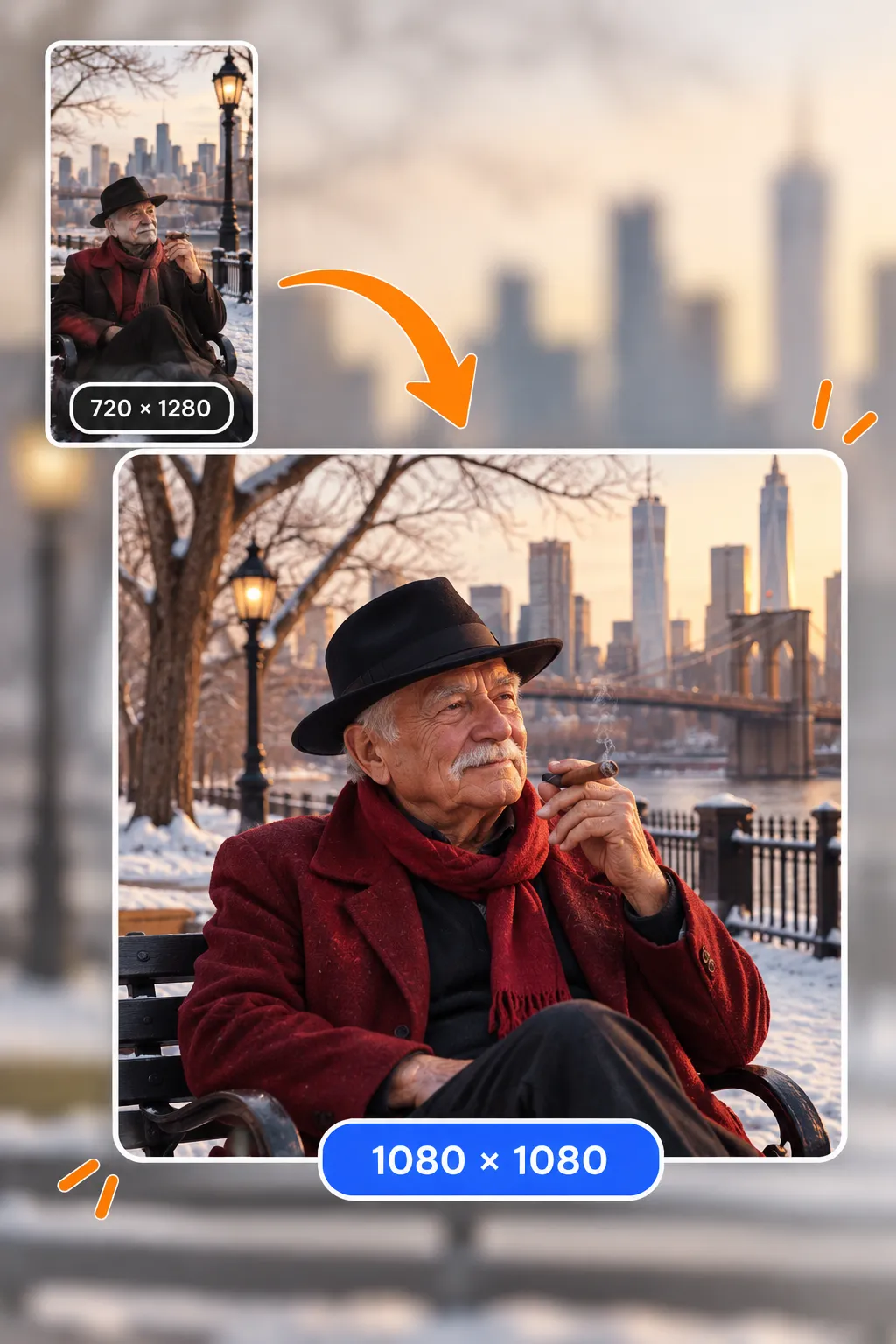
Use our image resizer tool to adjust dimensions while maintaining clarity and optimized compression. We use smart algorithms to prevent pixelation.

Upload your image and use the background remover tool to generate a clean transparent background in seconds using AI detection.

An Instagram carousel is a multi-slide post that allows users to swipe through images. Use our image splitter or carousel maker to create swipe-ready posts.

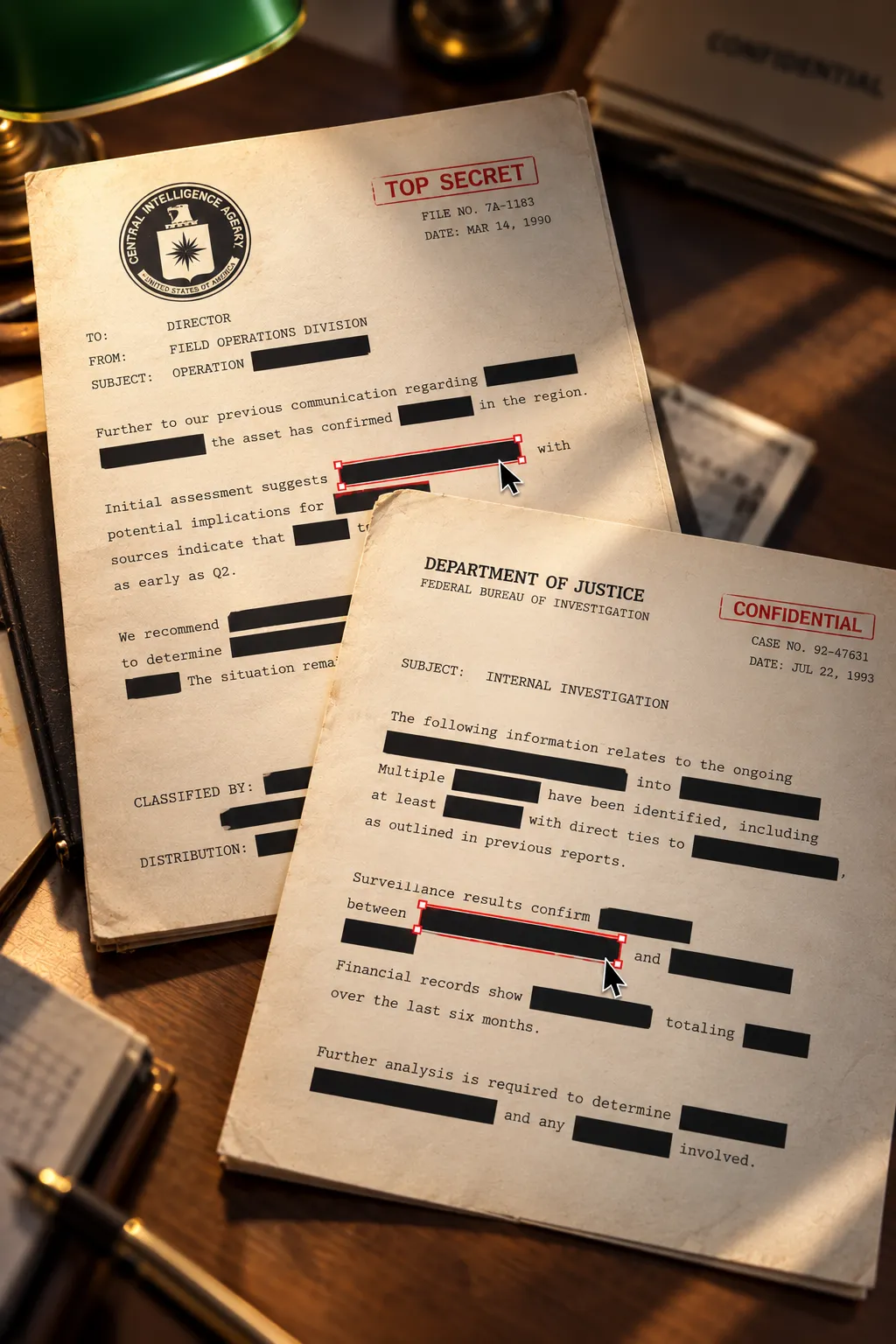
Yes. Our screenshot editor allows cropping, annotation, and styling directly in your browser without the need for external desktop apps.

Create high-impact visuals in minutes, not hours

Resize images, remove backgrounds, edit screenshots, and design scroll-stopping carousel posts, all in one fast, browser-based image editor. No downloads. No complexity. Just clean, professional results.