
Split Image Online
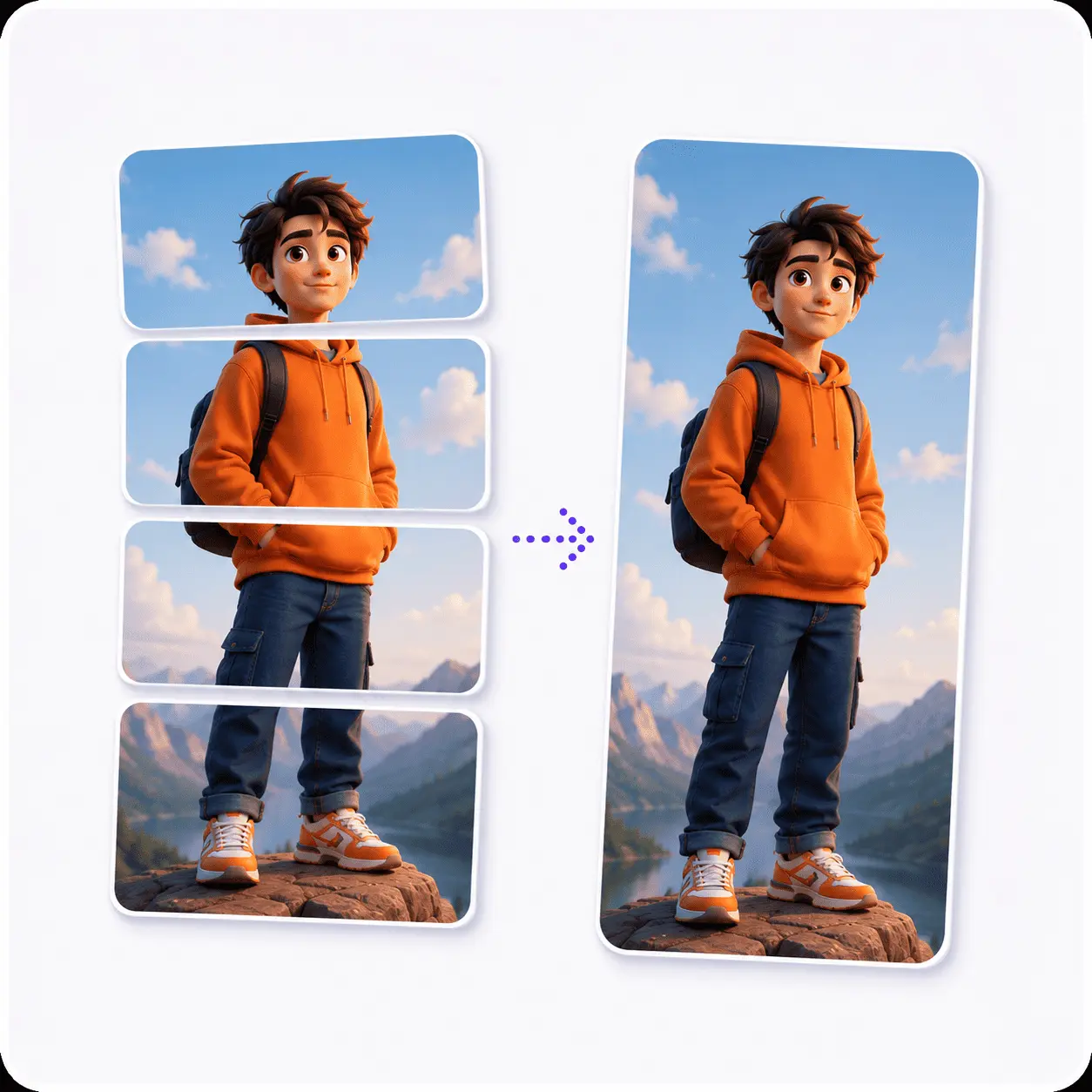
Split an image online into any number of pieces: in half, into 3, into 4, into 9, or an exact tile size in pixels. Drag the guides to move any cut. It all runs in your browser, so nothing is uploaded anywhere.
Drag & drop to split
Any JPG, PNG, WebP, AVIF, GIF or BMP. Nothing is uploaded.
One image splitter,
every number of pieces
Cut a picture into halves, thirds, a 3x3 puzzle grid, a 10-slide carousel, or tiles of an exact pixel size. Keep only the pieces you want, one at a time or as a ZIP. No signup, no watermark, no upload.
Tools that pair well with this one
All free, all in your browser, no signup.

Why use Piknova?
Split an image into a grid without an app. to get the job done.
What this image splitter does that a phone grid app or a capped splitter site does not.
Piknova
What you get- Split an image online into any grid, no signup
- Any rows and columns, not just 3x3
- Every tile at full resolution, no watermark
- Runs in your browser, the image never uploads
- Download all tiles as one zip, numbered in order
Other tools
What you put up with- An app to install, or a signup
- 3x3 only, more in the paid tier
- A watermark on the free plan
- Uploaded to a server to slice
- One tile at a time
How it works
One image to a full set of tiles, in three steps.
- 01
Drop your image
Any JPG, PNG, WebP, AVIF, GIF or BMP. It stays on your device.
- 02
Choose your pieces
Hit a preset, set rows and columns, type a pixel size, or drag the guides.
- 03
Download
Take one tile, a few, or the whole set as a ZIP.
Watch the step-by-step tutorial
The whole point
Split an image into 2, 3, 4, 6 or 9 parts
Most splitters pick a shape for you and leave you to crop around it. This one starts from the number you already have in your head, because that is how people describe the job: in half, into three, into nine. The buttons are grouped by direction, so a horizontal split (cutting across, pieces stacked) sits apart from a vertical one (cutting down, pieces side by side), and the grid shapes have their own row.
| What you want | What to set | Where it usually goes |
|---|---|---|
| In half | 1 row x 2 columns, or 2 x 1 | Before-and-after posts, a diptych, one wide shot becoming two phone wallpapers |
| Into 3 | 1 x 3 for columns, 3 x 1 for rows | An Instagram row that reads as one panorama across your profile |
| Into 4 | 2 x 2 | The X (Twitter) four-tile post, where the grid preview is the whole trick |
| Into 6 | 2 x 3 | Two Instagram rows, or a six-slide LinkedIn carousel |
| Into 9 | 3 x 3 | The classic puzzle feed: one image spread across nine profile squares |
| Something else | Any rows x columns, up to 20 each | Long carousels, contact sheets, print tiling, anything without a name |
The tiles are cut so their widths add back up to the original exactly. That sounds pedantic until you reassemble a grid and find a one-pixel seam running down it, which is what happens when a splitter rounds each tile independently instead of rounding the boundaries between them.
When the number is a size
Split an image by exact pixel size
Sometimes the requirement is not a count, it is a dimension: 512px tiles for a texture atlas, 1080px squares for a feed, a fixed slice height for a long screenshot. Switch to 'Exact pixels' and type the size.
- It cuts every N pixels: A 1536px wide image at 512px tiles gives you exactly three columns.
- The remainder is kept: A 1300px image at 512px gives you two full tiles and a 276px strip, not two tiles and a missing piece of your picture.
- Width and height are independent: 1080 x 1920 tiles out of a tall banner is a perfectly reasonable thing to ask for.
- The count updates as you type: The panel shows how many pieces you are about to get and how big each one is, before you commit to anything.
The part other splitters skip
Move any cut line by hand
Equal parts are the default, not the law. Every cut is a draggable guide sitting on the preview, and moving one resizes the tiles on both sides of it live.
This comes up more often than it sounds. A face sitting on the centre line of a 2x2, a logo that has to stay whole, a subject that is not politely in the middle of the frame: each of those is a two-second drag instead of a re-crop somewhere else and a second trip back here.
- A guide cannot cross its neighbours: So a drag can never silently reorder your tiles, which would shuffle a grid you had already planned the posting order for.
- Arrow keys work too: Focus a guide and nudge it 1% at a time, or 5% with Shift, if a pointer is not the tool you want.
- One click puts it back: 'Even it back up' restores equal parts at whatever rows and columns you are on.
Split an image for an Instagram grid or puzzle feed
An Instagram grid is three squares wide, so the shapes worth knowing are 1x3 for a single panoramic row, 2x3 for two rows, and 3x3 for the full puzzle feed. Split, then post in reverse.
- Crop to the right shape first: A 3x3 wants a square source, a 1x3 row wants something roughly 3:1. The splitter cuts what you give it, it does not invent pixels.
- Split into 9: Or into 3 for a single row. The preview numbers the tiles in reading order, which is the order they appear on your profile.
- Download the set: The file names carry the grid position, so photo_r3c1.jpg is bottom-left and you never have to guess a week later.
- Post them in reverse: Instagram fills the grid newest-first, so upload piece 9 first and piece 1 last. This is the step that catches everyone once.
Post the whole set in one sitting. A half-finished puzzle feed sitting on your profile for a day is the other way this goes wrong.
Everywhere else
Splitting for X, LinkedIn and the rest
Different feeds reward different shapes, mostly because each one previews multiple images differently. Here is what each platform is actually doing with your tiles.
| Platform | Shape that works | Why |
|---|---|---|
| X (Twitter) | 2 x 2 | Four images preview as a 2x2 mosaic in the timeline, so a split image reassembles itself in the feed and a tap opens the full picture |
| Instagram feed | 3 x 3, 2 x 3 or 1 x 3 | The profile grid is three columns wide, so anything that is not a multiple of three breaks the alignment |
| LinkedIn carousel | 1 x N columns | Slides advance sideways, so a wide graphic cut into vertical slices reads in order as you swipe |
| Print or wall art | Exact pixel tiles | A physical tiling needs a fixed tile size, not a fixed count, which is what the pixel mode is for |
None of these need a different tool. They are the same cut with different numbers, which is why they are all one page.
Frequently asked questions about splitting images
Everything the tool does, and the two things it does not.
Drop your picture into the tool at the top of this page, choose how many pieces you want, and download them. There is no signup and nothing is uploaded: the cutting happens on a canvas inside your own browser.
You can describe the split three ways, and all three drive the same preview: a preset (in half, into 3, into 4, into 9), a rows-by-columns grid of your own, or an exact tile size in pixels.
Yes, any number up to 20 rows by 20 columns, capped at 100 pieces in total so a large source cannot exhaust the browser's memory mid-split.
- 2 pieces: 1 x 2 side by side, or 2 x 1 stacked.
- 3 pieces: 1 x 3 columns, or 3 x 1 rows.
- 4 pieces: 2 x 2, the classic quad.
- 9 pieces: 3 x 3, the Instagram puzzle feed.
- Anything else: Type the rows and columns. 4 x 5 is as valid as 2 x 2.
There is an 'In half' button in both directions, because there are two ways to halve a picture. Under 'Horizontal split' it cuts across the middle and you get two pieces stacked top and bottom. Under 'Vertical split' it cuts down the middle and you get two pieces side by side.
If the middle is not where the picture wants to be cut, drag the guide. The two halves resize live, and they do not have to be equal.
Yes. Switch to 'Exact pixels' and type a tile width and height, and the image is cut every N pixels from the top left.
If the image does not divide evenly, the leftover strip comes out as a smaller final tile rather than being cropped off. It is part of your picture, so you get it.
Split your image into equal tiles, then post them in the right order so Instagram rebuilds the full picture on your profile.
- Upload and split: Drop your image above and pick 3 x 3 for a full puzzle feed, or 1 x 3 for a single panoramic row.
- Download the tiles: The file names carry the grid position, so you can tell piece 7 from piece 3 a week later.
- Post in reverse order: Instagram fills newest-first, so upload the last tile first.
Posting in reverse is what keeps the finished grid aligned on your profile. It is the step almost everyone gets wrong the first time.
Yes. Every tile in the results is a toggle, so deselect the ones you do not need. One selected tile downloads as a plain image file; several come down as a single ZIP.
There is also a download button on each individual tile, for when you want that one piece and nothing else.
You can drop JPG, PNG, WebP, AVIF, GIF and BMP. The tiles come back in the same format you gave it, which is the part most splitters get wrong: a WebP should not come back as a JPEG because someone decided that was simpler.
- JPG, PNG, WebP, AVIF: Split and written back in the same format, subject to what your browser can encode.
- GIF and BMP: Read fine, but a browser canvas cannot write them, so the tiles come out as lossless PNG and the tool says so before you split.
- Want to convert on the way out?: Set the output format yourself. It only happens when you ask for it.
No, and that is worth saying plainly rather than letting you find out from the download. Splitting an animated GIF or APNG here keeps the first frame and drops the rest, so you get still tiles.
Preserving the animation would mean decoding every frame and building a new animated file for each tile, which a browser canvas cannot do. The tool warns you on screen the moment you drop an animated file.
Not in any way you will see. The tiles are cut from the source at full resolution, so a 4000px image split into four gives you four 2000px tiles, not four upscaled thumbnails.
PNG and the other lossless formats are re-encoded losslessly. JPEG is re-encoded at quality 95, which is above the point where compression artifacts are visible on a photo.
Free, unlimited, no watermark, no account. And private in the strong sense rather than the marketing sense: the split runs on a canvas in your browser, so the file never reaches a server of ours. There is nothing for us to keep.
Cut it however you want
Halves, thirds, a 3x3 grid, or an exact pixel size. Free, and it never leaves your browser.