
Redacted Text Generator
A free redacted text generator that turns anything you type into black bars you can copy and paste, or download as a PNG. It also does the thing none of the others do: it varies the length of each bar, because a one-for-one replacement publishes exactly how long every word you hid was. Nothing you type is sent anywhere.
The classic solid bar. Nothing of the original survives.
Everything here happens in your browser. Nothing you type is sent anywhere, and the PNG is drawn on your own machine.
Seven Blocks or Twenty-Two
Is Not the Same Secret
Every redacted text generator replaces one character with one block. That means the output tells anyone reading it precisely how long each hidden word was, which is often most of the way to guessing it. This one does not do that by default.
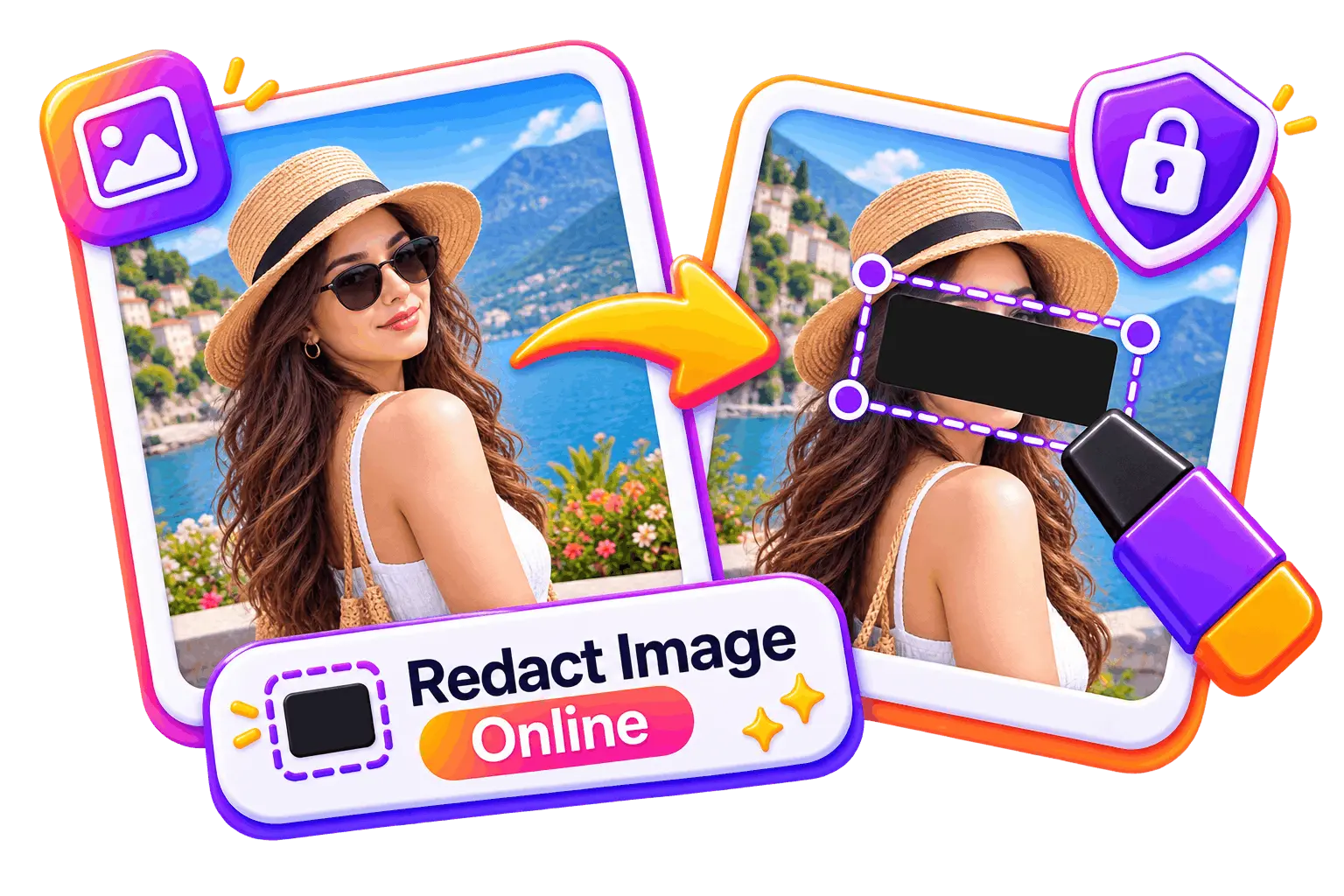
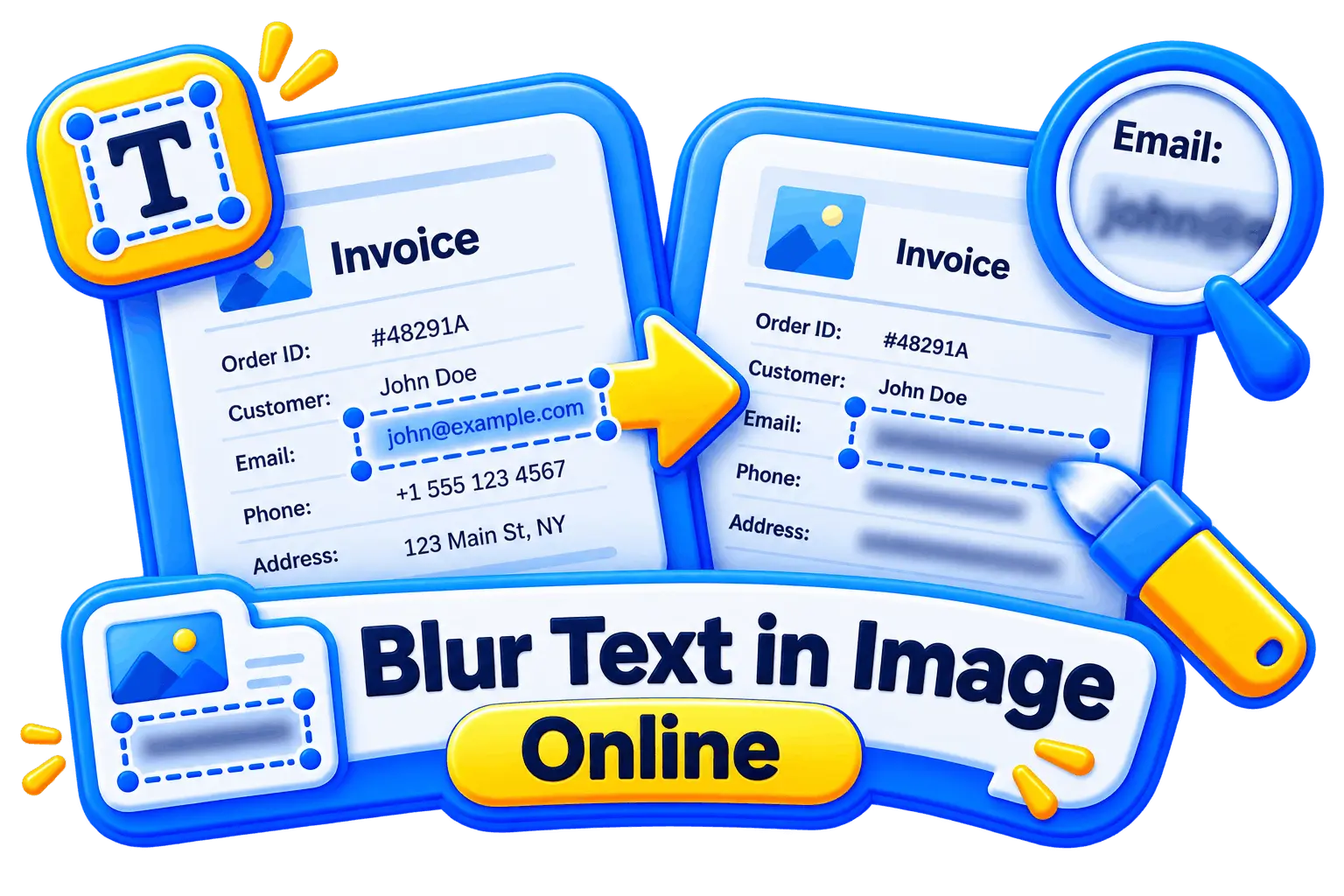
Redacting a picture rather than a string
These cover pixels. This page replaces characters, which is a different job that happens to share a word.
Tools that pair well with this one
All free, all in your browser, no signup.
Why use Piknova?
Redacted text without a document to redact. to get the job done.
What this generator does that a screenshot of a black rectangle does not.
Piknova
What you get- Generate redacted text in the browser, no account
- Type the words, choose which ones to bar out
- Copy the bars as text, or save them as a PNG
- Exports at the size you set, no watermark
- Nothing you type is sent anywhere
Other tools
What you put up with- A design app or a font to install
- Draw every rectangle by hand
- A flat screenshot and nothing to paste
- A branded corner on the free tier
- Text stored on a server
How to make redacted text
Three steps, no account, nothing uploaded.
- 01
Type or paste your text
A name, a line from a document, a whole paragraph. It redacts as you type, so you can see what the result reads like.
- 02
Pick a style and the options
Full block for the classic look. Keep the spaces so it still reads as a sentence, or turn them off for one continuous bar. Leave the lengths varied.
- 03
Copy it, or download the PNG
Copy the characters to paste anywhere text goes, or download an image if the destination has an unreliable font or does not take text at all.
The thing everyone gets wrong
Why bars that match the word length are a leak
This is the whole reason this tool is different from the others, and it takes one example to see.
Take the sentence "the incident was reported to ██████ by ████ ██████". A one-for-one replacement has just told you the redacted organisation is six letters, the first name is four and the surname is six. Add the context of the document and the number of candidates is now small enough to write down. Word lengths are a surprisingly strong signal, which is exactly why crossword setters can build a puzzle out of them.
The same problem shows up in shorter and more damaging forms. Eight blocks after the word "password" tells an attacker the length to configure. A redacted email address with the punctuation left visible gives away the shape, the domain length and the local part length in one go. A list of redacted names in a table gives away which rows are the same person, because the bars are the same width.
- Vary the lengths: On by default here. Each run is nudged away from the true length, so the output stops being a measurement of what it replaced.
- Deterministic, not random: The same word always jitters the same way, so the text does not reshuffle itself on every keystroke and the thing you copied is the thing you were looking at when you decided it was right.
- Turn the spaces off for the strongest version: Collapsing the whole line into one continuous bar removes the word boundaries too, which is the other half of the signal. It is also much less readable, so it is a choice rather than the default.
- Consider hiding more than you need to: Redacting a surname and leaving the first name is a common instinct and usually a mistake, because the pair is what was identifying and half of it is often enough.
None of this matters if you are making a joke, a roleplay post or a classified-document gag, and most people here are. It matters a great deal if you are redacting a real document you are about to share, and the two use the same tool, so the safe behaviour is the default and the readable one is a toggle.
Redacting a picture instead of a string
The trap
Strikethrough looks redacted and hides nothing
It is offered here, it is offered on every competing tool, and on most of them nobody tells you what it actually is.
A strikethrough in plain text is made with a combining character, U+0336, attached to each letter. The letters themselves are completely untouched. Selecting the result and copying it gives you the original text with some invisible marks in between, and stripping those marks is one line of code or one paste into a normalizer. Anyone can read it, and search engines and archives index it as the original text.
That does not make it useless. Crossed-out text is a genuine effect: a joke about what someone nearly said, an edit history shown in public, a deliberately visible correction. Those are all cases where you want the reader to be able to read it. The problem is only that it sits in a picker next to four styles that do hide things, wearing the same word.
So the tool marks it. Picking strikethrough puts a warning next to the output saying your text is still in there, every time, without hiding the option. The four block styles replace characters outright, so what comes out contains nothing of what went in.
Where it pastes
Where copied block characters work, and where they break
Block characters are ordinary text, which is their advantage and their one failure mode.
- Works well: Discord, Slack, most wikis, Markdown files, code comments, commit messages, plain-text email, spreadsheet cells and anywhere else with a normal system font.
- Usually works: Word processors and slide decks, as long as the document font has block glyphs. Most do. Set the redacted run in a monospace face if the bars come out with hairline gaps between them.
- Often breaks: Custom brand fonts, older mobile apps, some PDF exporters, and anything that subsets its fonts aggressively. A missing glyph renders as a box outline or a blank, which looks like a bug rather than a redaction.
- Cannot work: Anywhere that takes an image and not text: a social post image, a video frame, a printed handout, a screenshot you are assembling by hand.
The PNG button exists for the last two rows. It draws the redacted text in a monospace stack at your screen's real pixel density, on white or on transparency, so the bars are solid, evenly spaced and identical wherever the picture ends up. If you are putting the result anywhere you do not control the font, download it rather than copying it.
Honest scope
What this generator does, and what it is not for
Short, because the tool is small and the limits are worth knowing.
- There is no such thing as a redacted font: People search for one, so it is worth saying: the effect is made by replacing characters, not by a typeface. Any page offering you a font for this is offering you these same block characters with extra steps.
- It does not read your documents: No upload, no PDF, no OCR and no detection of what looks sensitive. You paste the text and you decide what goes. That is a limitation, and it is also why nothing you are redacting has to be sent anywhere.
- It is not a security control: The block styles genuinely replace the characters, so the output does not contain the input. That is a property of the string, not a guarantee about wherever you paste it, what your clipboard manager kept, or what the original document still says.
- The PNG is a picture of text: It is not searchable, not selectable and not accessible to a screen reader. Use the copy button where text is possible, and the image only where it is not.
What it does do: five styles, spacing and punctuation as separate choices, a reveal-the-last-few-characters slider, varied run lengths with a reshuffle, one-click copy, and a PNG rendered at your screen's real resolution. All of it in your browser, with nothing typed here reaching a server.
Frequently asked questions
What the bars are, whether they hide anything, and where they can be pasted.
A tool that swaps the characters you type for solid block characters, so the result looks like a redacted document and can be copied and pasted anywhere text goes. It is a text transformation rather than an image edit: what comes out is a string, and you can put it in a chat message, a wiki page or a code comment.
Not with the four block styles. Those replace each character with a different character, so the output genuinely does not contain what you typed, and there is nothing to strip or decode.
With strikethrough, yes, easily. That style attaches an overlay mark to your original letters, which are all still there. The tool warns you the moment you pick it, because it is the one option here that looks like a redaction and is not.
On purpose, and it is the main thing this tool does differently. A one-for-one replacement publishes the exact length of every word you hid, and word lengths plus context are often most of a guess. The lengths are varied by default and you can shuffle them again or turn the behaviour off, though the section above explains why leaving it on is the better default.
Move the reveal slider to 4. Every word then keeps its last four characters and hides everything before them, which is the exact shape a payment or identity verification asks for when it wants to see a card. Read the output before you send it, since every word keeps its ending, not just the one you were thinking about.
Anywhere that takes plain text: Discord, Slack, wikis, Markdown, code comments, spreadsheets, email. The one thing to watch is fonts. A face without block glyphs renders them as empty boxes, which looks broken rather than censored, so if you are pasting into a branded template or a PDF export, download the PNG instead.
No, and this is worth clearing up because a lot of people search for one. The effect is character substitution, not a typeface. A font that drew every letter as a black box would still be carrying your original text underneath, which is the strikethrough problem in a worse form: it would look hidden and would copy, search and index as the original.
Yes. The PNG button draws the result in a monospace face at your screen's real pixel density, so the bars are solid and evenly spaced rather than striped. Use it wherever you do not control the font, or where the destination takes a picture and not text.
No. The substitution and the PNG both happen in your browser, and nothing you type leaves the page. That matters more here than on most tools, since the text you are redacting is by definition the text you did not want somewhere else.
Black it out and paste it
Type your text, pick a style, and copy the bars or download the picture. Nothing you type goes anywhere.