You asked a company for a refund, or disputed a charge, or tried to recover an account, and the reply came back asking for "a redacted image of your card showing the name and last four digits".
It is a strange request the first time you read it. You are being asked to photograph a payment card and send it to a stranger, which is exactly the thing every piece of security advice you have ever read tells you not to do. And the word "redacted" is doing a lot of work in that sentence without explaining itself.
Here is what they actually want, what they do not want, and the two mistakes that turn a careful redaction into an unredacted card.
What a redacted card image is
A redacted card image is a photograph of your payment card with everything covered except the specific details the recipient asked for.
Almost always that is two things:
- Your name, as printed on the card
- The last four digits of the card number
Everything else is blacked out. The point is to prove you physically hold the card without handing over anything that could be used to spend from it.
That combination is deliberate and it is not arbitrary. A payment needs the full card number, the expiry date and usually the CVV. The last four digits give none of those, and they are already printed on every receipt you have ever been handed, which is precisely why they became the standard way to identify a card without exposing it.
Why they are asking
The request nearly always comes from one of a small number of situations, and knowing which one you are in tells you how much to expect them to need.
- A refund or a chargeback. They need to confirm the card the money is going back to is one you hold.
- Account recovery. Someone is locked out, and matching the card on file is a possession check.
- A subscription dispute. They want to identify which of several cards on the account was charged.
- Fraud review. An order was flagged, and they are confirming the billing name matches the cardholder.
- Age or identity verification. Rarer, and usually paired with a government ID rather than standing alone.
In every one of those the company is verifying possession, not collecting payment details. They already have the card on file if they charged it. They are checking that the person emailing them is the person holding the plastic.
Exactly what to cover
Front of the card:
Cover on the front
- The first twelve digits of the card number
- The expiry date
- The chip, which can be photographed in enough detail to matter
- Any contactless symbol area with printing near it
- The bank's own reference or account number if one is printed
Leave visible on the front
- Your name as printed
- The last four digits of the card number
- The card network logo, if they asked which network it is
Back of the card, if they asked for the back at all:
Cover on the back
- The CVV or CVC, the three or four digit security code
- The signature strip, including your signature
- The magnetic stripe
- Any customer service number, which is not sensitive but is not needed either
Most requests do not need the back. If the form does not explicitly ask for it, do not send it.
The parts people forget
Three things routinely survive an otherwise careful redaction:
- The reflection. A card is a glossy rectangle photographed under a light. Look at what is reflected in it, and at what is reflected in the surface it is sitting on.
- The rest of the frame. People photograph a card on a desk, and the desk has a letter with an address on it, a laptop screen with an email open, or another card underneath.
- The embossing shadow. On an embossed card, strong side lighting can leave the digits legible through a light blur as raised shapes. This is one more reason the answer below is a solid box rather than a blur.
Black box, not blur
This is the part that decides whether the redaction is real, and the popular choice is the wrong one.
A solid box
- Replaces the pixels rather than transforming them
- Nothing underneath it to recover, at any zoom
- Reads unambiguously as removed rather than as an effect
- Looks the same to every viewer, on every screen
A blur or a mosaic
- Keeps a transformed copy of the original digits
- A sixteen-digit number is a small, known search space
- The font on a payment card is fixed and public
- Public tooling has automated this against pixelated images since 2020
The mechanism is worth understanding once, because it applies to far more than cards.
A mosaic is a deterministic function: each block is the average of the pixels underneath it, so the same input always produces the same block. If an attacker knows what kind of thing they are looking for, they can render candidate strings, apply the same pixelation, and compare block values until they match. A card number is the ideal target for this. There are only ten possible characters, the font is standardised, the digit spacing is fixed, and the first six digits are the issuer identification number, which is public and narrows the field before anyone starts guessing.
A blur is a convolution, and convolutions are partially invertible. How much comes back depends on how heavy the blur was relative to the size of the digits. On a card photographed at phone-camera resolution, the digits are large and a casual blur leaves a lot behind.
A solid fill does not look at the pixels underneath it at all. There is nothing to invert, nothing to brute force, and nothing that comes back at any zoom level.
The mistake that leaks a redacted document
The second mistake is not about which tool you used. It is about which file you sent.
Every "redacted document leaked" story you have ever read is the same error: a black rectangle drawn over live data in a file format that keeps both layers.
A PDF is not a picture. It is a description of a page, with text objects, images, vector shapes and annotations stacked on top of each other. Drawing a black rectangle over a number in a PDF viewer adds a shape to that description. The number underneath is completely untouched and still in the file. Anyone can select and copy it, extract it with a command-line tool in one line, or delete the annotation layer and look straight at it.
The same trap exists in layered image formats and in office documents. Insert a photo into a document, draw a box over it, and export a format that preserves objects, and you have shipped both.
Redact on a flat image, not on a PDF or a document
Take the photo, or screenshot the page. Work on the picture.
Export it flattened
PNG or JPG. Both formats store pixels and nothing else, so the black box is genuinely black in the file.
Open the file you are about to send and try to defeat it
Zoom all the way in on the covered area. Try to select the text. If the box holds up under both, it holds up.
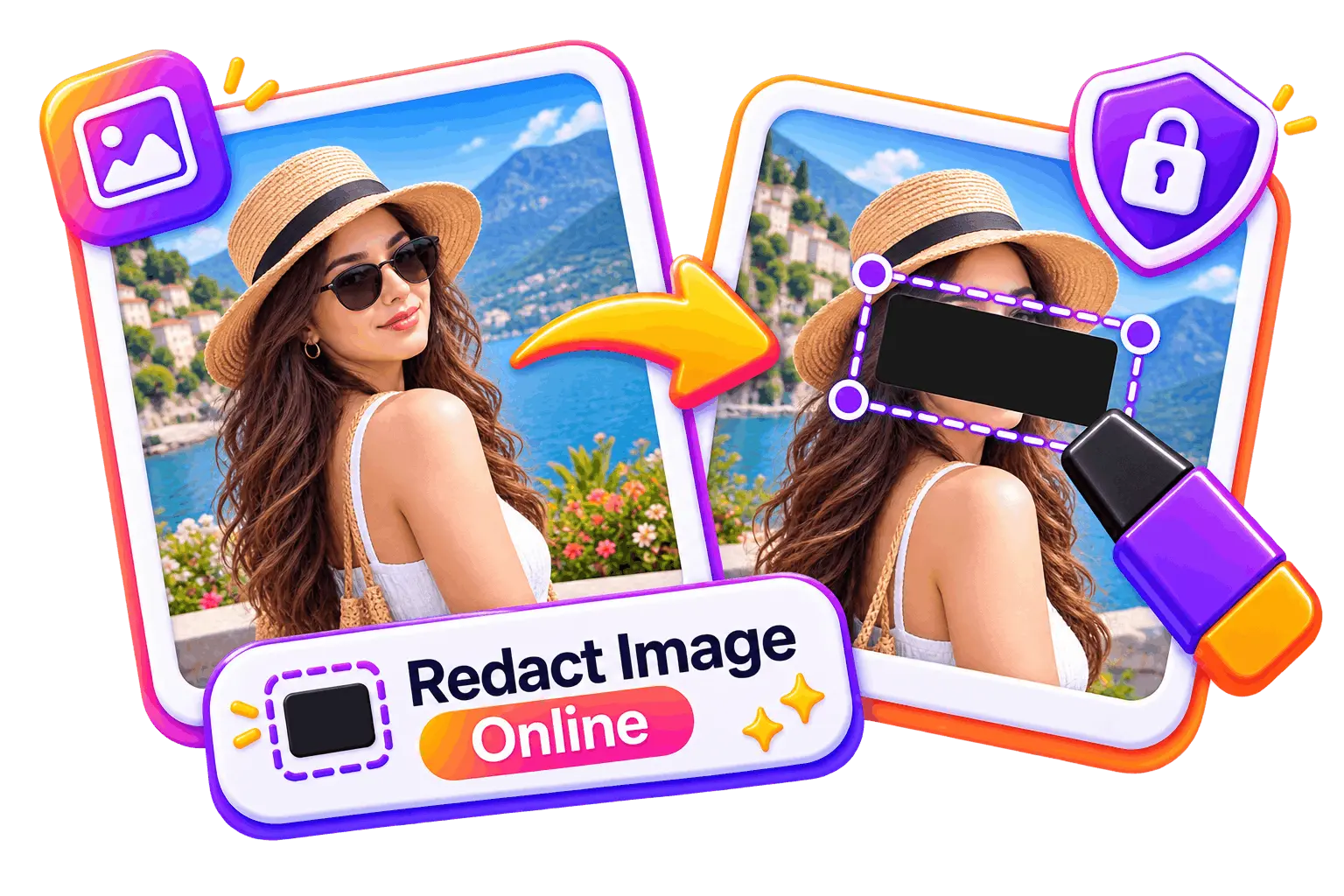
Redact Image
Opens with a solid black rectangle already armed, and the export is flattened, so the covered pixels are replaced rather than hidden behind a layer. It runs in your browser, which matters here more than usual: the photo of your card is never uploaded anywhere.
How to do it in about a minute
Photograph the card on a plain surface
Good light, no flash, no reflections. A plain sheet of paper underneath removes everything else from the frame in one move. Check what is reflected in the card before you take it.
Black out the first twelve digits
One box, generously sized. Extend it slightly past the digits on every side rather than sizing it exactly, because embossed digits cast shadows outside their own outline.
Black out the expiry and the chip
Two more boxes. If the card carries any other printed reference number, that goes too.
Leave your name and the last four digits
Read the request again and confirm that is what it asked for. Some flows want the name only, and a few want the last four alone.
Export as a flattened PNG, then check it
Zoom in on each box. Try to select the covered text. Then send it through the support channel you opened yourself.
After you send it
Two things worth doing that nobody tells you.
Delete the photo, from everywhere. The unredacted original is now in your camera roll, probably in a cloud backup, and quite possibly in a recently-deleted folder for another thirty days. The redacted copy is safe to keep; the original is the one to remove, from the device and from the backup.
Watch the card for a few weeks. Not because the last four digits are dangerous, they are not, but because the situation that led to this request, a dispute, a lockout, a flagged order, is itself worth paying attention to. If anything about the exchange felt off afterwards, call the number on the back of the card and ask.
When a card has no number on it
Numberless cards are now standard from several banks, and they break this whole request, because there is nothing to photograph.
The answer verification flows accept is a screenshot from your banking app showing your name and the last four digits of the card. Redact the same way you would a photograph: black out the balance, the transaction list, any other account shown on the screen, and the notification bar if it is showing message previews.
That screenshot is in some ways more sensitive than a photograph of a card, because a banking app screen carries a balance and a transaction history that a piece of plastic does not. Cover generously.
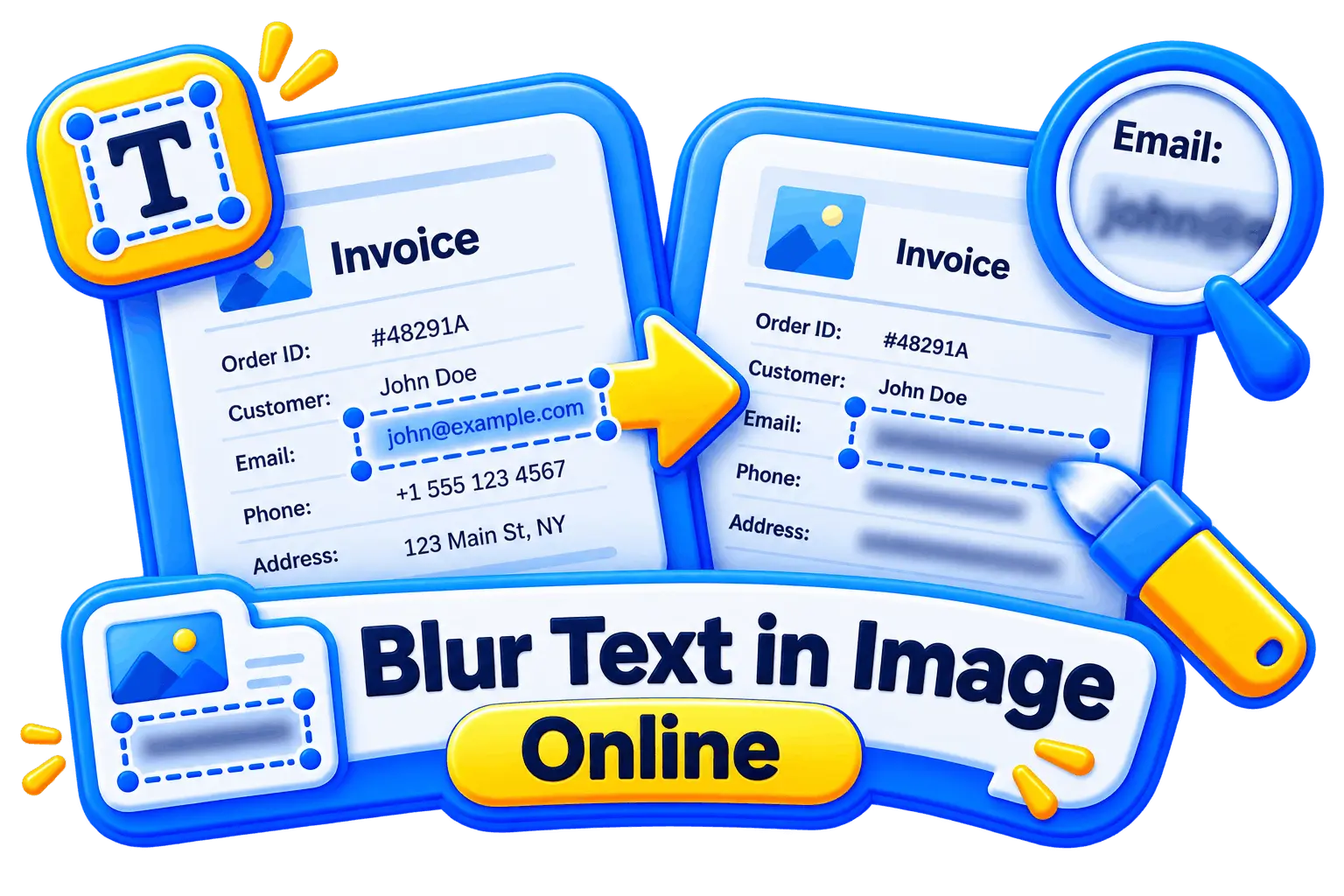
Blur Text in Image
For the app-screenshot version. It opens with a solid block armed rather than a blur, for exactly the reason this guide gives: text is the most recoverable thing in an image, and a balance is text.
Frequently asked questions
What is a redacted card image?
A photo of your payment card with the sensitive parts covered so only the details the recipient asked for remain visible. In almost every case that is your name and the last four digits of the card number, with the first twelve digits, the expiry date, the CVV and the signature strip blacked out.
Which parts of a card should I redact?
Cover the first twelve digits, the expiry date, the CVV or CVC on the back, the signature strip and the chip. Leave your name and the last four digits visible, unless the form asked in writing for something different.
Should I blur or black out my card number?
Black it out. A blur or a mosaic transforms the original pixels rather than replacing them, and a sixteen-digit number in a standardised font is close to the ideal case for reconstructing one. A solid box has nothing underneath it to recover.
Is it safe to send a redacted image of my card?
Reasonably safe, if you redact properly, flatten the file, and are certain who is asking. Your name and the last four digits cannot be used to make a payment. The real risks are sending it to the wrong party, redacting in a format that keeps the original underneath, and being asked for the CVV, which no legitimate company requests in a document upload.
Why does a company need a picture of my card at all?
To confirm you physically hold it. Refunds, chargebacks, account recovery and fraud reviews all come down to a possession check, which is why the last four digits and the name are enough and the full number never is.
What if my card has no number printed on it?
Send a screenshot from your banking app showing your name and the last four digits, with the balance and the transaction list covered. Most verification flows accept this, and some ask for it specifically.
Can I just cross the numbers out with a pen before photographing it?
You can, and it works better than a light blur, but ink on a glossy card smears and often stays legible at an angle under direct light. A black box added digitally is cleaner, is reversible if you make a mistake, and does not damage the card.
Does the photo itself say anything about me?
Yes, and it is easy to miss. A phone photo carries GPS coordinates, the device model and a timestamp in its metadata, none of which a black box touches. Exporting through a browser tool that redraws the image strips all of it, which is worth doing on a photograph taken at home.