
Free Online Screenshot Editor
A screenshot editor that runs online in this tab, free and with no signup. Paste your screenshot, mark it up with text, arrows, boxes and a highlighter, then download it. Nothing is uploaded, so the image never leaves your device. Up to 25 MB.
Drop a screenshot to edit it
Text, arrows, boxes and a highlighter, then download it. Or press Ctrl + V to paste one straight from your clipboard. PNG, JPG or WebP, up to 25 MB. Edited in your browser, never uploaded.
Your Screenshot.
Your Computer.
Most screenshot editors ask you to upload the picture first. Think about what is usually in a screenshot: an invoice, a dashboard, a private message, a bug report with a session token still visible in the corner. This one opens the file in your browser and never sends it anywhere.
Tools that pair well with this one
All free, all in your browser, no signup.
Why use Piknova?
A screenshot editor that opens in a tab, not an installer. to get the job done.
What this online screenshot editor does that a desktop capture app or an extension makes you install for.
Piknova
What you get- Edit a screenshot online, no install, no account
- Crop, arrows, text, shapes, blur and a background in one editor
- Blur the part you should not share before you send it
- Exports at the original pixel size, no watermark
- The screenshot never leaves your device
Other tools
What you put up with- An extension or a desktop app first
- Markup only, the rest in the paid tier
- Blur as a premium tool
- A logo in the corner on the free plan
- Uploaded to a share link by default
How to edit a screenshot online
Three steps, no account, 25 MB per image.
- 01
Paste or drop your screenshot
Ctrl+V works straight from the clipboard. Or drag a PNG, JPG or WebP onto the box.
- 02
Mark up the part that matters
Type a note, drag an arrow, draw a box around the bug, or run the highlighter over the line you want read first.
- 03
Download it
PNG keeps the sharp edges and any transparency. JPG if you need it smaller. No watermark either way.
The fast path
Edit a screenshot without saving it first
Taking a screenshot puts it on your clipboard. Most editors then make you save it to disk, find it again, and upload it. That is three steps that exist for the tool's benefit, not yours.
Here you press Ctrl+V (or Cmd+V) anywhere on the page and the editor opens with your screenshot in it. The file never touches your Downloads folder unless you want it to.
- Windows: Print Screen copies the whole screen. Win+Shift+S copies a region you draw.
- macOS: Cmd+Ctrl+Shift+4 copies a region straight to the clipboard, which is the shortcut worth learning.
- Anywhere else: Drag the file onto the box, or use the picker. Same editor either way.
Text
Add text to a screenshot, and what a screenshot text editor cannot do
Adding a label is the most common thing anyone does to a screenshot: naming the button you meant, captioning the error, writing the number your colleague is going to ask for anyway.
Click where you want it, type, then set the font, size and colour. The outline option is the one worth knowing about: white text on a screenshot of a white dashboard is invisible, and a dark outline makes it readable without you having to hunt for a colour nothing else on the page is using.
The honest limit: this adds new text on top of your screenshot. It cannot retype the text already inside it. A screenshot is pixels, not a document, so there is no sentence in there to click into. If you need to change what the image already says, cover that area with a filled box and type the new line over it.
That is not a shortcoming we are hiding under nicer wording. Anything that promises to edit the words inside a picture is either doing OCR and rebuilding the region, which looks wrong the moment the background is not flat, or it is doing exactly what we just described.
Markup
Arrows, boxes, circles and a highlighter
Every mark earns its place in the two seconds it saves the person reading your message. An arrow means nobody has to ask which button you meant.
Drag any of these straight onto the image. Each one lands as its own layer, so you can move it, recolour it, send it behind something else or delete it later without touching the screenshot underneath.
- Arrows and lines: Straight or dashed, any colour and thickness. The fastest way to point at one thing in a crowded interface.
- Boxes and circles: Outline to draw attention to a region, or filled to cover one. Circling the field that failed validation says more than a paragraph about it.
- Highlighter and pen: Freehand, in the semi-transparent marker or a solid pen, for the times a shape is too tidy for what you mean.
- Another image on top: Drop in a logo, a badge, or a second screenshot to put two states side by side.
- Emoji: A few hundred of them, searchable, dropped straight onto the image. They are drawn from Twemoji rather than your system font, so the 🔥 you place is the 🔥 everyone else sees.
Nothing here is destructive until you export. Hit undo, or hide a layer and bring it back, right up to the moment you download.
Straight to one tool, already armed
Why this one does not upload your screenshot
A screenshot is the most sensitive image most people ever edit. It is a bank statement, a private chat, an internal dashboard, a bug report with a token still visible in a header.
Browsers can open and draw images on their own, so there is no technical reason to send one to a server for this. Every tool that does it anyway has made a choice about where your file goes, and most of them are quiet about it.
The honest version of the claim: your image is read by this tab and stays there. If you close the tab before downloading, it is gone, including from us, because we never had it.
What this editor does today, and what it does not
Because a tools page that lists features it does not have is just a way to waste your time.
Today it does the marks people actually put on a screenshot: text with the font, size and colour you want and an outline that keeps it readable over a busy background, arrows and lines, boxes, circles and stars, freehand pen and highlighter, emoji, another image dropped on top, and cropping. Every one of them stays a layer you can reorder, hide, restyle or undo, and the download comes out at full resolution.
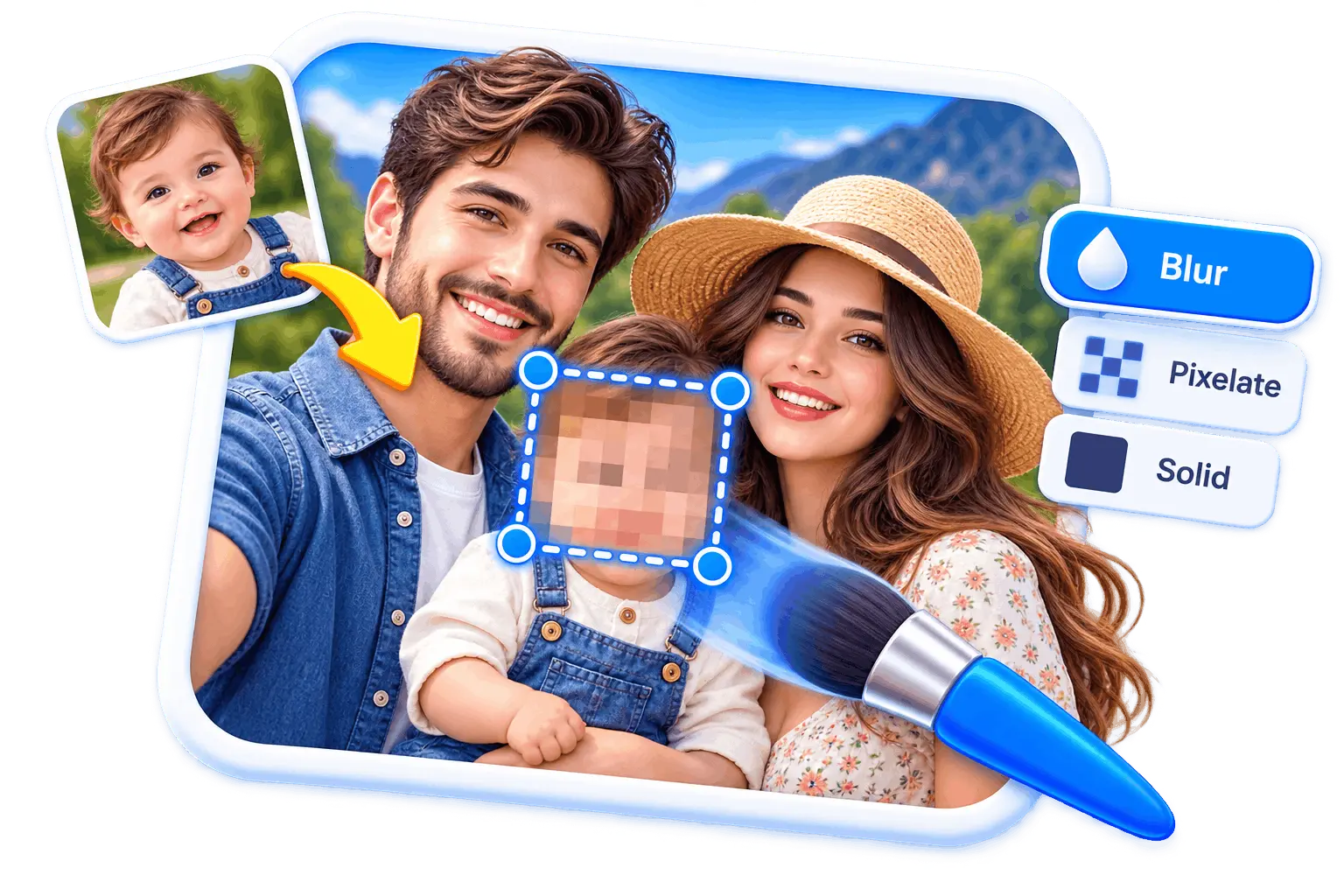
- Redaction, five ways: Blur, pixelate, a solid box, an emoji sticker or a glitch. Drag a shape over what you want gone or trace freehand around it, and change your mind afterwards without re-aiming: the style is a setting on the region, not a different tool.
- Which one to use: Solid, if it genuinely matters. Blur and pixelate transform the original pixels rather than removing them, and a weak one is sometimes partially reversible; a filled box has nothing underneath it at all. The editor says so in the panel rather than leaving you to find out.
If you need one of those right now, we would rather you knew before uploading anything than after.
If redaction is the whole job
Frequently asked questions
How the editor works, and where it stops.
Take your screenshot, then press Ctrl+V on this page. The editor opens with your image in it. Pick a tool from the rail on the left, mark up the part that matters, and adjust the size and colour until it reads clearly.
When you are happy with it, hit Download. There is no account step and no watermark.
No, and no honest screenshot text editor can do it cleanly. A screenshot is pixels, so the words in it are not text any more. What you can do is add your own text on top, or cover the old line with a filled box and type the replacement over it. That takes about five seconds and it looks the same in the exported file.
Yes to all three. Arrows and lines, rectangles, circles and stars, and a semi-transparent highlighter. Drag one onto the image and it becomes a layer you can move, recolour or remove later.
Yes. The pen tool draws in whatever colour and thickness you set, the marker draws semi-transparent so what is underneath still shows, and the eraser takes back the stroke you regret without undoing everything else.
Yes. Open the emoji tool, search or browse, then click one to drop it in the middle or drag it exactly where you want it. Each one lands as a layer you can resize, rotate, mirror, fade or swap for a different emoji without losing the size and angle you set. They come from Twemoji rather than your system font, which matters more than it sounds: a font emoji is drawn by whichever device opens it, so the same file would look different on a Mac, a PC and an Android phone. This way what you place is what everyone sees.
Yes. Select the image and use Crop in its toolbar. It lives with the picture rather than in the tool rail on purpose, so when there are two images on the canvas there is no doubt about which one you are trimming.
Pick up the Redact tool and drag over it. Five styles are there, and for a password or a card number the one to reach for is Solid: a blur or a mosaic is a transformation of the pixels that were there and a weak one can sometimes be partially reversed, while a filled box has nothing underneath it to recover. The panel tells you that at the moment you choose, not afterwards.
No. Your browser opens the file and draws on it locally. Nothing is sent to a server, which is also why it is instant on a big image and why it keeps working if your connection drops.
Yes. No signup, no export limit, no logo in the corner. Since the work happens on your computer rather than ours, there is no per-image cost for us to pass on.
PNG, JPG and WebP, up to 25 MB. Screenshots are almost always PNG, which is also the best format to export back to because it keeps text and interface edges sharp.
Yes, as long as you export as PNG or WebP. If you pick JPG the editor warns you first, because JPG has no transparency and those areas would come out white. We will not make that swap quietly.
Yes, though it is more comfortable on a larger screen. Tap to place text and use the on-screen keyboard as normal. The layers panel is hidden on narrow screens to leave room for the image.
Within the same browser, yes. Your work in progress is kept locally, so a refresh or an accidental tab close does not lose it. Clearing your browser data does, and it does not follow you to another device, because it was never on our servers to sync.
Edit your screenshot now
Paste it, mark it up, download it. Nothing gets uploaded and nothing gets watermarked.