
Photo Collage Maker
This photo collage maker turns your photos into one finished image: pick a template and a shape, frame each photo, and download it free at full size. Everything runs in your browser.
Drag & drop your photos
Add as many photos as you like. It all runs in your browser.
Six templates,
any number of photos
Drop in two photos or twenty. Every template redraws itself for the count you have, so there is never an empty cell to fill or a photo left over, and the first photo you add takes the big spot.
Collage layouts, ready to go
Each of these opens this collage maker with its template, shape and lines already set.
Tools that pair well with this one
All free, all in your browser, no signup.
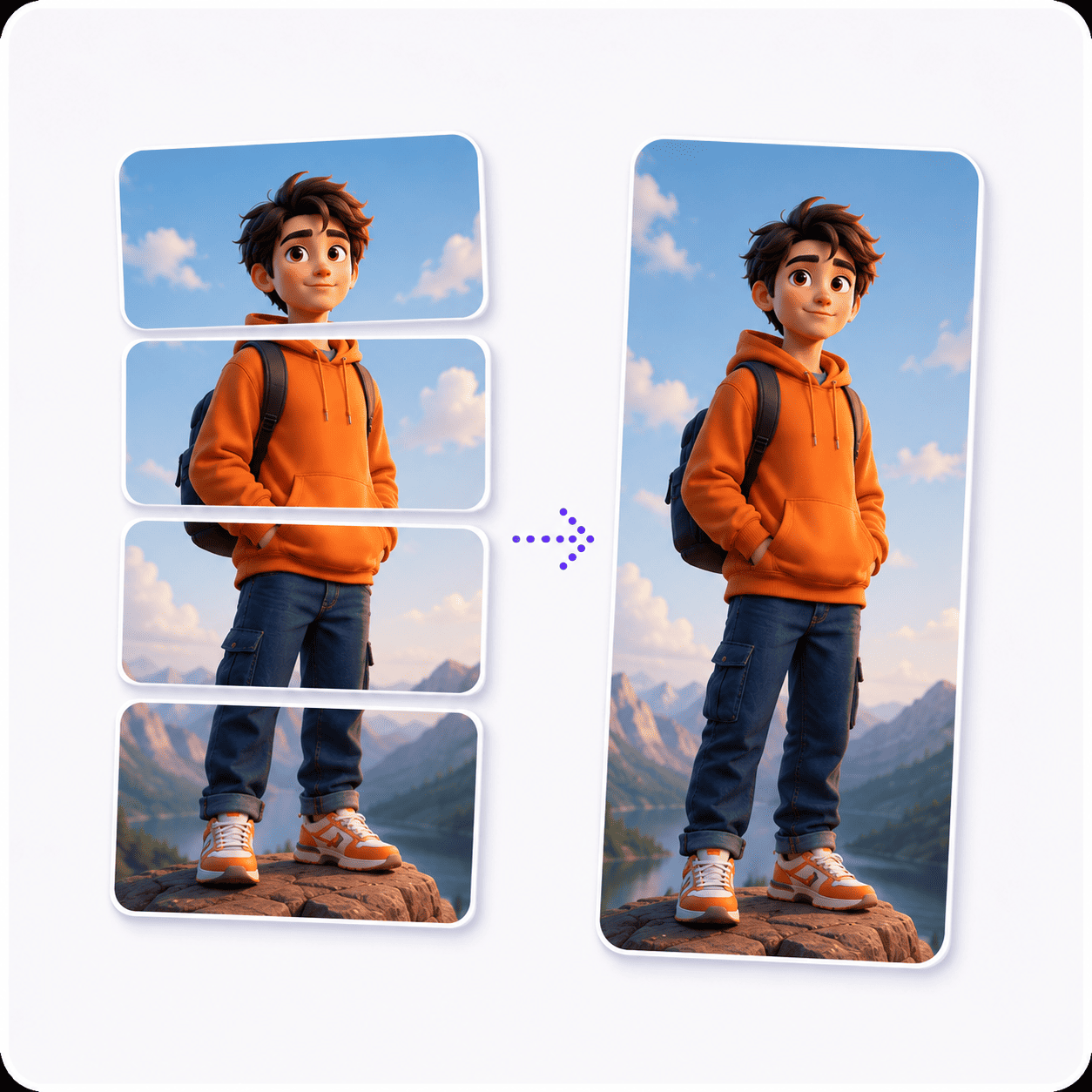
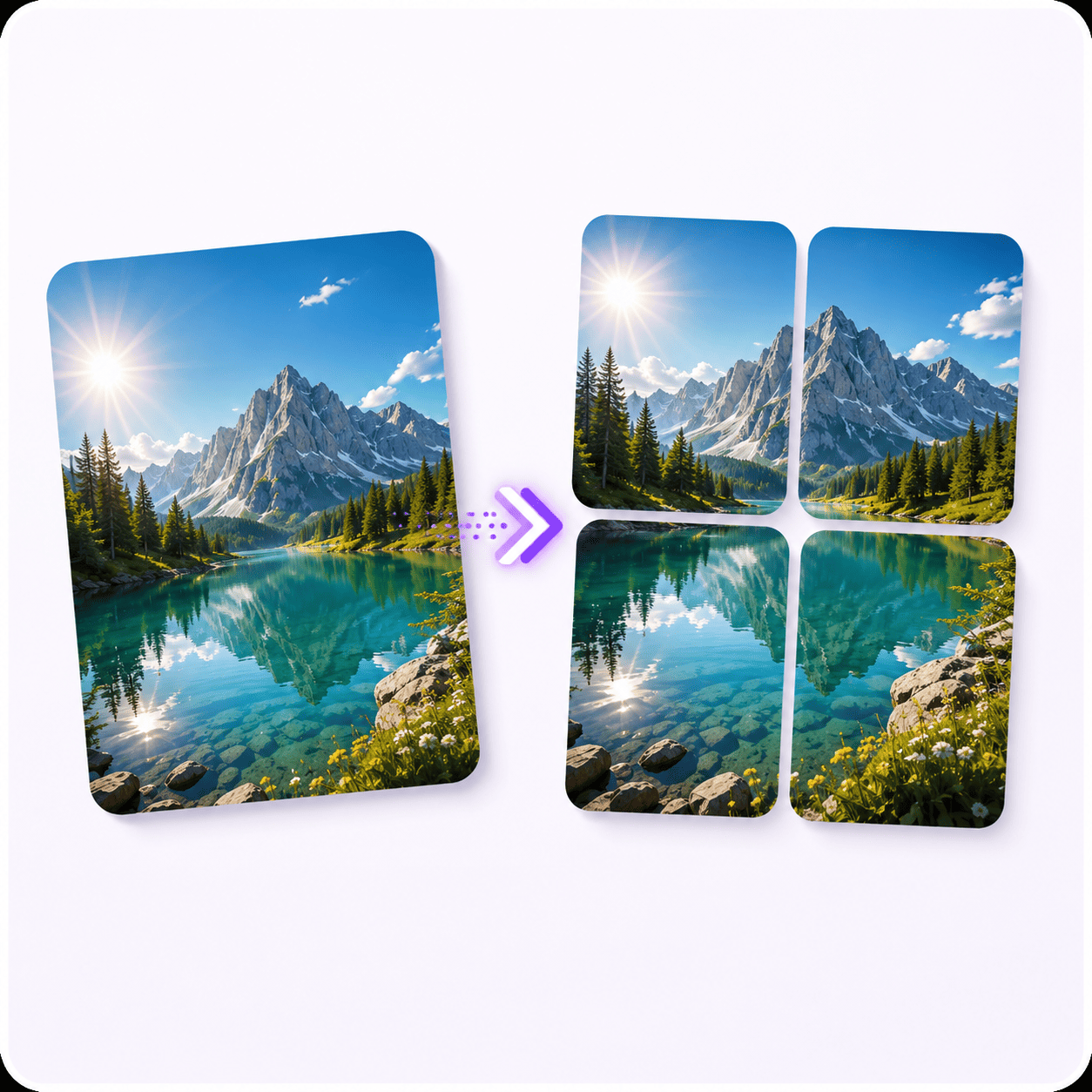
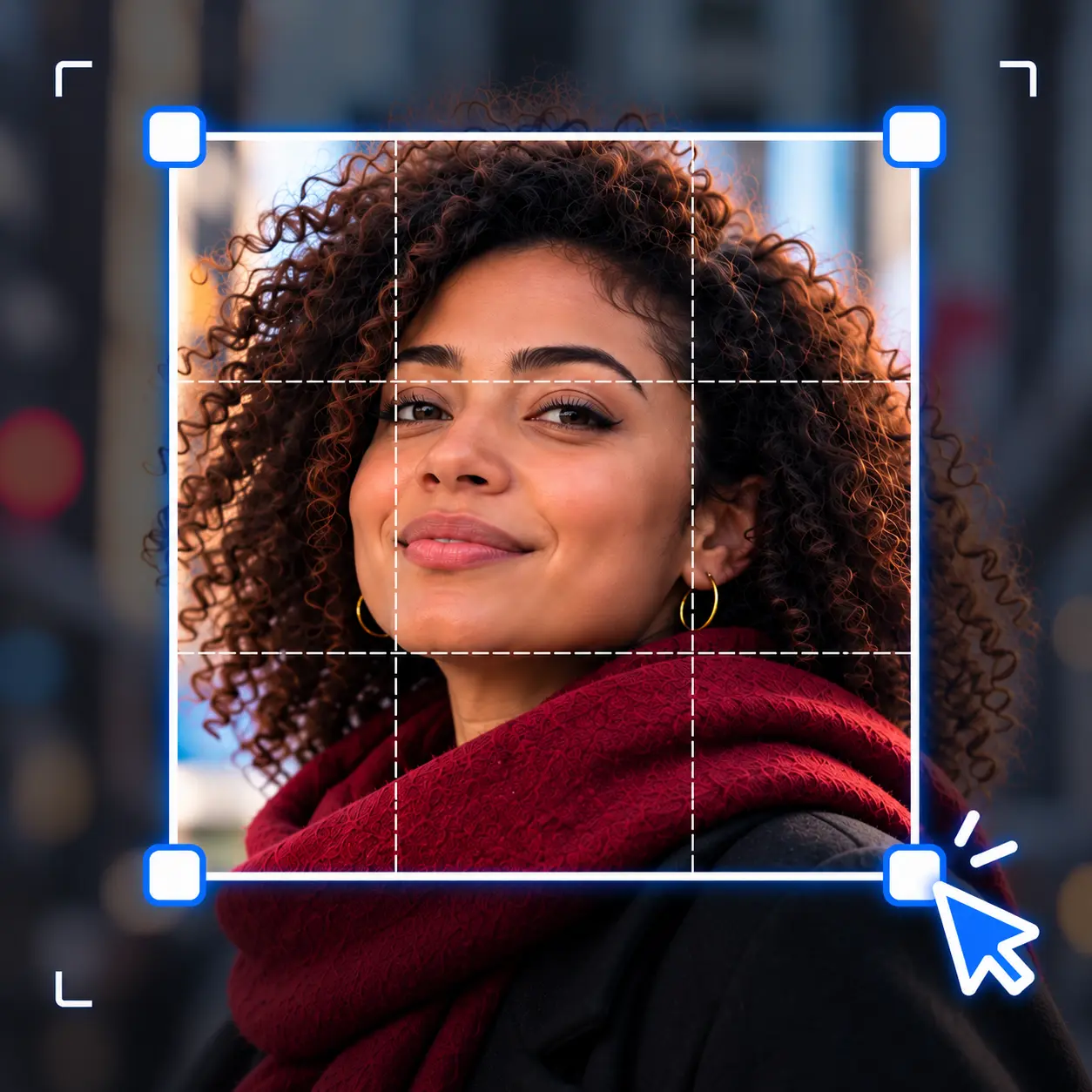
Why use Piknova?
A photo collage maker with nothing held back to get the job done.
What you get here for free that collage apps tend to keep behind a plan or an install.
Piknova
What you get- Every template and shape, free
- Full-size download, no watermark
- Works in the browser on a phone or a laptop
- No account to make a collage
- Photos stay on your device
Other tools
What you put up with- Premium layouts marked with a crown
- A logo stamped on the free export
- An app to install first
- Sign in before you can save
- Sent to a server to render
How to make a photo collage
Three steps, and the middle one is optional if Even on a square is what you wanted.
- 01
Add photos
Drop in as many as you like. The first one takes the big cell.
- 02
Pick a layout
Choose a template and a shape, then click any photo to frame it.
- 03
Download
PNG, JPG or WebP, at full size, 1080p or 720p. All free.
Pick by feel, not by count
Collage templates that fit any number of photos
Most collage makers sell you a template for four photos and leave you stuck when you have five. Here a template is a rule, not a fixed grid, so each one works with any count.
| Template | How it lays your photos out | Good for |
|---|---|---|
| Even | Up to three photos sit side by side. Past that, a near-square grid, and a short last row shares the full width so nothing is left blank. | Sets with no star: a weekend, a menu, a moodboard |
| Big left, Big right | The first photo takes two thirds of the width. The rest stack in the remaining third. | One hero shot plus details, like a dish and its ingredients |
| Big top, Big bottom | The first photo takes two thirds of the height. The rest line up in a row along the other third. | A group photo over the candids, or a story with a headline image |
| Mosaic | Rows of two, with the wide cell swapping sides each row. An odd last photo gets the whole row. | Travel sets, where a magazine-style rhythm beats a strict grid |
The big cell always goes to the first photo in the strip. Drag a different photo to the front and it takes the spot, no re-picking the template.
There is no rows-by-columns chooser. Even picks the grid for you from the count: nine photos give a 3x3, twelve give four across and three down.
Square, vertical or horizontal collage
The shape is one dropdown, and it decides where your collage can go more than the template does. Pick it for the place you are posting, then pick the template.
- Square photo collage: The default, and the safest shape for a feed. Nothing gets trimmed by a crop preview, on any platform.
- Vertical photo collage: Portrait 4:5 for an Instagram or Facebook feed post, where it takes up more of the screen than a square. Story 9:16 for stories, Reels covers and phone wallpapers.
- Horizontal photo collage: Wide 16:9 for a YouTube thumbnail, a slide or a desktop background. Landscape 4:3 for a print or a blog header that should not feel letterboxed.
Changing the shape never squashes a photo. The cells reflow to the new frame and each photo is cropped to fill its cell again, which you can then nudge.
Already have one photo in the wrong shape?
A picture collage maker that lets you frame each photo
A template decides where the cells are. What makes a collage look finished is what happens inside each one, so every photo gets its own controls.
Click a photo in the preview and the settings panel swaps to that photo. Click outside it, or Done, and the collage settings come back.
- Fit: Fill the cell (the template default) crops the photo to cover it edge to edge. Fit whole image shows all of it, with background around the gaps.
- Zoom and position: Zoom in up to three times, then drag the photo in the preview, or use the Horizontal and Vertical sliders, to choose which part shows.
- Flip and rotate: Mirror a selfie, or turn a sideways phone photo upright in quarter turns.
- Corners and opacity: Round one photo's corners, all the way to a pill, or fade it back so the one beside it leads.
Reset puts one photo back to its defaults without touching the others. That makes it cheap to try something odd.
Collage borders, lines and background colour
Lines are what make a collage read as separate photos instead of one busy image. They are optional, and you set them once for the whole collage.
- Between images: A gap between every pair of cells. Thin reads modern, thick reads like a printed photo board.
- Around the edge: A frame on the outside, the same thickness as the lines. Turn it on when the collage will sit on a busy background.
- Line colour: Eight presets plus a picker. White is the classic; black makes bright photos pop.
The background shows wherever a photo does not cover its cell, which only happens with Fit whole image or a faded photo. Pick Transparent, white, black, red, green, blue or your own colour.
JPG cannot hold transparency. Ask for a transparent JPG and you get a PNG instead, rather than a file with black corners.
How many photos should a collage have?
As many as the story needs, but the count does change which layout works. Here is what Even does with the common numbers, and where each one opens ready to go.
| Photos | What Even gives you | Worth trying instead |
|---|---|---|
| 2 | Two halves, side by side | Wide 16:9 for a before and after |
| 3 | Three tall strips | Big left, so one photo leads |
| 4 | A 2x2 grid | Big top, if one photo is the best |
| 5 | Three on top, two wider below | Big top with four along the bottom |
| 6 | Two rows of three | Landscape 4:3, so the cells are not too tall |
| 9 | A 3x3 grid | Square, with thin lines |
| 10 | Four, four, then two wide | Mosaic, for a looser rhythm |
Past a dozen or so, each photo gets small. The finished collage is held to 4000 pixels on its longest side so a phone does not run out of memory, so twenty photos share that frame twenty ways.
A free online collage maker, with no catch
Free collage maker usually means free until the download. This one is free at the download too, at every size and in every format.
- No watermark: Nothing is stamped on the collage. What you see in the preview is what you get.
- No account: Make and download a collage without signing in. We may ask afterwards, and saying no costs you nothing.
- No premium templates: All six templates and all five shapes, every colour, every export size.
- Nothing to install: It is an online collage maker in the plain sense: a page in your browser, on a phone or a laptop.
Free works here because it costs us nothing to run. The collage is drawn on a canvas in your browser tab, so your photos stay on your device and there is no server bill to pass on.
Collage maker or image merger?
They are the same engine with two front doors. This page opens on the collage templates; the image merger opens on plain layouts.
Use a collage template when the output has a fixed shape, like a square post or a 9:16 story, and every photo should be cropped to fill its cell. Use the merger's Grid, Stacked or Side by side layouts when every photo should keep its whole frame, like two screenshots stacked at full width.
You can switch either way inside the workspace, so nothing is lost by starting on the wrong page.
Frequently Asked Questions
What people ask before they make a collage.
A photo collage maker arranges several photos into one image using a layout, so you post or print one file instead of a stack. The good ones also crop each photo to fit its cell, which is the tedious part by hand.
Yes, completely. Every template, every shape and every export size is free, with no watermark and no account needed.
It can be free because your browser does the work. The photos never leave your device, so there is no server cost to charge you for.
There is no limit on the count. Even grows the grid as you add photos (nine make a 3x3, sixteen a 4x4), and the other templates share the space left beside the big cell.
The real limit is size. The collage stays within 4000 pixels on its longest side, so the more photos you add, the smaller each one comes out.
Yes. Open this page in your phone's browser, tap to add photos from your camera roll, and the collage downloads to your phone like any other image.
Dragging a photo inside its cell works with a finger too. If the screen feels cramped, the Horizontal and Vertical sliders do the same job.
The iPhone Photos app has no collage button. You have two options without installing anything.
- Shortcuts: Apple's Shortcuts app has a Combine Images action that joins photos in a row, a column or a grid. It works, but there are no templates and no way to frame each photo.
- This page in Safari: Add photos from your library, pick a template, and save the result to Photos from the download.
Google Photos does: in the app, the Create menu has a Collage option. It is quick for a handful of photos, with a small set of layouts and few controls over cropping.
Reach for a dedicated collage maker when you need a specific shape, like a 9:16 story, more photos, or control over which part of each photo shows.
Ask whether one photo is better than the rest. If it is, use a Big template and put it first. If they are all equal, use Even, and if the set feels stiff in a grid, try Mosaic.
Then pick the side for the big cell by where people will look first. Big top suits a feed, where people scroll down; Big left suits a wide slide, where they read across.
Not in the collage maker itself: it does the layout, the framing and the lines. Download the collage, then open it in Add Text to Image or Add Emoji to Photo for the finishing touch.
Ready to make your collage?
Drop in your photos, pick a template, and download. Free at full size, no account, and your photos stay on your device.