
10 Photo Collage Maker
Make a 10 photo collage in one drop: eight photos fill two rows of four, the last two share a wider row underneath, and hairline white lines run between them all.
Drag & drop your photos
Add as many photos as you like. It all runs in your browser.
Ten photos won't fit a neat grid.
So the last two get a bigger stage.
Ten does not divide into a tidy square, and most templates cover that with an empty cell or a cramped corner. Here the eight photos above share two even rows, and the final two stretch across the bottom.
Other collage layouts
The same collage maker, opened on a different photo count, template or shape. Each one starts with its layout already set.
Tools that pair well with this one
All free, all in your browser, no signup.
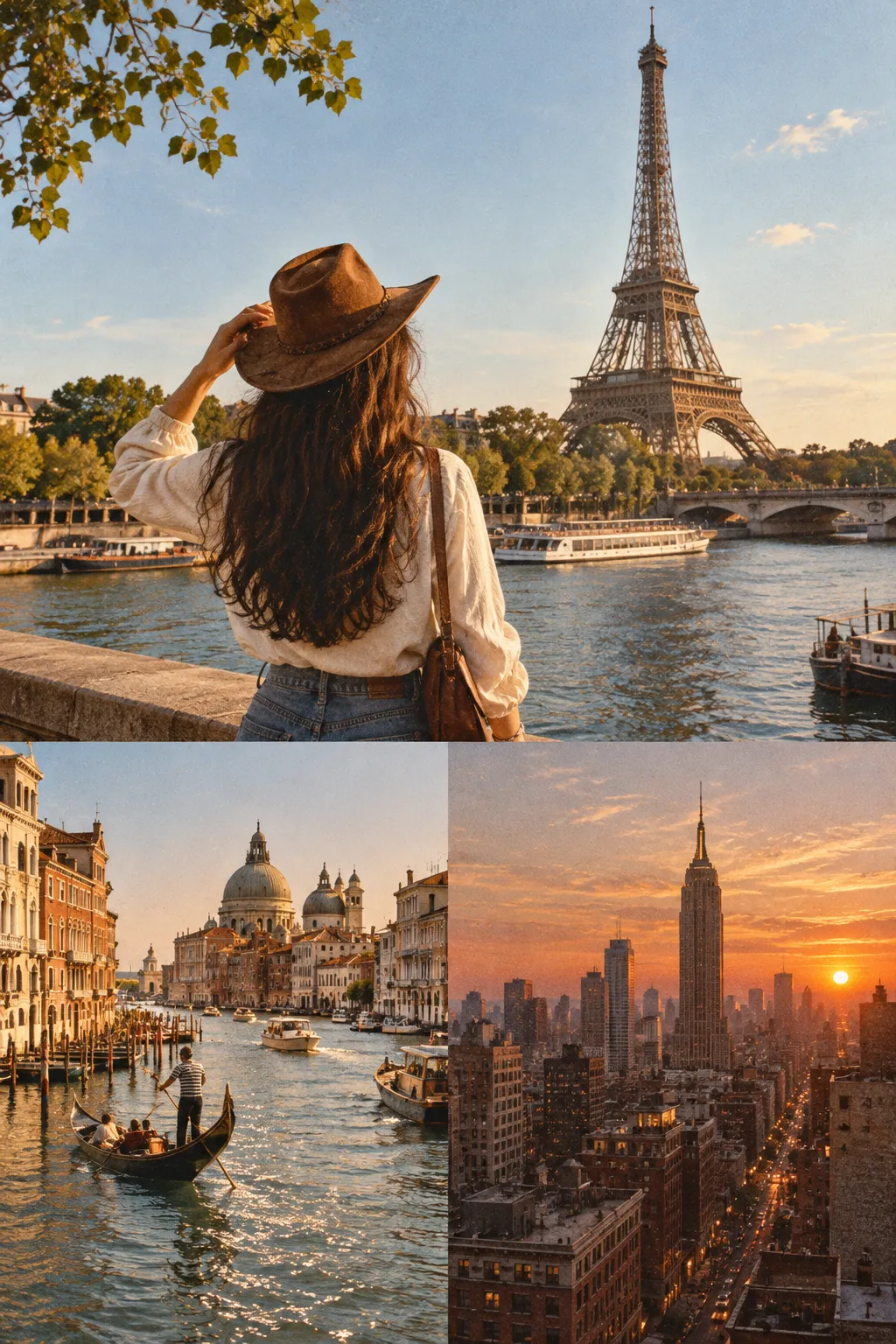
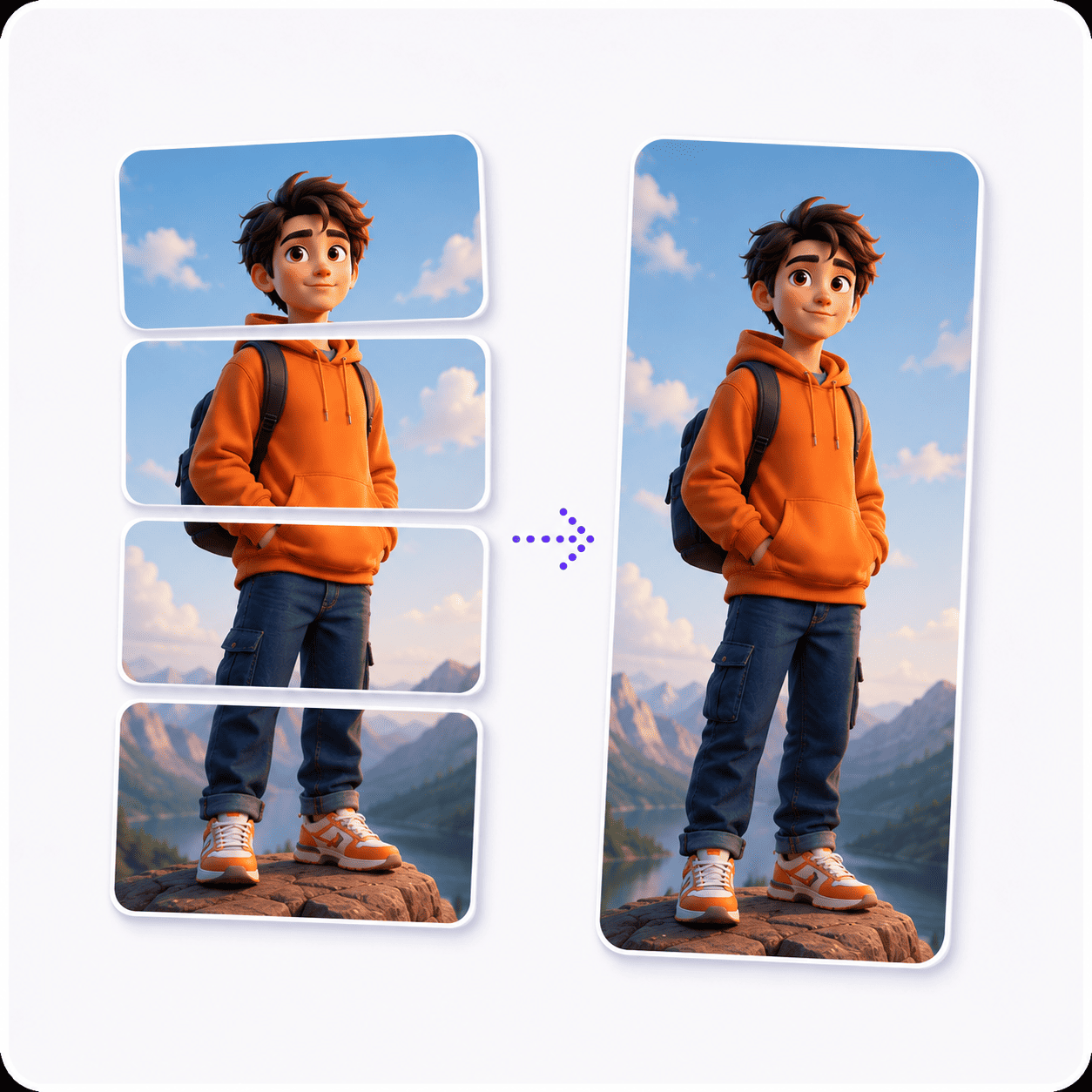

Why use Piknova?
Ten photos need room for ten.
What usually goes wrong past nine photos, and how this page handles it.
Piknova
What you get- Every photo has a cell, and the last row fills the width
- Add an eleventh or a twentieth photo any time
- Drawn in your browser, photos stay on your device
- Full size, 1080p or 720p, all free
- No account and no watermark
Other tools
What you put up with- A nine-cell template and one photo left out
- A photo limit on the free plan
- Ten uploads before you see a preview
- The full-resolution file behind a paywall
- A sign-up prompt before the download
Ten photos, three steps
Three steps in this browser tab, no account, no photo limit.
- 01
Drop ten photos
JPG, PNG, WebP or AVIF. Four per row, two in the last.
- 02
Pick the last two
Drag your two widest shots to the end of the strip so they get the big cells.
- 03
Download
PNG, JPG or WebP at any export size. No watermark, no account.
Step by step
How to make a 10 photo collage
The layout is ready before your photos arrive. With ten, the one decision that matters is which two go last.
- Drop ten photos: Drag them onto the box at the top or pick them from your files. The first four fill the top row, the next four the middle.
- Save the wide ones for last: Photos nine and ten get the bottom row, and those cells are twice as wide. Drag a landscape or a group shot into those spots.
- Reframe the small cells: Click a cell and drag the photo inside it until the subject sits in the middle.
- Check the lines: They start hairline thin. Open Lines to thicken them, change the colour or add a frame around the edge.
- Download: Choose PNG, JPG or WebP and an export size. Full size keeps ten small photos sharp.
The layout
Four, four and two: the 10 photo collage, measured
This page opens on the Even template, the Square shape and white lines at 1%. The table comes from the same code that draws your download.
| Part | Size at 1080 | Photo shape that fits it |
|---|---|---|
| The whole collage | 1080 x 1080 px | 1:1, square |
| Photo 1 | 265 x 355 px | 3:4, upright |
| Photos 2 and 3 | 259 x 355 px | 3:4, upright |
| Photo 4 | 264 x 355 px | 3:4, upright |
| Photo 5 | 265 x 349 px | 3:4, upright |
| Photos 6 and 7 | 259 x 349 px | 3:4, upright |
| Photo 8 | 264 x 349 px | 3:4, upright |
| Photo 9 | 535 x 354 px | 3:2, sideways |
| Photo 10 | 534 x 354 px | 3:2, sideways |
The eight cells in the top two rows are a little taller than wide, close to a phone photo held upright. The two at the bottom are twice as wide and suit landscape shots.
That split is deliberate. A collage of ten usually has a couple of wide scenes among the portraits, and the last row is where they fit.

More photos
What happens past ten photos
Nothing stops at ten. Even keeps filling rows, widens them as the count grows, and the last row shares whatever space is left.
| Photos | Photos per row | Smallest cell |
|---|---|---|
| 2 | 2 | 540 x 1080 px |
| 3 | 3 | 360 x 1080 px |
| 4 | 2 + 2 | 540 x 540 px |
| 5 | 3 + 2 | 360 x 540 px |
| 6 | 3 + 3 | 360 x 540 px |
| 7 | 3 + 3 + 1 | 360 x 360 px |
| 8 | 3 + 3 + 2 | 360 x 360 px |
| 9 | 3 + 3 + 3 | 360 x 360 px |
| 10 | 4 + 4 + 2 | 270 x 360 px |
| 11 | 4 + 4 + 3 | 270 x 360 px |
| 12 | 4 + 4 + 4 | 270 x 360 px |
Twelve gives three full rows of four, and sixteen gives four rows of four with nothing left over. Thirteen gives three rows of four and one photo across the whole bottom.
Twenty photos come out as five photos across in four rows. Past that the cells get small, so export at Full size.
Templates
Every 10 photo collage template, compared
Six templates sit above the preview. Here is what each one does with ten photos on a square.
| Template | Where the ten photos go | Good for |
|---|---|---|
| Even | Rows of four and four, then two wider cells | Ten photos of equal weight (this page's default) |
| Big top | A wide cell over nine thin slivers | Rarely; nine in one row is a lot |
| Big bottom | Nine slivers over a wide cell | Rarely, for the same reason |
| Big left | A tall cell beside nine stacked strips | One portrait and nine panoramas |
| Big right | The same, mirrored | As Big left |
| Mosaic | Five rows, each a wide and a narrow cell, the wide one switching sides | Mostly landscape photos |
Mosaic is the best alternative to Even here. Ten is an even number, so its five rows all pair a wide cell with a narrow one, and nothing ends up as a lone strip.
Picking photos
A 10 picture collage that tells a whole year
Ten pictures is the classic count for a year, a trip or a season in review. A loose order makes it read like one.
- Go in time order: Top left to bottom right is how people read it, so start with the earliest photo and end with the latest.
- One photo per chapter: Ten near-identical beach shots blur together. Pick one from each place, month or person instead.
- End wide: The last two cells are the biggest. A closing view or a final group photo makes a better ending than a close-up.
For a year in review, pick the eight months that had the most going on for the top rows. Save the two biggest moments of the year for the wide cells at the bottom.
Wide screens
Ten photos on a wide or a tall canvas
The square suits a feed post. For a screen or a print, the shape you pick changes every cell.
| Collage shape | Canvas | Photo 1's cell | Photo shape that fits it |
|---|---|---|---|
| Square (opens here) | 1080 x 1080 px | 265 x 355 px | 3:4, upright |
| Portrait 4:5 | 1080 x 1350 px | 265 x 445 px | 9:16, upright |
| Story 9:16 | 1080 x 1920 px | 265 x 635 px | 1:2, upright |
| Wide 16:9 | 1920 x 1080 px | 475 x 355 px | 4:3, sideways |
| Landscape 4:3 | 1440 x 1080 px | 355 x 355 px | 1:1, square |
On Wide 16:9 the eight small cells turn landscape and the last two become panoramas, which suits a slide or a desktop. On Portrait 4:5 the small cells get thin, so ten works better there for a print than a phone.

10 photo collage: common questions
Short answers about fitting ten photos in one image.
In three rows: four, then four, then two. The two in the last row share its full width, so there is no empty cell.
This page opens on that layout, the Even template on a square.
Ten does not fill rows of four evenly, so the last row has two photos instead of four, and each one gets twice the width.
Put your widest photos ninth and tenth in the strip and the bigger cells work in your favour.
Yes. Switch the Collage shape to Portrait 4:5 and the same four, four and two rows fill a taller canvas.
The small cells get thin on that shape, so reframe faces into the middle of each one.
Yes, there is no photo cap. Even keeps adding rows of up to four, and from seventeen photos it goes five across.
Twelve and sixteen fill their rows exactly.
The Thickness slider goes down to 0.5% of the collage's shorter side. This page already starts at 1%.
Turn Between images off for no lines at all, with the photos touching.
Pick eight photos from across the year for the top two rows, then save the two biggest moments for the wide bottom row.
Keep them in time order. People read a collage like a page, so the order is the story.
Ten photos, and room to spare.
Drop ten photos and get rows of four, four and two in seconds. Add more any time. Free, no account, no watermark.