
3 Photo Collage Maker
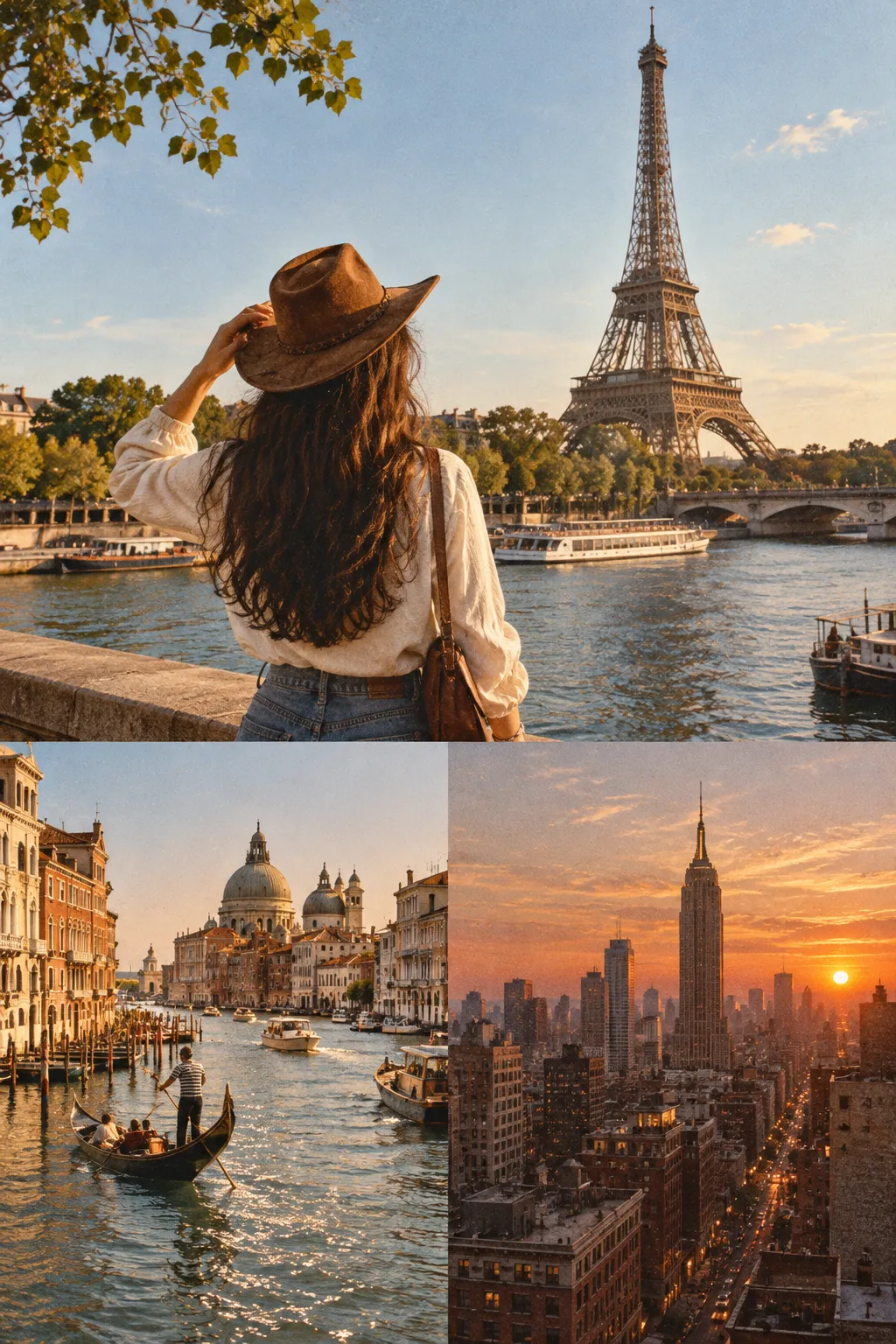
Make a 3 photo collage from one drop: the first photo takes the big cell on the left, the other two stack beside it, and a thin white line keeps them apart.
Drag & drop your photos
Add as many photos as you like. It all runs in your browser.
Two photos compare.
Three photos tell a story.
The wide shot, the face, the detail. A three-photo collage works when one picture sets the scene and the other two zoom in, so this one opens with a big cell for the scene and two smaller ones for the close-ups.
Other collage layouts
The same collage maker, opened on a different photo count, template or shape. Each one starts with its layout already set.
Tools that pair well with this one
All free, all in your browser, no signup.
Why use Piknova?
Three photos, one frame, and nobody gets squashed.
What a good three-photo collage needs, against the shortcuts that spoil one.
Piknova
What you get- The big cell goes to the photo you put first
- Each photo fills its cell, and you drag to choose the crop
- Drawn in your browser, photos stay on your device
- PNG, JPG or WebP at every size, all free
- No account and a clean file
Other tools
What you put up with- Fixed slots filled in whatever order the upload finished
- An automatic crop that trims the top of someone's head
- Three photos sent to a server to build a preview
- The full-size download kept for paying users
- An email address first, a logo baked in after
Three photos, three steps
Three steps in this browser tab, no account, no photo limit.
- 01
Drop three photos
JPG, PNG, WebP or AVIF. The first lands in the big cell, the other two stack beside it.
- 02
Choose the star
Drag thumbnails to change which photo is big, then click any cell to zoom or pan inside it.
- 03
Download
PNG, JPG or WebP, at any export size. No watermark, no account.
Step by step
How to make a 3 photo collage
The layout arrives already built. Your job is casting: who plays the lead, and what each supporting cell shows.
- Drop all three: Drag them onto the box at the top, pick them from your files, or paste one with Ctrl+V. They fill the cells in the order they arrive.
- Put the lead first: The first thumbnail in the strip takes the big cell. Drag the photo that sets the scene to the front.
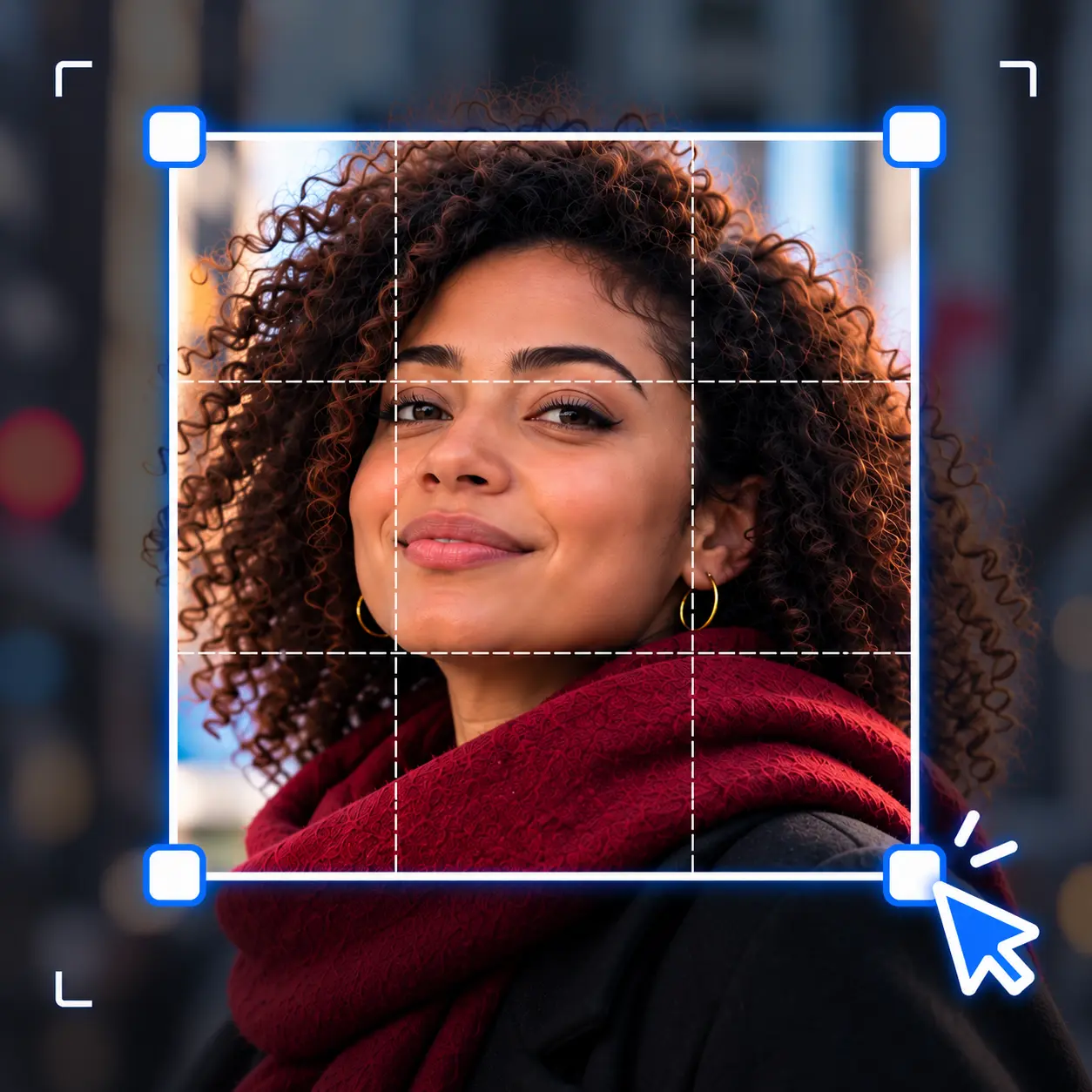
- Frame the two small cells: Click a small cell and drag inside it so the face or detail sits in the middle. Zoom in when the subject is lost in the background.
- Save it: Pick a format and an export size and download. The file is a plain image, ready for a post, a slide or a print.
Reordering keeps each photo's zoom and position, so you can try every photo in the big cell without redoing your framing.
The layout
One big, two small: the 3 photo collage, measured
This page opens on Big left with the Landscape 4:3 shape. The numbers below come from the same layout code that draws your download.
| Part | Size at 1080 | Photo shape that fits it |
|---|---|---|
| The whole collage | 1440 x 1080 px | 4:3, sideways |
| Photo 1 (the big cell) | 949 x 1080 px | 4:5, upright |
| Photos 2 and 3 | 469 x 529 px | 4:5, upright |
All three cells come out a little taller than square, which is kind to phone photos. A portrait loses a sliver top and bottom, and a landscape loses more from its sides.
The big cell is twice as wide as the small ones, so it carries twice the detail. Give it the photo that still reads when it is the only one somebody looks at.

Picking photos
Choosing pictures for a 3 picture collage
Three similar photos make a collage that looks like a burst shot nobody deleted. Three different distances make it look like you planned it.
- The big cell: the wide shot: The whole table, the whole beach, the whole room. It tells people where they are.
- First small cell: a face: A person reads well even at a third of the width, as long as you zoom until the face fills most of the cell.
- Second small cell: a detail: The cake, the ticket stub, the dog's paw. Small cells love simple subjects with one clear shape.
Mixing colour and black and white photos rarely works in a collage this small. If one photo is much warmer than the others, the eye goes there first, so make sure it is the big one.

Templates
Every 3 photo collage template, compared
Six templates sit above the preview, and with three photos each one does something different. Switching is one click, so trying all six takes about ten seconds.
| Template | Where the three photos go | Good for |
|---|---|---|
| Big left | One big cell on the left, two stacked on the right | A scene plus two close-ups (this page's default) |
| Big right | The same, mirrored | When the big photo's subject faces left |
| Big top | One wide cell on top, two side by side underneath | A landscape or group shot over two portraits |
| Big bottom | Two side by side on top, one wide cell underneath | Building up to the main photo |
| Even | Three equal cells in a row | Three photos of equal weight, like a triptych |
| Mosaic | A wide cell and a narrow one, then the third across the full width | A panorama underneath two smaller moments |
Whichever template you pick, the first photo in the strip takes the first cell. In the featured templates that is always the big one.
In a row
A 3 photo collage side by side
Three in a row is the classic triptych. Choose Even and the photos line up in three equal columns, whatever the collage shape.
The shape decides how slim those columns are. On Wide 16:9 each one is close to a phone photo held upright, which makes three portraits look great and three landscapes look cramped.
On Landscape 4:3 or a square, three columns get very narrow, so only tall subjects survive. For three landscape photos in a row, the Side by side (columns) layout under Layout keeps each one whole instead.
Picking a classic layout switches the collage template off, and picking a template switches the layout off. They are one choice, shown in two places.
Tall shapes
A vertical 3 photo collage
For a story, a phone wallpaper or a printed bookmark, the collage needs to stand up. Here is what this page's Big left layout does on each shape.
| Collage shape | Canvas | Photo 1's cell | Photo shape that fits it |
|---|---|---|---|
| Square | 1080 x 1080 px | 709 x 1080 px | 2:3, upright |
| Portrait 4:5 | 1080 x 1350 px | 709 x 1350 px | 1:2, upright |
| Story 9:16 | 1080 x 1920 px | 709 x 1920 px | 1:2, upright |
| Wide 16:9 | 1920 x 1080 px | 1269 x 1080 px | 5:4, sideways |
| Landscape 4:3 (opens here) | 1440 x 1080 px | 949 x 1080 px | 4:5, upright |
On Story 9:16 the big cell turns into a tall, thin strip. Switch the template to Big top and the lead photo gets the top two thirds while the other two sit side by side beneath it.
Want three photos stacked in equal rows instead? Pick Stacked (rows) under Layout. Each photo shrinks to fit whole, and the collage takes the shape the three photos make together.
3 photo collage: common questions
Short answers about arranging three photos in one image.
Whichever photo is first in the strip under the preview. Drag a thumbnail to the front to give it the big cell.
As a rule of thumb, give it the widest shot and let the small cells hold the close-ups.
Yes. Pick the Even template and the three photos sit side by side in equal columns.
Wide 16:9 gives the columns the most room. For landscape photos, the Side by side (columns) layout keeps each one whole.
Set the Collage shape to Story 9:16 or Portrait 4:5, then pick Big top so the lead photo sits above the other two.
For three equal rows, choose Stacked (rows) under Layout instead.
Yes, pick Big right. The big cell moves to the right and the two small ones stack on the left.
It helps when the subject of the big photo looks or points to the left, so their gaze leads into the collage instead of out of it.
Every photo starts on Fill the cell, which covers the cell and trims whatever overflows. A wide photo in a small upright cell loses the most.
Click the cell and drag to choose which part shows, or switch that photo to Fit whole image to see all of it with a little background around it.
A triptych is a picture in three panels, side by side. It started with hinged altar paintings and lives on in photo prints and gallery walls.
Here it is the Even template with three photos. Three portraits on Wide 16:9 is the easiest way to get one that looks deliberate.
Three photos. One of them is the star.
Drop three photos, decide which one gets the big cell, and download your collage. Free, with no account and no watermark.