
Instagram Story Collage
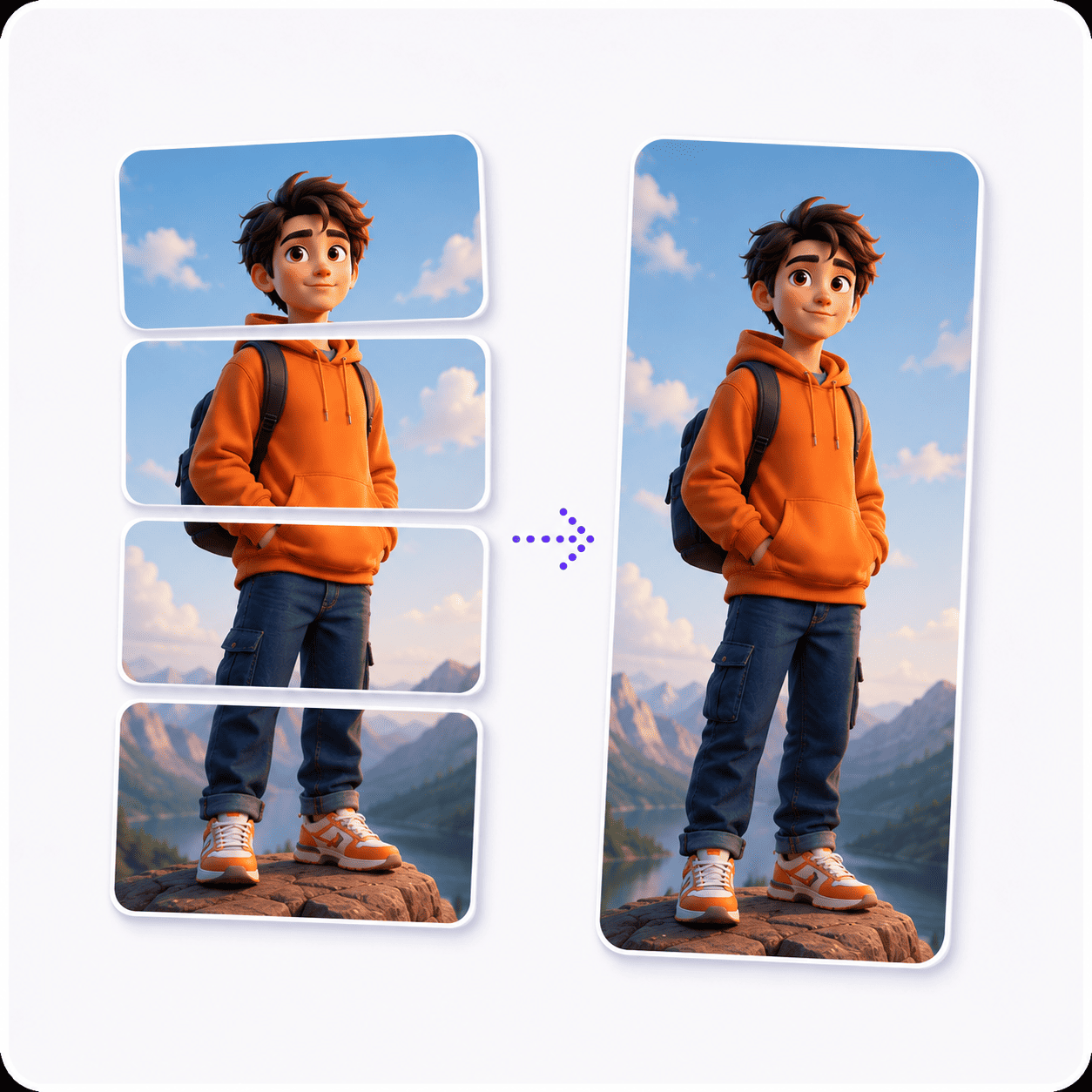
Build an Instagram story collage that fills the whole phone screen: one big photo across the top, three more underneath, edge to edge in a 9:16 frame.
Drag & drop your photos
Add as many photos as you like. It all runs in your browser.
Four photos, one story,
no tapping through.
A run of story slides gets skipped by the third tap. One full-screen collage shows the whole day before anyone's thumb moves, and it fits the phone because it was built in the phone's own shape.
Other collage layouts
The same collage maker, opened on a different photo count, template or shape. Each one starts with its layout already set.
Tools that pair well with this one
All free, all in your browser, no signup.
Why use Piknova?
A story collage should fill the screen, not fight it.
Where story collages usually go wrong, and what this one does instead.
Piknova
What you get- Built at 9:16, the exact story shape
- Full resolution, so the story stays sharp
- Drawn in your browser, photos stay on your device
- Every size and format free, no watermark
- No account, no app to install
Other tools
What you put up with- A square collage floating on a blurred background
- A small export that turns soft once posted
- Photos sent to a server before you can post
- A logo stamped across your story
- An app download for one collage
A story collage in three steps
Three steps in this browser tab, no account, no photo limit.
- 01
Drop four photos
The first fills the top two thirds. The other three share the bottom.
- 02
Keep faces clear
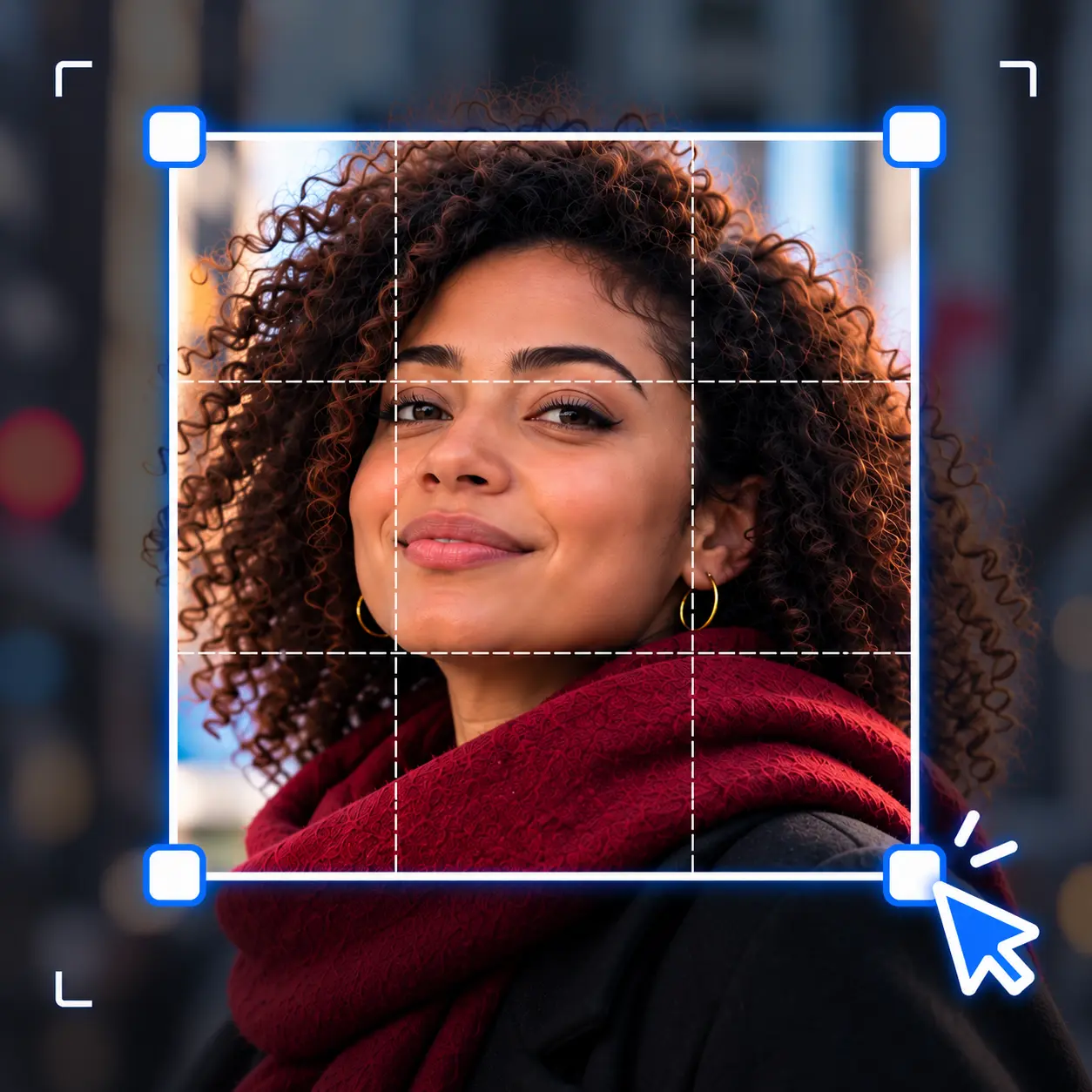
Click a cell and drag the photo so nothing important sits at the very top or bottom.
- 03
Download at Full size
Save as JPG or PNG and post it from your camera roll.
Step by step
How to make an Instagram story collage
The canvas is already story-shaped when the page opens. Here is the whole job, from camera roll to posted.
- Pick four photos: One hero shot for the top, plus three upright ones for the row underneath.
- Drop them in: Drag them onto the box at the top, or tap it on a phone and pick from your photos.
- Put the hero first: The first photo in the strip fills the big cell. Drag thumbnails to change the order.
- Clear the edges: Drag each photo inside its cell so faces sit away from the top and bottom of the screen.
- Download at Full size: Pick Full size under export, then save as JPG or PNG.
The default
What this Instagram story collage maker opens on
Big top, Story 9:16, four photos, no lines. These numbers come from the same code that draws your download.
| Part | Size at 1080 | Photo shape that fits it |
|---|---|---|
| The whole collage | 1080 x 1920 px | 9:16, upright |
| Photo 1 (the big cell) | 1080 x 1269 px | 4:5, upright |
| Photo 2 | 349 x 629 px | 9:16, upright |
| Photo 3 | 338 x 629 px | 9:16, upright |
| Photo 4 | 349 x 629 px | 9:16, upright |
The big cell is close to a 4:5 feed post, so the photo you put on the grid last week fits it nearly whole. The three cells below are exactly the shape of a phone screen.
Lines are off so the story runs edge to edge. Switch on Between images under Lines if you want the photos to read as separate frames.

Templates
Which story collage template fits your photos
A tall canvas changes what each template does. Here is how they behave on Story 9:16, by photo count.
| Template and photos | What the cells look like | Use it for |
|---|---|---|
| Big top, 4 | One near 4:5 on top, three phone-screen cells below | A hero shot plus three moments |
| Big top, 3 | Three cells, all close to 4:5 | Three photos already posted to the feed |
| Even, 4 | Four phone-screen cells in a 2x2 | Video stills and screenshots |
| Mosaic, 4 | Two cells exactly 3:4, two narrow ones | Upright camera photos, which are 3:4 |
| Mosaic, 6 | Three rows, wide near-square cells beside narrow ones | A full day in one story |
| Even, 2 or 3 | One row of tall, thin strips | Avoid: pick Big top instead |
Your phone camera shoots 3:4 upright, not 9:16. That is why Mosaic, with its exact 3:4 cells, crops camera photos the least.
Safe zones
Keeping faces clear of the story buttons
Instagram lays its own interface over every story. Your collage still shows there, but it shares the space.
- The top: The progress bar, your name and the close button sit over roughly the top 250 pixels of a 1080 by 1920 story.
- The bottom: The reply box and the like and share buttons cover about the same strip at the bottom.
- The fix: Click the big cell and drag its photo down a little, and keep faces in the middle of the bottom cells.
Stickers, polls and text you add in Instagram go in the gaps you leave. Plan a calm patch for them before you download.
Posting
Getting the photo collage into your Instagram story
The collage downloads as a normal image file. Instagram only needs to find it in your photos.
- On an iPhone: The file lands in the Files app first. Open it, tap Share and pick Save Image so it appears in Photos.
- On Android: It goes to your Downloads folder, which shows up as an album in Instagram's gallery picker.
- Post it: Open Instagram, swipe right for the story camera, and pick the collage from the gallery. It fills the screen with no zooming.

Other apps
A 9:16 collage for Reels, TikTok and Shorts, plus its feed twin
Every vertical app uses the same 9:16 frame, so one file covers them all. For a feed post of the same photos, change one setting.
| Collage shape | Canvas | Photo 1's cell | Photo shape that fits it |
|---|---|---|---|
| Square | 1080 x 1080 px | 1080 x 709 px | 3:2, sideways |
| Portrait 4:5 | 1080 x 1350 px | 1080 x 889 px | 5:4, sideways |
| Story 9:16 (opens here) | 1080 x 1920 px | 1080 x 1269 px | 4:5, upright |
| Wide 16:9 | 1920 x 1080 px | 1920 x 709 px | 3:1, sideways |
| Landscape 4:3 | 1440 x 1080 px | 1440 x 709 px | 2:1, sideways |
Reels, TikTok and YouTube Shorts all show 9:16 at 1080 by 1920, so the story file works as a cover or a photo post on any of them.
For the feed, switch the shape to Portrait 4:5 and download again. Your order and framing stay put, so it takes seconds.
Instagram story collage: common questions
Short answers about making and posting a collage for a story.
A story is 9:16, shown at 1080 by 1920 pixels. This page opens on that shape, so the collage fills the screen with no bars.
Download at Full size so it has at least that many pixels to give.
Download it, make sure it is in your photos, then open the story camera in Instagram and pick it from the gallery.
On an iPhone, save it from the Files app to Photos first.
Yes, the story camera has a Layout option that drops a few photos into a fixed grid. It is quick, with less control over the shapes.
Building it here gives you a big feature cell, reordering, lines, and a file you can post to other apps too.
Usually the export size. 1080p fits the collage inside a landscape 1920 by 1080 box, so a tall story comes out only about half as wide as it should be.
Pick Full size before you download, and the collage keeps the detail your photos have.
Partly. Instagram puts your name and progress bar over the top and the reply box over the bottom, roughly 250 pixels each.
Drag photos inside their cells so faces sit nearer the middle of the screen.
Yes. TikTok, Reels and YouTube Shorts all use the same 9:16 frame as a story.
Post the same file as a photo, a cover, or a still in a video.
One tap, the whole story.
Drop four photos and get a full-screen 9:16 collage, ready to post. Free, no account, no watermark.