

JPEG and JPG are the same format. Same bytes, same encoder, same everything. The only difference is how many letters are after the dot.
So if you are trying to convert a JPEG to a JPG, the fastest fix is to rename the file. Change photo.jpeg to photo.jpg and you are done. Nothing needs converting because nothing is different.
That answer is true and slightly unsatisfying, so here is the rest of it: why two extensions exist, when a rename is not enough, and what the conversions that genuinely change a file actually do to it.
Why there are two extensions in the first place
MS-DOS allowed exactly three characters after the dot. The format's real name is JPEG, after the Joint Photographic Experts Group that specified it in 1992, so Windows truncated .jpeg to .jpg and moved on.
Mac and Unix had no such limit and kept the full spelling. Thirty years later both are still in circulation, still identical, and still generating search traffic from people who reasonably assume two names must mean two things.
If you want the primary source on what a JPEG is and is not, MDN's guide to image file types is the least marketed explanation on the internet.
When a rename works, and when it does not
Renaming works whenever the thing receiving the file trusts the extension. That covers most upload forms, most desktop software, and every image viewer.
It fails in a few specific spots:
The form reads the file, not the name. Better validators sniff the first few bytes to identify the format and ignore the extension entirely. Those will accept your file either way, so a rejection here usually means something else is wrong: the file is too large, or it is secretly a PNG that somebody renamed to .jpg years ago.
The file was never a JPEG. This one is common and invisible. Somebody saved a screenshot, renamed it to .jpg, and it has been travelling under a false name ever since. A strict uploader catches it instantly. The fix is a real conversion, not another rename.
macOS hides the extension. Renaming in Finder with extensions hidden edits the display name and leaves the real one alone. Turn on "Show all filename extensions" in Finder settings before you fight this any further.
The six conversions that actually change something
Piknova handles three formats, which gives six real pairs. Here is what each one is for:
| Conversion | Use it when | Cost |
|---|---|---|
| JPG to PNG | Something demands PNG, or you are about to edit repeatedly | File grows a lot on photos |
| PNG to JPG | The PNG is too big to email or upload | Transparency is flattened, small quality loss |
| JPG to WebP | Putting a photo on a web page you own | Some old software still cannot open WebP |
| PNG to WebP | A graphic with transparency that has to load fast | Same compatibility caveat |
| WebP to JPG | You downloaded a WebP and your editor refuses it | Transparency is lost |
| WebP to PNG | Same, but the image has transparency worth keeping | File grows |
Each of those has its own page because each answers a different question. The image converter is the same engine with both dropdowns unlocked, for when you already know what you want.
Which format should this actually be?
Skip the format war. There are four situations and they have clear answers:
A photo, going on the web. WebP if the site is yours, JPG if you are handing it to a platform. A JPG is universally understood, which is worth more than the bytes you would save.
A logo, a screenshot, a diagram, anything with hard edges or text. PNG. JPEG compression is designed for photographs and leaves visible fuzz around sharp edges. Text in a JPEG at 75% quality looks like it has been breathed on.
Anything with a transparent background. PNG or WebP. JPEG has no alpha channel whatsoever, so converting a transparent PNG to JPG fills the gap, usually with white.
A working file you will edit again tomorrow. PNG. Every JPEG save re-compresses the entire image, so five rounds of edits means five generations of loss. PNG saves are free.
"Compress JPEG to JPG" and what people mean by it
This is a real search and it is asking two things at once. Usually the file is too big for something, and the person assumes the extension is involved.
It is not. What controls the size is the quality setting, and our converter exposes it as four steps rather than a slider, because JPEG does not have the precision a slider implies:
- 50% for a thumbnail or a preview where nobody is looking closely
- 75% is the default, small files with no artifacts visible on a real photo
- 90% when the image has text or fine detail in it
- 100% for the highest quality JPEG allows, which is still lossy
That last one is worth internalising. There is no such thing as a lossless JPEG. 100% means the loss is invisible, not absent. PNG has no lossy mode at all, so the quality control does nothing there, and WebP switches into a genuinely lossless mode at 100%.
Converting a photo into JPG from something we do not support
Honest limits, since half the "any to jpg" searches are about a format we cannot touch.
Everything here runs on your browser's own image decoder, which means we can convert what the browser can already open: JPG, PNG and WebP. Files the browser will not decode need a step before us:
HEIC from an iPhone. Change Settings, Camera, Formats to "Most Compatible" and future photos are shot as JPEG. For photos you already have, sharing them to Mail or Files converts them on the way out. AirDrop to a Mac also converts.
Camera RAW. Export to JPG or PNG from Lightroom, Capture One, or your camera maker's software. RAW is not really an image format, it is sensor data with a recipe attached.
PDF, SVG, GIF, AVIF, TIFF. Not supported yet. SVG in particular you usually do not want to convert, since the whole point is that it scales.
We would rather say that plainly than accept your file and hand back an error. If you drop something we cannot read, the tool tells you what it detected rather than failing with a code.
Why all of this happens in your browser
No upload. Your file never leaves the tab, which has three practical consequences:
It is instant. No round trip, no queue, no "your file is 4th in line" spinner.
It is private by construction, not by policy. There is no privacy promise to trust here because there is no server holding your file. A screenshot of an invoice, a photo of an ID, a client's unreleased artwork: none of it goes anywhere.
There is a size ceiling. Files above 4 MB are refused rather than risked, because a large photo on a canvas can exhaust memory on a mid-range phone, and that fails as a blank tab rather than an error message. One file at a time, for the same reason.
That last one is a genuine tradeoff and it is the honest cost of not having a server. If you need to run two hundred files through at once, a desktop tool is the better fit and we will not pretend otherwise.
Frequently asked questions
Is JPEG the same as JPG?
Yes. Same format, two spellings. MS-DOS limited extensions to three characters so .jpeg was shortened to .jpg, and Mac and Unix never had that limit. Every browser, editor and phone opens either.
How do I convert a JPEG to a JPG?
Rename it. Change .jpeg to .jpg and you are finished, because the bytes are identical. If an upload form still rejects it, the form is inspecting the contents, and re-encoding it through a converter writes a fresh file that passes.
Does converting JPEG to JPG lose quality?
A rename touches no pixels, so it loses nothing. A re-encode runs the image through the JPEG encoder a second time and loses a little. Set quality to 100% and the difference is invisible.
What conversions are available here?
Six: JPG to PNG, JPG to WebP, PNG to JPG, PNG to WebP, WebP to JPG and WebP to PNG. All in the browser, no upload, no account.
Does converting a JPG to PNG improve quality?
No. PNG preserves exactly what it is given, artifacts included. What it buys you is that further saves stop degrading the image, plus an alpha channel if you need transparency.
Why did my file get so much bigger as a PNG?
PNG stores every pixel exactly, and photographic noise is nearly impossible to compress losslessly. An 800 KB JPG often lands between 3 and 5 MB as a PNG. Expected, not a bug, and the reason PNG is the wrong format for photos on the web.
How do I convert a photo into JPG format?
PNG or WebP goes straight into the converter. Anything else, a HEIC from an iPhone or a camera RAW, needs exporting to PNG or JPG from the app that made it first, because browser converters can only read what the browser can decode.
Can I convert several images at once?
One at a time. Everything runs on your device, and putting several large images through a canvas at once is how a phone tab runs out of memory and dies silently. It is the tradeoff for never uploading your files.
Most of the time the answer really is "rename it". When it is not, one of the six pairs above is the conversion you were actually looking for.
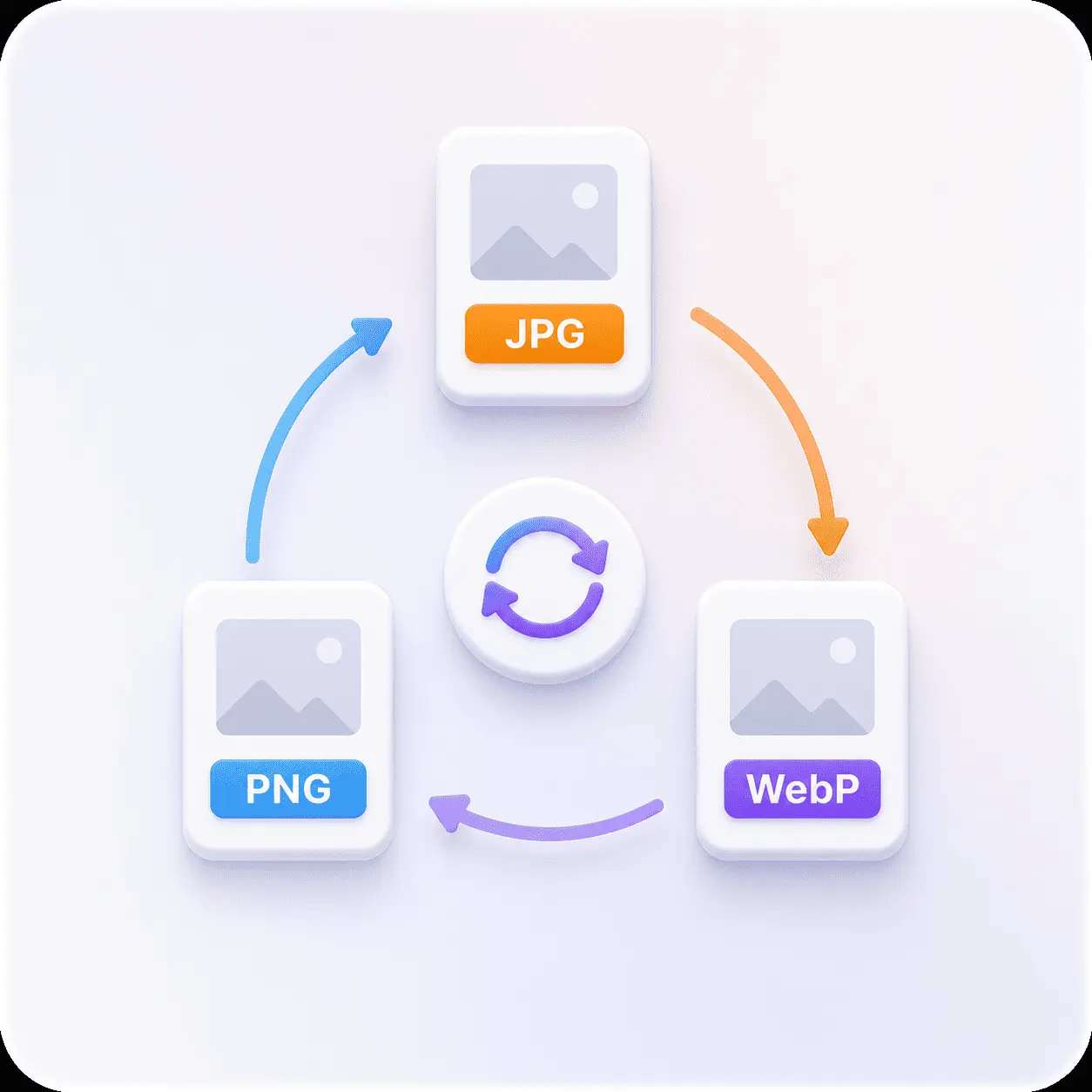
Image Converter
Both dropdowns unlocked, quality where you can see it, and your file never leaves the tab.


