
Resize Image to 1500x500
Resize image to 1500x500 pixels for an X (Twitter) header: drop a photo and it fills the 3:1 banner edge to edge, cropped evenly from the centre instead of squashed.
Drop your image here to resize it
JPG, PNG, WebP, AVIF or GIF, up to 25 MB. Resized in your browser.
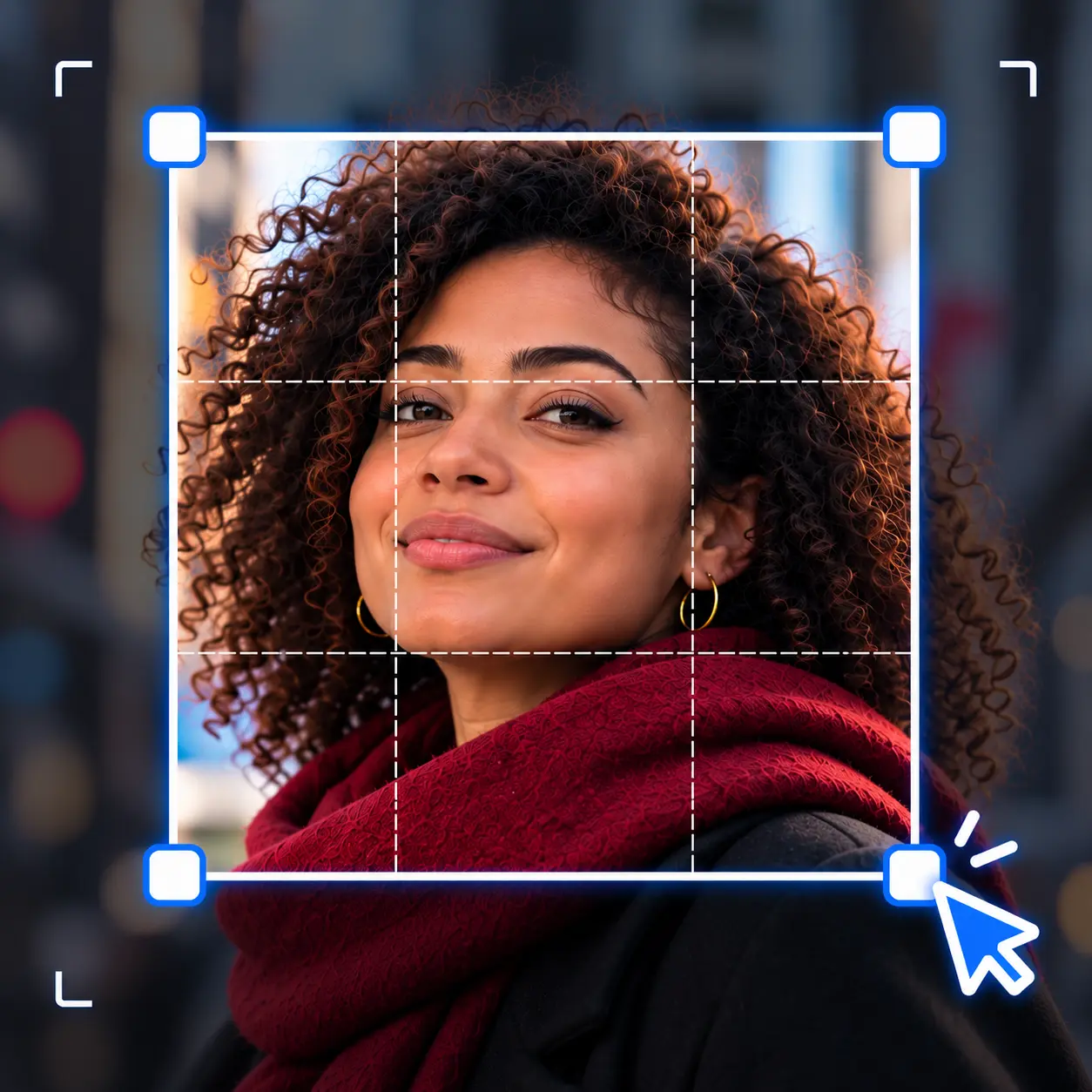
Your photo is tall.
The header is a strip.
A header is three times wider than it is tall, and almost no camera shoots that shape. This page opens already set to fill 1500 by 500, so the only decision left is which part of the photo deserves the strip.
Other sizes the resizer opens on
The same resizer, already set to a different job. Drop a file and it comes out at that size.
Tools that pair well with this one
All free, all in your browser, no signup.


Why use Piknova?
A header resizer that respects the 3:1 shape
What a 1500x500 resizer should do, next to the shortcuts some tools take.
Piknova
What you get- Fills the strip by trimming evenly, so nothing is squashed
- Says how much of your photo a 3:1 crop removes
- Offers a no-crop option with bands instead
- Runs in your browser, the photo stays on your device
- No account, no watermark
Other tools
What you put up with- Forces the photo into 1500 x 500 and flattens every face
- Leaves you to find out after the header is live
- Crops whether you wanted it or not
- Uploads your photo before you have decided to use it
- Puts its logo in the corner of your profile
How to resize an image for a Twitter header
Three steps in this browser tab, no account, 25 MB per image.
- 01
Pick a wide photo
A landscape shot at least 1500 pixels wide works best. The middle third of its height is what survives the crop.
- 02
Drop it here
The page is already set to 1500 by 500 with Fill and crop. Switch to Fit whole image if nothing may be cut.
- 03
Upload to X
Download the file, open Edit profile on X, tap the header and choose it.
The spec
X header size: 1500 x 500, and what that means for your photo
X recommends 1500 by 500 pixels for the header, a 3:1 rectangle. The old Twitter header size and the new X banner size are the same number.
| Photo shape | Fill and crop keeps | Fit whole image gives |
|---|---|---|
| 16:9 (most phone landscape shots, video stills) | The middle 60% of its height | A picture about 890 px wide, bands either side |
| 4:3 (many phone and camera photos) | Less than half its height | A picture about 667 px wide, bands either side |
| 1:1 (square posts) | The middle third | A 500 px square, wide bands either side |
| 3:1 (panoramas, already header-shaped) | Everything | Everything |
The tighter the photo's shape, the more a crop throws away. A panorama or a wide landscape is the easiest header there is.
Crop or fit
Crop image to 1500x500, or keep the whole picture?
The page opens on Fill and crop because a header with bands looks unfinished on most profiles. Here is when to switch.
- Keep Fill and crop: for landscapes, skylines, textures and anything where the middle strip tells the story.
- Switch to Fit whole image: for a logo, a poster or a group photo where cutting heads off is worse than empty space. Pick PNG if you want the bands transparent instead of white.
- Frame it yourself: when the subject sits near the top or bottom. The centred crop will miss it, so cut a 3:1 area by hand first, then bring it back here.
Layout
Where to put text on a 1500x500 header
The header is never shown whole and clean. Your profile photo sits on top of it, and some screens trim it further.
- Your round profile photo overlaps the lower left of the header. Keep text and faces out of that corner.
- On some phones the header is shown shorter, trimming the top and bottom edges. Keep anything important in the middle band.
- Centre-right is the safest spot for a name, a tagline or a launch date.
- Text at the very edges is the first thing to disappear. Leave a margin on every side.
X does not publish exact crop pixels for each device, so treat the middle band as the rule of thumb, not a measured safe zone.
Resize image to 1500x500: common questions
What people ask while staring at a header that looked better in the camera roll.
X recommends 1500 by 500 pixels, the same header size Twitter used. That is a 3:1 shape, three times wider than tall.
This page opens on exactly that size, so the download is ready to upload.
X shows the header at slightly different shapes on different screens, and some trim the top and bottom. The profile photo also covers part of the lower left.
Keep anything that matters in the middle band and the file will hold up everywhere.
Yes. Switch from Fill and crop to Fit whole image and the full photo is kept, centred, with bands filling the rest of the strip.
Bands are white on JPG and transparent on PNG or WebP.
It will come out at 1500 by 500, but the resizer has to enlarge it to get there, which softens detail.
For a sharp header, start from a photo at least 1500 pixels wide.
JPG for photos, because it keeps a detailed image small. PNG for graphics with text, logos or flat colour, because it keeps edges crisp.
The format menu sits under the size fields; change it before you download.
Fill and crop always keeps the centre. If your subject is off to one side or near the top, crop a 3:1 area by hand in the crop tool first.
Then drop that crop here and it resizes to 1500 by 500 with nothing else trimmed.
Make your header fit the strip
Drop a photo, download a 1500 by 500 header for X. Free, with no signup and no watermark.