Removing a background used to mean twenty minutes with a pen tool and a strong opinion about hair. Now it is one click, which is why every image site on earth has a background remover, and why almost every one of them has found somewhere to put a signup form between the click and the file.
The search you typed is really two requirements. Free, meaning the result you download is the result you saw, at full size, with nothing stamped on it. Without signup, meaning nobody asked for your email on the way to the download button. Most tools on this list pass one of those tests. Two pass both, and only one of those keeps your photo on your own device while it works.
The best free background removers without signup at a glance
| Rank | Name | Free output | Signup | Watermark | Where the photo goes |
|---|---|---|---|---|---|
| 1 | Piknova | Full resolution, up to 25 MP | Never | None | Stays in your browser |
| 2 | remove.bg | 0.25 MP preview (about 625 x 400) | For anything bigger | None | Its servers |
| 3 | Erase.bg | High resolution | Not for the basics | None | Its servers |
| 4 | Adobe Express | Full resolution | Adobe ID at the download in most flows | None | Adobe's servers |
| 5 | iLoveIMG | 1 image up to 2 MB per task | Above the free limits | None | Its servers, deleted within 2 hours |
| 6 | Pixelcut | 3 removals a day | Yes | None on the free tier | Its servers |
| 7 | Photoroom | Limited size | For the web editor | Yes, on free exports | Its servers |
| 8 | Clipdrop | Capped at 1024 x 1024 | For most features | None | Its servers |
| 9 | Pixlr | Full size, 3 saves a day | Not to open, but the cap pushes you | None | Its servers for AI |
| 10 | Canva | Pro feature, small free credit allowance | Yes | None | Its cloud |
| 11 | Fotor | Full size | Yes | Yes, on free exports | Its servers |
| 12 | PineTools | Full size, but it is a magic wand | Never | None | Stays in your browser |
1. Piknova
Best for: anyone who wants the cutout at full size, for free, without an account, and without handing the photo to a server.
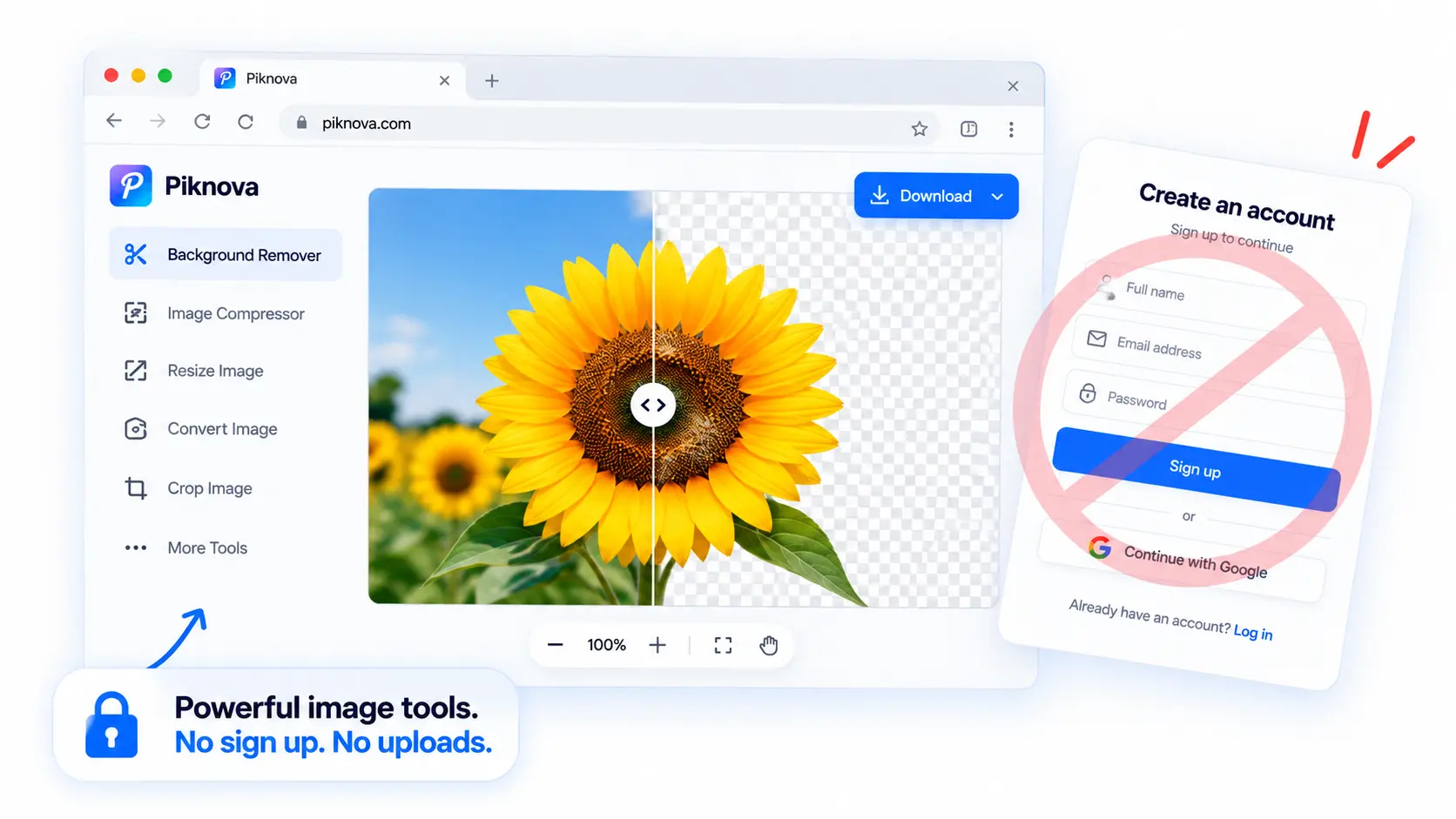
We built the background remover to answer a question we kept asking of other tools: why does the free version have to be a thumbnail? The answer is that their model runs on a server they pay for by the image, so the free tier is a demo and the resolution is the meter. Ours runs on your device instead. The page downloads a segmentation model to your browser on the first run, roughly 95 MB on a laptop and about 55 MB on a phone with less memory, caches it, and then cuts out subjects locally with WebAssembly. After that first download it is a few seconds per image, the photo never leaves, and there is no meter to run.
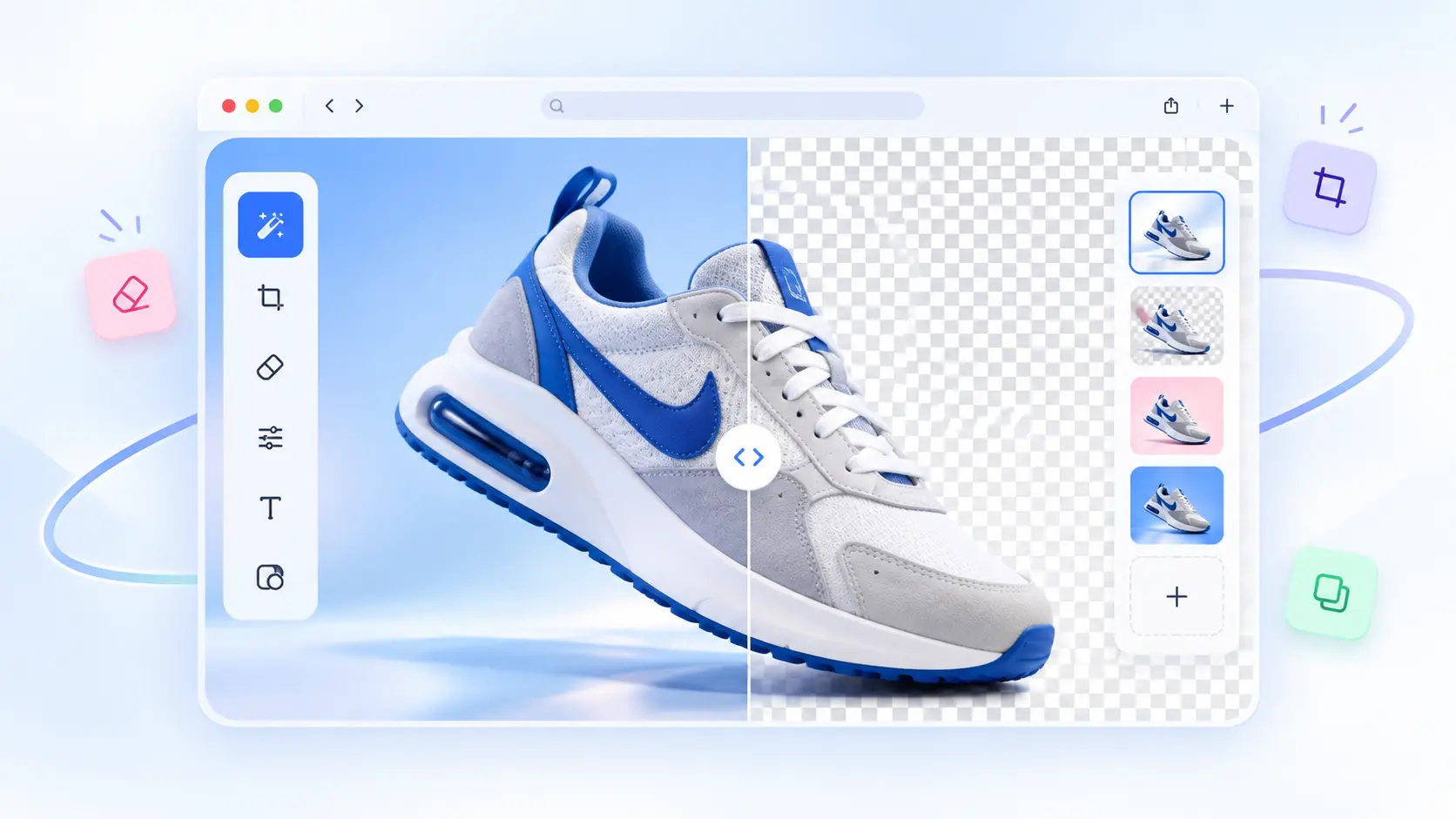
The result opens in an editor rather than as a download button. You can pick a transparent, white, black or brand-colour background and change it without running the model again, shrink or soften the edge to kill a halo, erase a patch of background it kept, or brush back a piece of the subject it cut off. Transparency in the original is preserved, text and logos stay sharp, and the export is a PNG at the resolution you gave it, or a WebP if that is what you brought.
There is a bulk background remover too: up to 10 JPG, PNG or WebP images with one background across the queue and a zip at the end, and any single image can be reopened and corrected by hand without rerunning the batch.
Pros
- Full resolution, no watermark, no account, no paid plan.
- The model runs in your browser, so the photo is never uploaded.
- Transparent, white, black or any colour, switchable without a second run.
- Edge refine and a brush for the hard ten percent.
- Batch of 10, with per-image correction afterwards.
- Works on a phone, straight from the camera roll.
Cons
- The first run downloads a model. On mobile data that is a real cost, and the page says so.
- Files are capped at 25 MB and 25 megapixels, because a transparent PNG at 4 bytes per pixel is the heaviest thing a browser tab does.
- Hair, glass and pale-on-pale edges can need the brush, like every remover on this list.
2. remove.bg
Best for: the cleanest possible cutout on a difficult subject, when a small preview is enough or you are happy to pay per image.
remove.bg set the standard for one-click background removal and still produces some of the best edges in the category. Without an account you can process an image and download the result at up to 0.25 megapixels, roughly 625 by 400 pixels. Full resolution, up to 50 megapixels, costs one credit per image, credits need an account, and pay-as-you-go runs from about $1.29 per credit down to $0.27 in large packs, with subscriptions from $9 a month. For a thumbnail or a preview it is free and superb. For the product listing, it is a paid tool with a free demo.
Pros
- Best-in-class edges, especially on hair.
- Instant preview with no account.
Cons
- The free download is a thumbnail.
- Full size means an account and credits, and the photo is processed on its servers.
3. Erase.bg
Best for: a free high-resolution cutout when you do not mind the upload.
Erase.bg, from the PixelBin team, is the most generous server-side option: it allows high-resolution downloads without charging and without a sign-in for the basic flow. The cutouts are good, the interface is simple, and the trade is the one every server-side remover makes. Your photo goes to its servers to be processed. For a product shot that is nothing. For a passport photo or a child's portrait, decide deliberately.
Pros
- Free HD output without an account.
- Simple, fast, no watermark.
Cons
- Upload-based.
- Heavier promotion of its parent products around the tool than the job needs.
4. Adobe Express
Best for: a high-quality free cutout if you already have an Adobe ID.
Adobe's free background remover is genuinely good, as you would expect from the company that invented the pen tool you were avoiding. The quality is close to remove.bg and the output is full size. The question is the account. Reviewers disagree about whether the standalone quick action lets you download without signing in; the Express editor proper wants an Adobe ID, and the free plan runs on a small pool of AI credits. If you have the ID, it is one of the best free options. If you do not, you will be making one.
Pros
- Excellent quality, full-size output, free plan.
Cons
- An Adobe ID somewhere in the flow, and a credit allowance.
- Processed on Adobe's servers.

Background Remover
Cut out a subject and get a transparent PNG at full resolution. The model runs in your browser.
5. iLoveIMG
Best for: a single small cutout without an account, alongside the other utilities you were already using there.
iLoveIMG includes background removal in its free tier with a tight limit: one image up to 2 MB per task without paying, three images up to 6 MB with Premium. Processing happens on its servers and files are permanently deleted within two hours, per its security page. It is the right pick when you are already resizing and compressing on iLoveIMG and need one cutout on the way past.
Pros
- No account for the free limit, clear deletion policy.
Cons
- One small image per task, and a 2 MB cap that a phone photo will exceed.
- Upload-based, with ads on the free tier.
6. Pixelcut
Best for: e-commerce sellers who want a cutout and a studio background in the same tool.
Pixelcut is aimed squarely at product photography: remove the background, drop the product onto a generated scene, add a shadow, export a listing image. It requires an account, and the free plan allows three background removals and one AI background a day. Pro is $9.99 a month for unlimited exports, batch processing and higher-resolution downloads. If you list three products a day it is free. If you list thirty, it is a subscription.
Pros
- The best product-photo workflow on this list.
Cons
- Account required; three removals a day on the free plan.
- Upload-based.
7. Photoroom
Best for: a mobile-first product photo workflow, if you are willing to pay to lose the mark.
Photoroom started as a phone app and still feels like one. You can preview a background removal without signing up, but the web editor wants an account, free exports are limited in size and carry a Photoroom mark, and Pro, which removes both, starts around $12.99 a month. The removal quality is strong and the batch features are excellent on Pro. The free tier is a preview.
Pros
- Strong cutouts and a polished editor, especially on mobile.
Cons
- Account for the editor, a mark on free exports, limited free resolution.
- Upload-based.
8. Clipdrop
Best for: a quick cutout inside a broader AI toolkit.
Clipdrop, originally from Stability AI and now under Jasper, bundles background removal with cleanup, relight, uncrop and image generation. The free tier caps background-removal output at 1024 by 1024 pixels, and most features want an account; Pro is around $9 a month. Good if you are using the rest of the suite; the free removal is a small-image tool.
Pros
- Part of a capable AI toolkit.
Cons
- 1024 by 1024 on the free tier, account for most features, upload-based.
9. Pixlr
Best for: removing a background inside a friendly general editor, up to three times a day.
Pixlr opens without an account and its remover produces full-size output, but the free tier allows three saves a day and shows ads. Plus, at $1.99 a month billed yearly, lifts the cap and removes the ads. The AI features run on Pixlr's servers. One cutout a day is free; the fourth is a subscription.
Pros
- Full-size output, approachable editor, no account to start.
Cons
- Three saves a day, ads, and server-side processing.
10. Canva
Best for: people already designing in Canva, with Pro.
Canva's background remover is a Pro feature, with a small allowance of Magic Studio credits on the free plan and a 30-day trial. Everything needs an account and lives in Canva's cloud until you delete it. If you are building the listing in Canva anyway, it is convenient; as a free no-signup remover it is neither.
Pros
- Integrated into a full design suite.
Cons
- Account required, Pro feature, cloud-stored.
11. Fotor
Best for: trying an AI editor, with the understanding that the free export carries a watermark.
Fotor offers some standalone tools without a signup, but the free plan watermarks exports and the editor wants a login. Pro removes the watermark from about $3.33 a month on annual billing. The remover itself is competent. The free tier is a demo with a logo on it.
Pros
- Competent cutouts inside a broad editor.
Cons
- Watermark on free exports, account for the editor, upload-based.
12. PineTools
Best for: a flat-colour background you could have removed with a magic wand, because that is what this is.
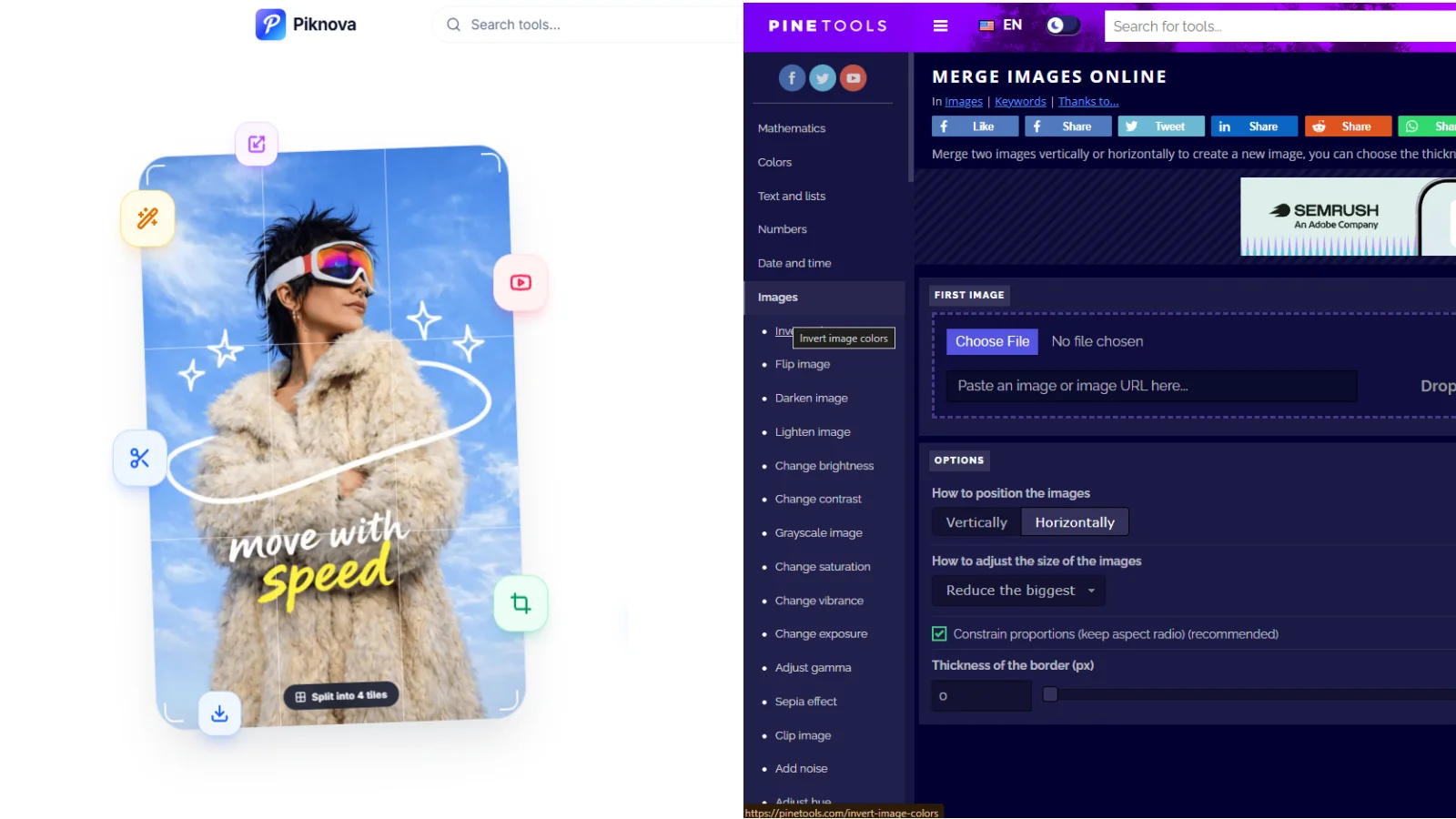
PineTools has a "remove background" page that runs in your browser and never asks for an account. It is not a neural network. The page loads an open-source flood-fill library: you click a colour, and everything similar to it becomes transparent. On a product shot against a plain white wall that works, and it is local. On hair, glass or a busy background it does what magic wands have always done, which is eat part of the subject and leave a halo. Worth knowing about because it is private and free; worth not confusing with the rest of this list.
Pros
- Local, free, no account.
Cons
- A colour-based magic wand, not a segmentation model.
How a background remover can run in your browser
Every AI remover does the same thing: a segmentation model looks at the photo and produces a matte, a greyscale map of "how much subject is in this pixel". Multiply the photo by the matte and you have a cutout. The model is a few tens of megabytes of numbers and the maths is heavy, which is why it has traditionally run on a server with a GPU and a meter.
Two things changed. Browsers can now run WebAssembly at close to native speed, and runtimes like ONNX Runtime Web can execute a model inside a tab. So the model can be downloaded once, cached by the browser, and run on your own device. That is what Piknova does with an IS-Net segmentation model: about 88 MB of weights plus a 12 MB runtime on a laptop, a lighter 44 MB variant on low-memory phones, and a full-precision 176 MB variant on machines with plenty of RAM.
The trade is obvious once you see it. A server-side remover costs its owner money per image, so the free tier has to be small, and your photo has to travel. A browser-side remover costs its owner nothing per image, so it can be free at full resolution, and your photo stays where it is. The price you pay is the first download and a few seconds of your own CPU per image.
Where every remover struggles, and what to do about it
Hair, fur, glass, smoke, thin cables, pale clothing on a pale wall, and white text inside a logo are the classic failures, and no tool on this list is immune. The difference is what you can do afterwards.
- A leftover halo around the subject: shrink the edge by a pixel or two, or soften it. Piknova's refine controls do both; most server-side tools give you a download and a shrug.
- A missing piece of the subject, like a chair leg or a strand of hair: brush it back. Only tools that open the result in an editor allow this.
- Background it kept, usually a shadow or a reflection: erase the patch.
- A subject that is genuinely ambiguous, like a translucent bottle: no model will nail it. Shoot it against a contrasting background and try again, or accept a hand-drawn edge.
If the cutout is for a marketplace, the next steps are usually a white background, an exact size and a file-size limit. Pick white in the background control, then resize with the image resizer and compress to the platform's limit with the image compressor. If you need a JPG, the PNG to JPG converter flattens transparency onto a colour you choose, because JPEG cannot store an alpha channel.
What "free" means on each site
The word is doing a lot of work in this category, so here is what it covers:
Free means the file you saw
Piknova, Erase.bg, and Adobe Express if you have the ID. Full resolution, no mark, nothing metered. On Piknova, also no account and no upload.
Free means a few per day
Pixelcut's three removals, Pixlr's three saves, Canva's small credit allowance. Fine for light use; a subscription in disguise for anyone with a catalogue.
Free means a preview
remove.bg's 0.25 megapixels, Clipdrop's 1024 by 1024, Photoroom's limited marked export, Fotor's watermark. The tool works; the free download is the demo.
None of this is dishonest. It is just that the meter on a server-side tool has to live somewhere, and it usually lives on the free tier. The one way to remove the meter is to remove the server.
Final verdict on the best free background remover without signup
For most people, Piknova: full resolution, no watermark, no account, no upload, and a refine brush for the hard edges. remove.bg when you need the absolute best edge on a difficult subject and a preview or a paid credit is acceptable. Erase.bg when you want free HD output and do not mind the upload. Adobe Express if you already have the ID. Pixelcut if you sell products and want the studio background in the same tool. The rest are good editors whose free background removal is a preview of a paid one.
Take action with Piknova
If the photo is a headshot, an ID, a signature or a child, the difference between a server-side and a browser-side remover is not academic. If it is a product shot, the difference is that you get the full-size file for free.
Background Remover
A transparent PNG at full resolution, in your browser, with a refine brush for the edges. No account, no watermark, no upload.
For a folder of product shots, the bulk background remover takes ten at a time with one background across the batch. For a logo on a photo afterwards, image overlay places the cutout with drag, scale and opacity. Everything runs locally, and nothing is uploaded.
Frequently asked questions
Is there a free background remover without signup?
Yes. Piknova removes backgrounds at full resolution with no account, no watermark and no upload, because the model runs inside your browser. remove.bg and Erase.bg work without an account too: remove.bg limits the free download to a 0.25 megapixel preview, while Erase.bg allows high-resolution downloads and processes the photo on its servers. iLoveIMG allows one image up to 2 MB per task without an account.
Does a free background remover add a watermark?
Some do. Fotor's free plan watermarks exports and Photoroom's free web exports carry its mark. Piknova, remove.bg, Erase.bg, Adobe Express, iLoveIMG and Pixlr do not watermark the image itself, though several cap the resolution or the number of runs instead. Open the downloaded PNG before you assume it is clean.
Which free background remover gives full HD output?
Piknova exports at the resolution you gave it, up to 25 megapixels, for free and without an account. Erase.bg allows high-resolution downloads for free on its servers. remove.bg's full-resolution output needs credits and an account, Clipdrop's free tier is capped at 1024 by 1024, Cleanup-style tools cap at 720 pixels, and Pixelcut's free plan allows three removals a day.
Can I remove a background without uploading my photo?
Yes, on Piknova. The segmentation model downloads to your browser once, roughly 95 MB on a laptop and about 55 MB on a low-memory phone, and then runs on your device with WebAssembly. The photo is decoded, segmented and exported locally. Every other AI remover on this list sends the image to a server, which is normal for the category and fine for a product shot, but worth knowing for a headshot, an ID or a child's photo.
Why is the first background removal slow on Piknova?
Because the first run downloads the model. That is the cost of never sending your photo to a server: the neural network has to come to you instead. After the download it is cached by your browser, and later runs take a few seconds per image. On mobile data the first run is a real cost, and the page says so before you start.
How do I get a white background instead of a transparent one?
On Piknova, pick white, black or any colour in the background control after the cutout and the export is flattened onto it; you can change the colour without running the model again. If you already have a transparent PNG from somewhere else, converting PNG to JPG flattens the transparency onto a background colour you choose, which is what marketplace listings usually want.
Which format keeps the transparent background?
PNG or WebP. JPEG has no alpha channel, so saving a cutout as a JPG fills the transparent area with a solid colour, usually white or black. Keep the master as PNG, and only convert to JPG when a form or a marketplace demands one and you want the white fill anyway.